1
VIRGINIA JUDICIARY E-FILING SYSTEM USER’S GUIDE
ATTORNEY/STAFF NAVIGATION
B.
PAGE 3-2
Accepted Cases
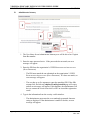
In this section, users can view closed cases and review or file additional documents in
open cases.
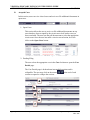
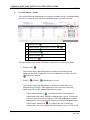
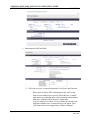
1. Open Cases
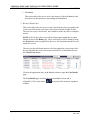
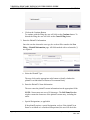
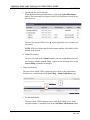
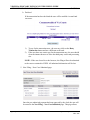
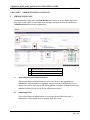
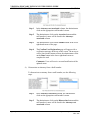
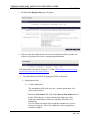
This section allows the user to review or file additional documents on any
cases that have been accepted by the circuit court clerk, but have not yet
been concluded. The user uses the pull-down menu to select the appropriate
circuit court. Once the user has made a circuit court selection, he or she
clicks on the Open Cases button:
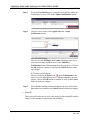
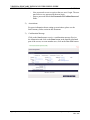
2. Pending Filing
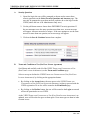
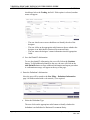
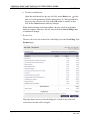
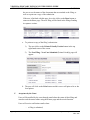
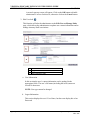
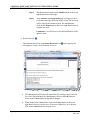
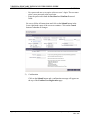
The user selects the appropriate case in the Case # column to open the Case
Details page.
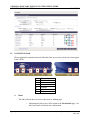
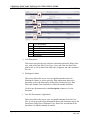
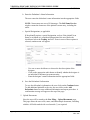
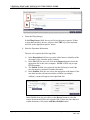
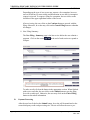
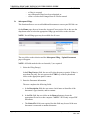
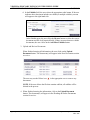
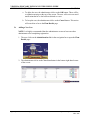
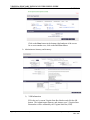
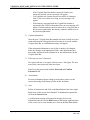
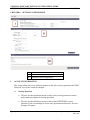
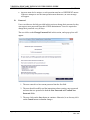
The Case Details page is broken down into multiple sections and is
collapsible. The user may click on the arrows
section to expand or collapse the sections
Office of the Executive Secretary
at the end of each
Department of Judicial Services
Rev: 4/13