1
VIRGINIA JUDICIARY E-FILING SYSTEM USER’S GUIDE
ATTORNEY/STAFF NAVIGATION
PAGE 3-15
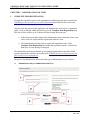
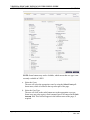
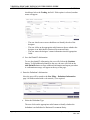
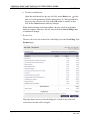
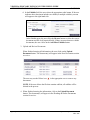
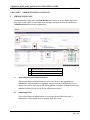
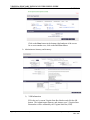
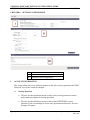
Depending on the type of case, users may request a fee exemption; however,
users will still have to enter credit card information in case the fee exemption
request is rejected. To request a filing fee exemption, the user clicks on the
checkbox in the upper right-hand corner of the screen.
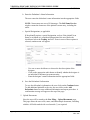
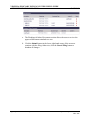
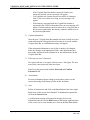
After reviewing, the user clicks on the Continue button to proceed with the
filing. Otherwise, he or she may click on the Cancel Filing button to abandon
all changes.
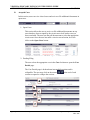
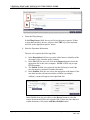
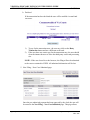
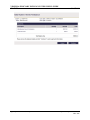
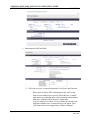
8. New Filing Summary
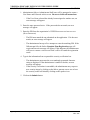
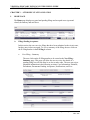
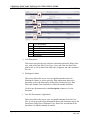
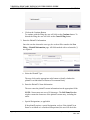
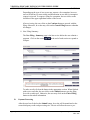
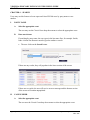
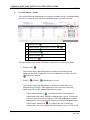
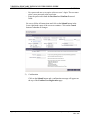
The New Filing - Summary page is the last review before the user submits a
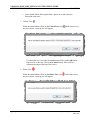
payment. Click on the arrows
collapse:
at the end of each section to expand or
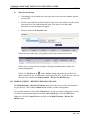
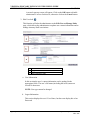
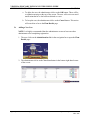
To make an edit, click on the button in the appropriate section. When finished
with review and edits, the user clicks on the Submit button to pay the filing
fees with a credit card. Otherwise, the user may click on the Cancel Filing
button to discard all information.
B.
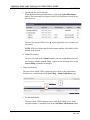
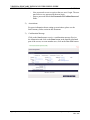
Payment Processing
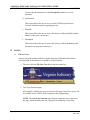
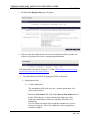
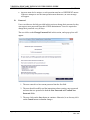
After the user has clicked on the Submit button, he or she will be transferred to the
secure third-party credit card processing site. This site will allow the user to pre-
Office of the Executive Secretary
Department of Judicial Services
Rev: 4/13