1
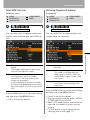
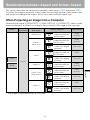
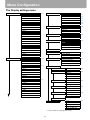
Setting Display Status
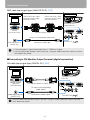
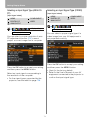
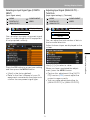
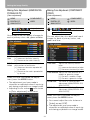
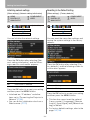
Selecting an Input Signal Type (ANALOG
PC)
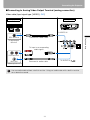
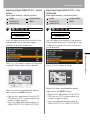
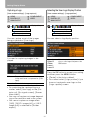
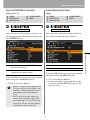
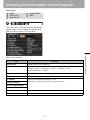
Selecting an Input Signal Type (VIDEO)
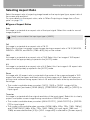
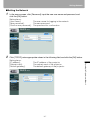
[Input signal select]
[Input signal select]
HDMI
DIGITAL PC
ANALOG PC
HDMI
DIGITAL PC
ANALOG PC
COMPONENT
VIDEO
COMPONENT
VIDEO
Display settings
Display settings
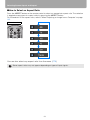
Input signal select
Input signal select
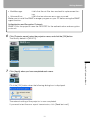
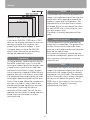
You can select a proper signal type if a
video image from your AV equipment is
not projected correctly.
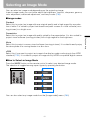
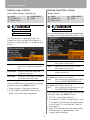
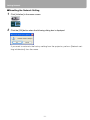
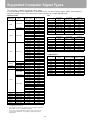
You can select a proper resolution if auto
PC adjustment function (P50) cannot
project a correct image from a computer.
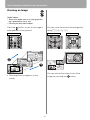
Press the OK button to accept your setting
and then press the MENU button.
Press the OK button to accept your setting
and then press the MENU button.
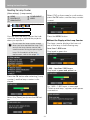
• [Auto] is the factory default.
• Refer to the User's Manual of your AV
equipment connected to the projector to
confirm the input signal type.
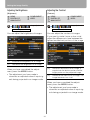
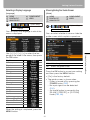
Select an input signal corresponding to
the resolution of the computer.
• For the signal types supported by the
projector, see the table on page 128.
74