1
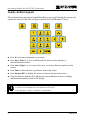
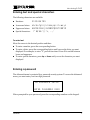
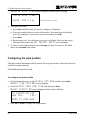
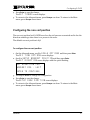
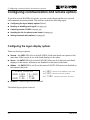
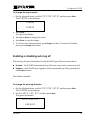
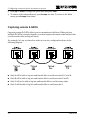
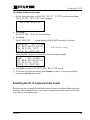
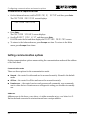
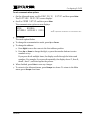
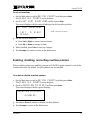
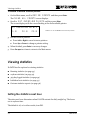
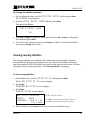
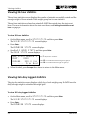
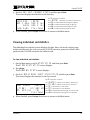
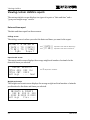
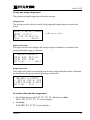
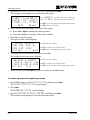
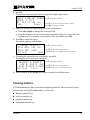
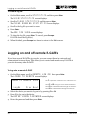
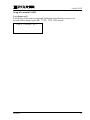
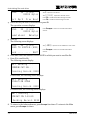
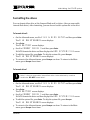
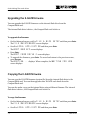
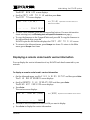
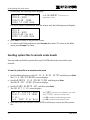
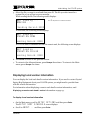
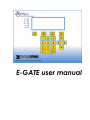
Introducing E-GATE Entering text and special characters The following characters are available. Numbers: 0123456789 Lowercase letters: abcdefghijklmnopqrstvwxyz Uppercase letters: ABCDEFGHIJKLMNOPQRSTVWXYZ Special characters: !"#$%&' ()*+,-./ To enter text Move the cursor to the desired position and then: To enter a number, press the corresponding button. To enter a letter, press the corresponding button until you see the letter you want displayed. For example, to enter "Y", press 9 four times. Press F1 to switch between lower and uppercase. To enter special characters, press Up or Down until you see the character you want displayed Entering a password The Advanced menu is protected by a password security system. To access the Advanced menu, you must enter your four-digit password. DO ADVANCED SETUP? ENTER PASSWORD XXXX When prompted for your password, press the corresponding numbers on the keypad. 44040000 5