1
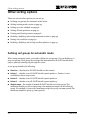
Other sorting options
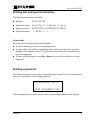
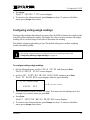
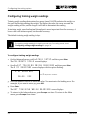
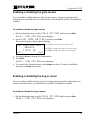
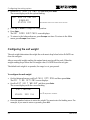
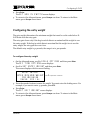
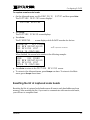
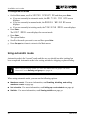
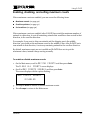
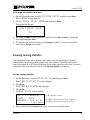
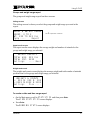
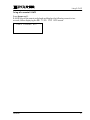
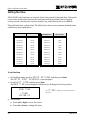
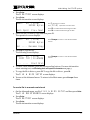
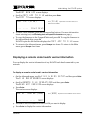
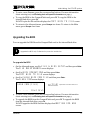
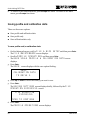
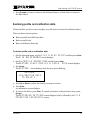
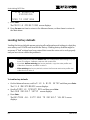
The cursor flashes in the left count position.
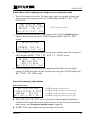
TRAINING MODE SETUP
LEFT COUNT: XXXX
RIGHT COUNT: XXXX
MIDDLE COUNT: XXXX
The Xs represent numbers.
If you are using a two-way sorter, only left
and right display; there is no middle.
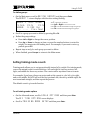
3. Set the training mode counts.
a. Press the number buttons to enter the number of animals (0 to 999). You must
enter all four digits. For example, to enter an animal count of 10, press 0010.
b. Press Enter.
c. Repeat steps a and b for each direction.
4. When finished, press Enter to save any changes.
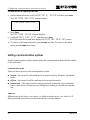
5. To return to the Advanced menu, press Escape two times. To return to the Main
menu, press Escape four times.
Setting up a sort schedule
E-GATE has a 7-day, 24-hour timer you can program. Using the timer you can set up a
schedule of active and in active times and/or days. For example, while training small
animals, you might want to disable sorting in the evenings and on weekends when no
one is available to monitor operations.
For each day of the week, you can program start and end times, or disable sorting for the
entire day.
To set up a sort schedule
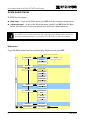
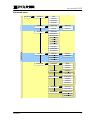
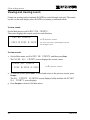
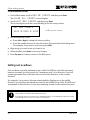
1. On the Main menu, scroll to SETUP OPTIONS and then press Enter.
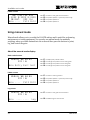
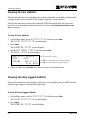
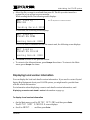
The SETUP SORT SCHEDULE screen displays.
2. Press Enter.
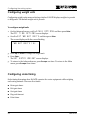
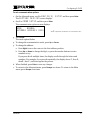
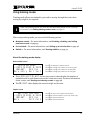
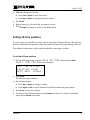
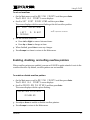
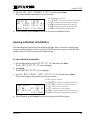
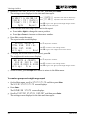
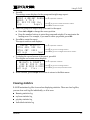
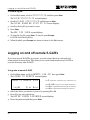
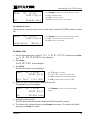
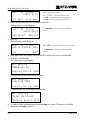
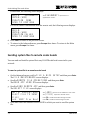
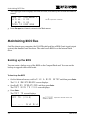
The scheduling screen displays with the enabled/disabled option flashing.
(DAY)
ENABLED
START TIME: (TIME)
STOP TIME: (TIME)
---- ---- Prev Next
The (DAY) represents the day of the week.
The (TIME) represents the time of day in hh:mm.
Press F3 to scroll backward through the days.
Press F4 to scroll forward through the days.
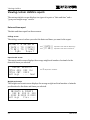
3. Press F3 or F4 to scroll to the day you want to set up.
46
2008-09-03