1
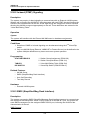
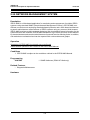
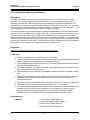
iPECS-LIK
Feature Description & Operation Manual
Issue 5.6
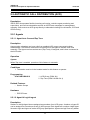
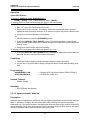
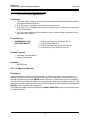
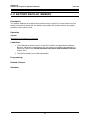
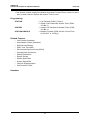
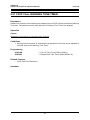
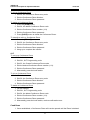
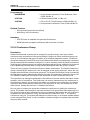
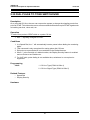
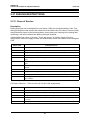
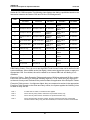
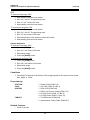
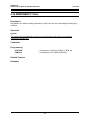
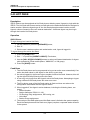
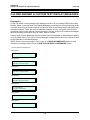
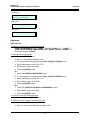
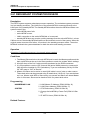
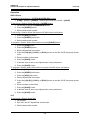
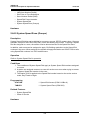
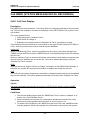
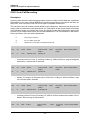
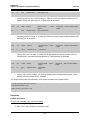
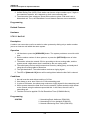
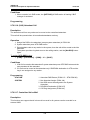
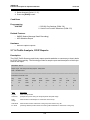
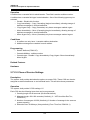
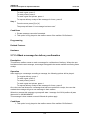
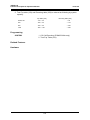
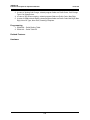
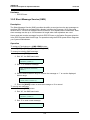
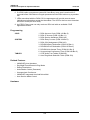
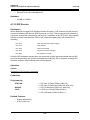
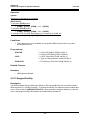
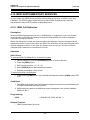
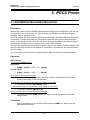
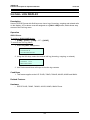
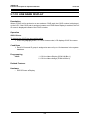
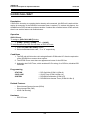
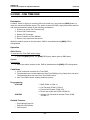
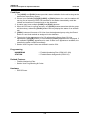
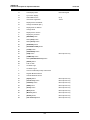
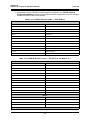
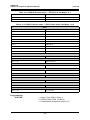
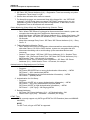
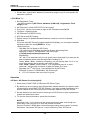
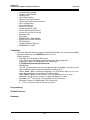
Message 08
IN MEETING
RETURN AT TIME hh:mm
Message 09
AT HOME
Message 10
AT BRANCH OFFICE
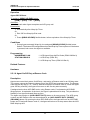
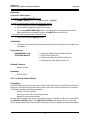
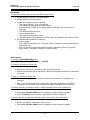
Operation
iPECS Phone
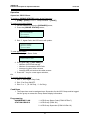
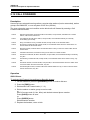
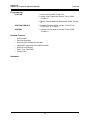
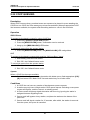
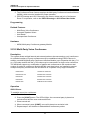
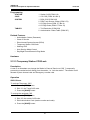
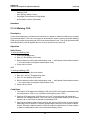
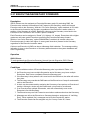
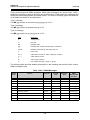
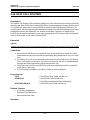
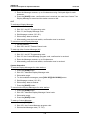
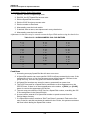
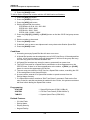
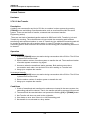
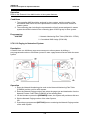
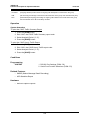
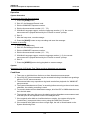
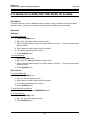
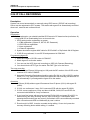
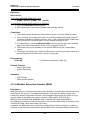
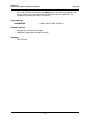
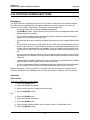
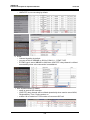
To assign a Flex button for Display Messages
{DISPLAY MESSAGE} button: [PGM] + {FLEX} + [PGM] + ‘51’ + [SAVE]
{ONE-TOUCH DISPLAY MESSAGE} button: [PGM] + {FLEX} + [PGM] + ‘51’ +
message number + [SAVE]
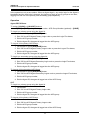
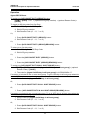
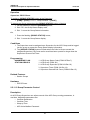
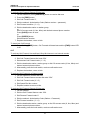
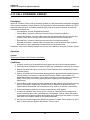
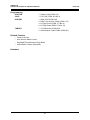
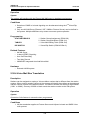
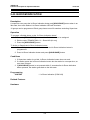
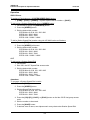
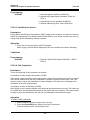
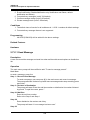
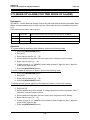
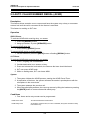
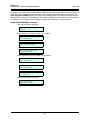
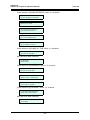
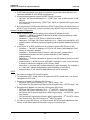
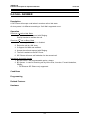
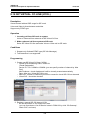
To activate Display Message
1. Press the [PGM] button.
2. Dial ‘51’, the Display Message code.
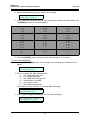
3. To view available messages, press [VOL UP]/[VOL DOWN] button.
4. Dial the Message number (‘00’-‘20’).
5. Dial auxiliary input, as desired.
6. Press the [SAVE] button.
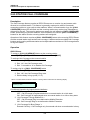
Or,
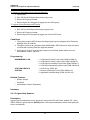
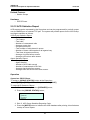
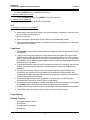
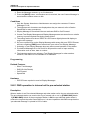
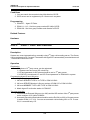
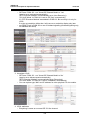
1. Press the {DISPLAY MESSAGE} button.
2. To view available messages, press [VOL UP]/[VOL DOWN] button.
3. Dial the Message number (‘00’-‘20’).
4. Dial auxiliary input, as desired.
5. Press the [SAVE] button.
Or,
1. Press the {ONE-TOUCH DISPLAY MESSAGE} button.
2. Dial auxiliary input, as desired.
3. Press the [SAVE] button.
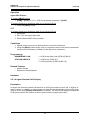
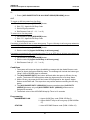
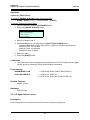
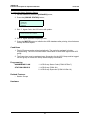
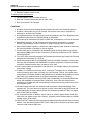
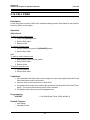
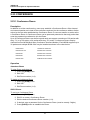
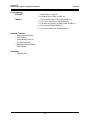
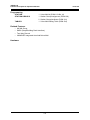
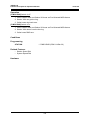
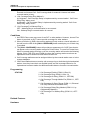
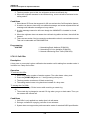
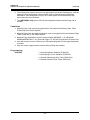
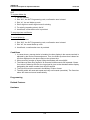
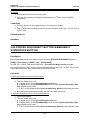
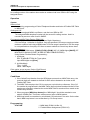
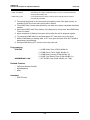
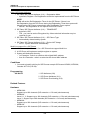
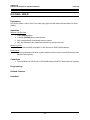
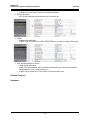
To cancel an active Display Message
1. Press the flashing [FWD] button.
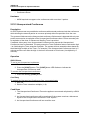
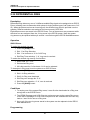
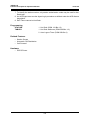
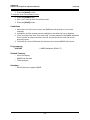
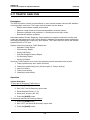
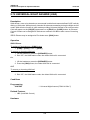
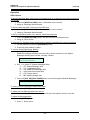
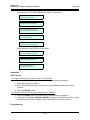
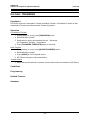
To define the User Custom Text Message (00)
1. Press the [PGM] button.
2. Dial ‘52’, the Custom Message program code.
147