1
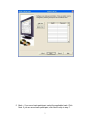
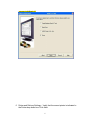
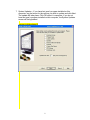
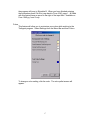
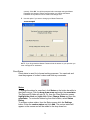
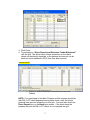
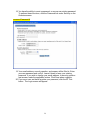
E. The Method of Accounting is Accrual.
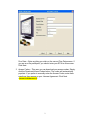
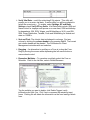
Step 6 – Preparer Options
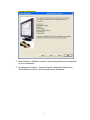
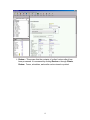
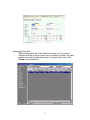
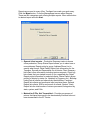
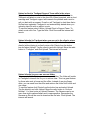
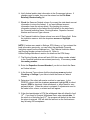
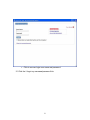
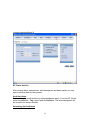
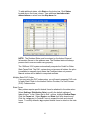
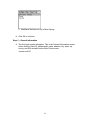
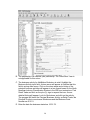
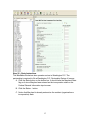
We will now go to the Preparer Options screen indicated in the Forms Pane as
PO - Options. Frank and Susan want to produce financial statements in the
program in order to determine their ability to obtain financing for a future real
estate investment. The financial statements prepared on a tax basis include a
Statement of Revenue and Expenses, a Balance Sheet, and a Statement of the
Partner’s Capital.
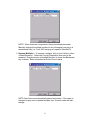
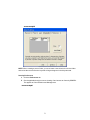
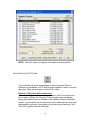
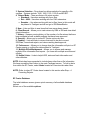
A. Check the box to Prepare financial statements.
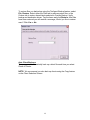
Frank and Susan also want the Two-Year Comparison Worksheet. This
worksheet lists the ordinary income, expenses, and Schedule K amounts for the
current and prior years and computes the differences between them.
B. Check the box to Prepare two-year comparison worksheet.
Step 7 – 1065, page 1, Ordinary Income and Expenses
Let’s start by inputting the ordinary income and expenses on page 1 of Form
1065 for the AbleBaker Bookstore.
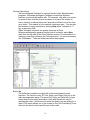
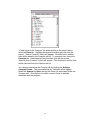
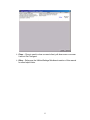
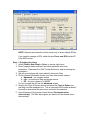
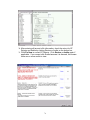
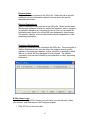
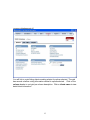
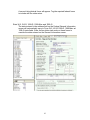
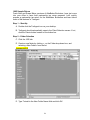
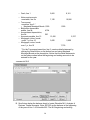
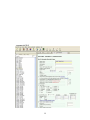
A. In the Forms Pane, click on 1 - 1065 Pg 1.
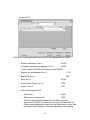
B. Enter the following ordinary income in the appropriate field in the Input
Pane:
•
Gross receipts or sales, line 1a
409,465
•
Returns and allowances, line 1b
3,365
•
Interest income on accounts receivable, line 7
559*
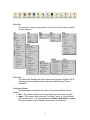
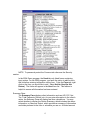
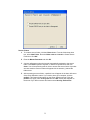
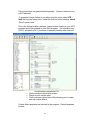
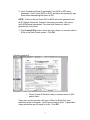
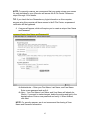
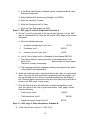
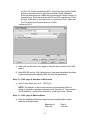
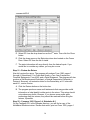
*We will create a detail statement on line 7 for the interest income of
$559. Put the curser on the line 7 input field, then click the Detail
button on the button bar or right click and select Detail Statement.
Enter the description as Interest income on accounts receivable. Enter
the amount as $559.
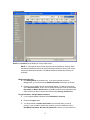
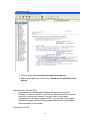
C. Click OK to return to the 1065, page 1 input screen.
<Note> When you move from this field, the color of the field will change,
indicating that it was detailed. The total amount will also appear.
121