1
16
Chapter
Internet Page
Podcasts and N-number searching adds to WingX’s advanced internet capabilities. Instant
access together with data caching makes WingX’s Internet functionality fast, flexible, and
very easy to use.
W
ingX downloads podcasts, store podcasts, and plays podcasts whilst simplifying the entire process.
An internet connection is not required while listening. N-number searches are a great resource
while plane-watching at the airport.
Podcasts
With or without an Internet connection, WingX plays podcasts enabling you to
listen to the latest aviation news, commentary, and weather while walking
around the EAA AirVenture, waiting for a doctor’s appointment, riding on the
train, or anywhere else you feel like listening. Hilton Software has teamed up
with various news resources and other podcast creators to bring the latest
aviation news, aviation commentary, and aviation weather.
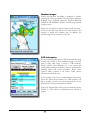
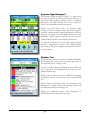
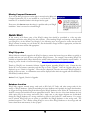
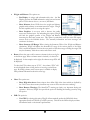
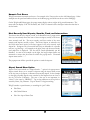
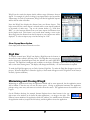
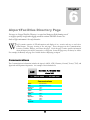
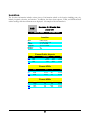
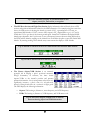
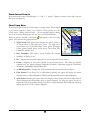
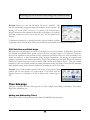
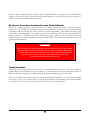
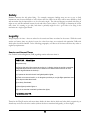
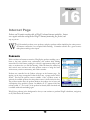
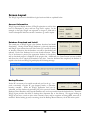
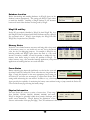
Podcasts are controlled via the Podcast sub-page on the Internet page. By
tapping on the large rectangular Podcast Source area, a popup menu will be
shown. This lists the podcast sources available. Once a podcast source is
selected, the available podcasts for that podcast source is shown in the list box.
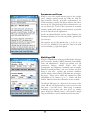
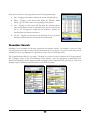
The podcast creation date, the podcast duration, the podcast size in bytes, and
a description of the podcast is shown. In addition, an “X” appears in the first
column (called “C” for “cache”) if the podcast has already been download and
is available without downloading again.
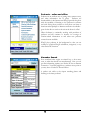
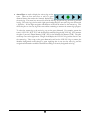
WingX plays podcasts in the background so that you can continue to perform WingX calculations, navigation,
or any other Pocket PC function.
102