1
Chapter 10
Upload Utility
TRANSFER LISTS
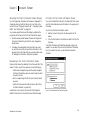
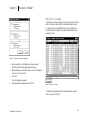
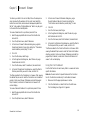
Once you have set up your preferences, you are now ready to
transfer file lists to Schwab.
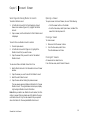
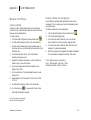
To create a file transfer list:
1.
Open the Upload Utility.
2.
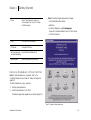
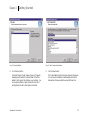
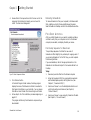
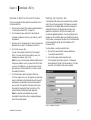
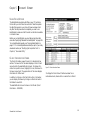
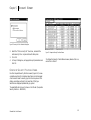
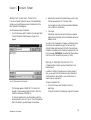
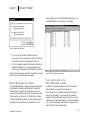
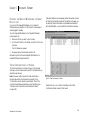
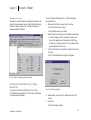
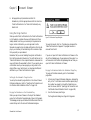
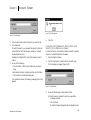
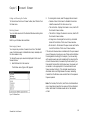
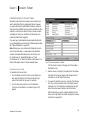
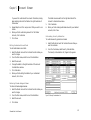
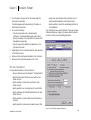
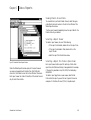
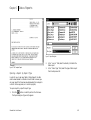
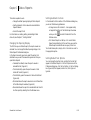
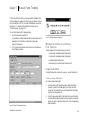
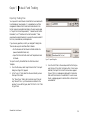
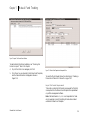
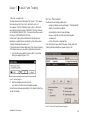
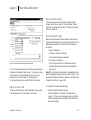
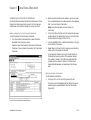
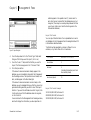
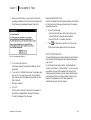
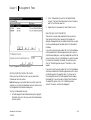
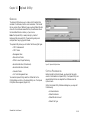
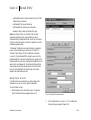
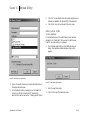
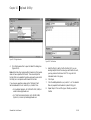
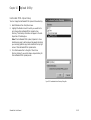
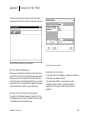
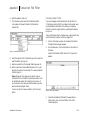
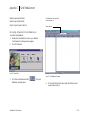
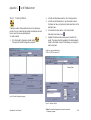
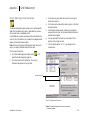
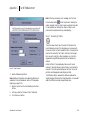
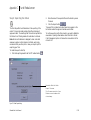
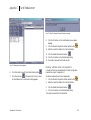
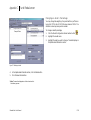
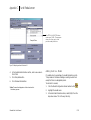
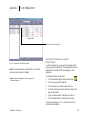
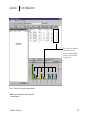
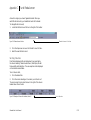
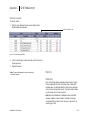
Default Master should automatically appear in the Master
Account Field. (Figure 10-8).
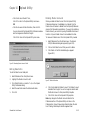
Note: To select a different master account click the master
account drop down and select the appropriate master account.
(Refer to Default Settings on page 10.146).
3.
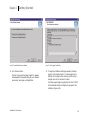
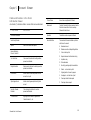
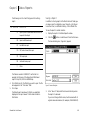
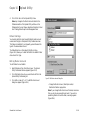
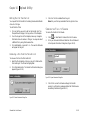
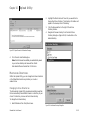
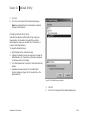
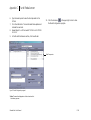
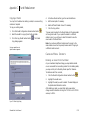
The Default File Type should also automatically appear in
the File Type Field.
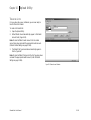
Note: To select a different file type click the File Type drop down
and select the appropriate master account. (Refer to Default
Settings on page 10.146).
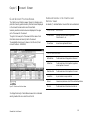
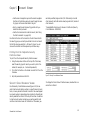
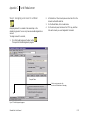
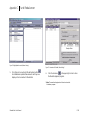
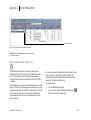
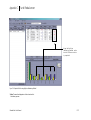
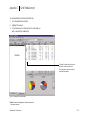
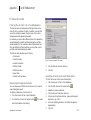
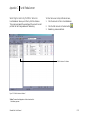
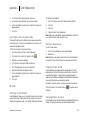
Figure 10-8 Master Account Selection
SchwabLink User Manual
10.148