1
Chapter 5
A c c o u n t Vi e w e r
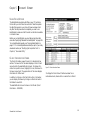
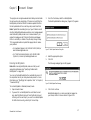
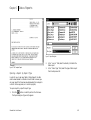
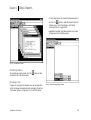
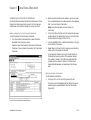
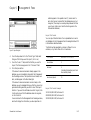
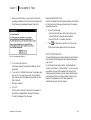
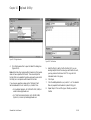
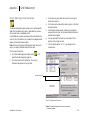
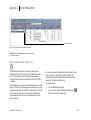
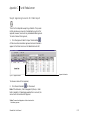
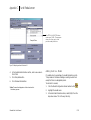
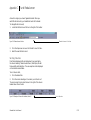
To perform a secondary sort, hold down the Ctrl key and click
on a different column header. The text in the header becomes
italicized so that you can identify the secondary sort criteria. To
toggle between ascending and descending order, hold down the
Ctrl key and click the italicized column header again.
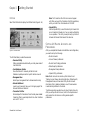
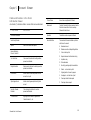
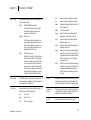
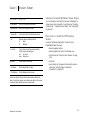
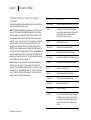
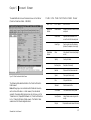
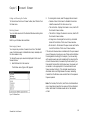
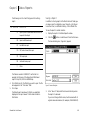
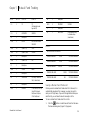
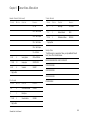
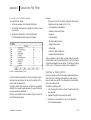
DESIGNATION
VIEWER
CL
Client Information
CP
Client Positions
SL
Securities List
Exporting Data
CM
Composite Security Positions
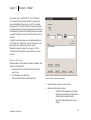
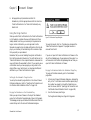
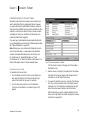
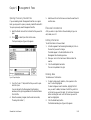
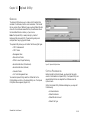
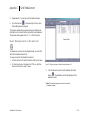
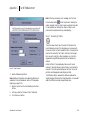
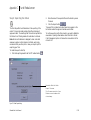
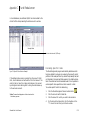
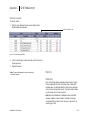
You can export data from Account Viewer grids either by using
the Export feature or by copying and pasting data directly from
the grid to a spreadsheet program.
SC
Security Cross Reference
TR
Transactions List
DW
Deposit/Withdrawal List
CN
Trade Confirmations List
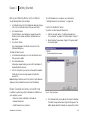
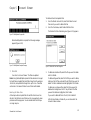
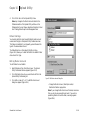
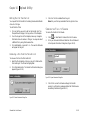
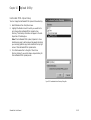
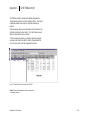
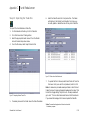
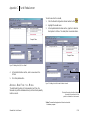
To copy and paste data to a spreadsheet program:
1.
Select records in the grid to be exported.
2.
Select Copy from the Edit menu.
3.
Open you spreadsheet. Select Paste from the Edit menu in
your spreadsheet program.
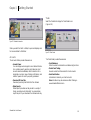
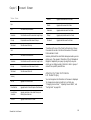
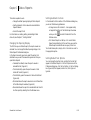
C u s t o m i z i n g t h e A c c o u n t Vi e w e r Wi n d o w
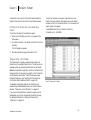
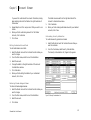
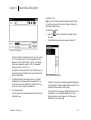
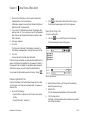
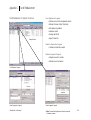
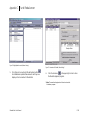
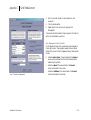
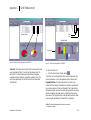
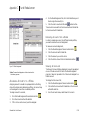
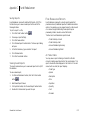
You can customize the Account Viewer window as follows:
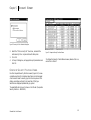
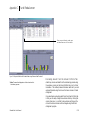
The Account Viewer data should appear in your spreadsheet.
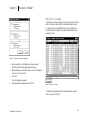
• Hide or show the Master Account list.
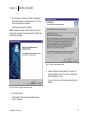
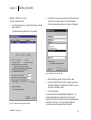
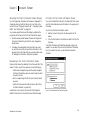
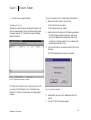
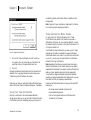
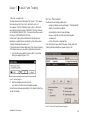
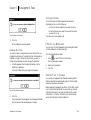
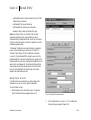
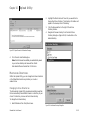
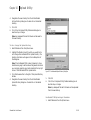
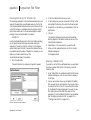
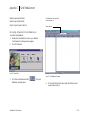
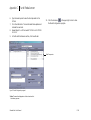
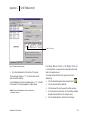
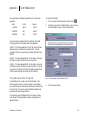
To export data:
• Hide or show the toolbar.
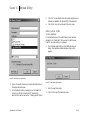
1.
• Resize the open viewers.
Make sure that the screen you want to export is active. If
you are exporting query results, run the query first and make
sure that the Query Results List viewer is active.
2.
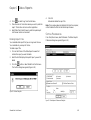
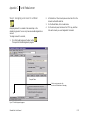
Select Export from the File menu.
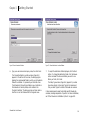
3.
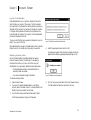
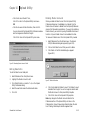
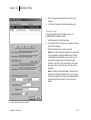
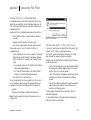
Choose a location and file name for the exported file.
A default file name is provided in XXmmddyy.csv format
where XX is the designation for the exported viewer, and
mmddyy represents the update date for the data. You may
override the default file name with one of your own. All files
are exported in comma-delimited format.
4.
Click Save.
SchwabLink User Manual
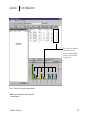
• Rearrange the open viewers.
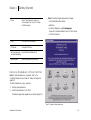
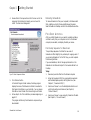
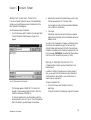
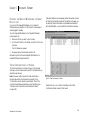
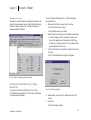
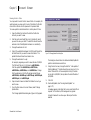
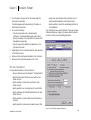
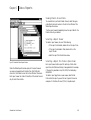
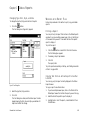
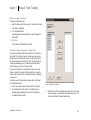
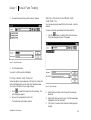
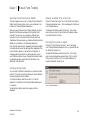
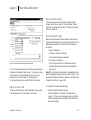
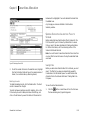
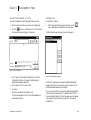
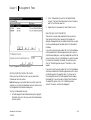
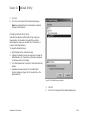
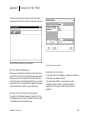
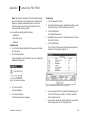
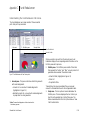
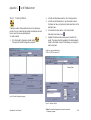
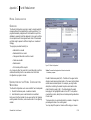
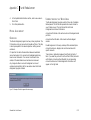
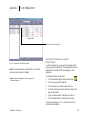
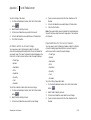
Hiding and Showing the Master Account List
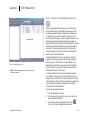
If you only have one Master Account, or you want to expand the
screens fully within Account Viewer, you may want to hide the
Master Account list on the left-hand side of the Account Viewer
window.
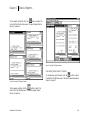
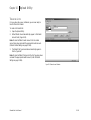
From the View menu, select Master Account List to show or hide
the list.
5.84