1
•
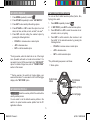
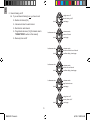
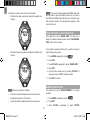
To upload data from the software to the SE833 watch,
click
.
On the PC
•
To download data from the SE833 watch to the software,
click
.
•
To exit, press Esc.
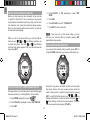
1. Plug in the USB dongle.
.
2. Start up the software by double-clicking
3. Click
EN
To synchronise watch with software:
on the software.
NOTE Synchronisation cannot be cancelled while in
progress.
On the watch
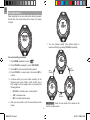
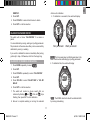
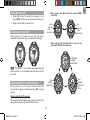
4. Press MODE repeatedly to select
On the watch
.
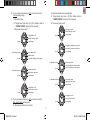
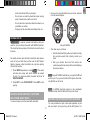
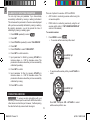
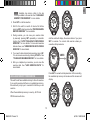
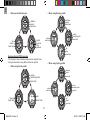
7. If synchronisation is successful, the screen will display
. If synchronisation fails, the screen will
5. The screen
to start synchronising.
will be displayed. Press SET
On the PC
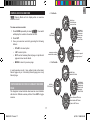
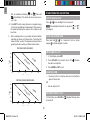
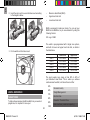
6. The message box below will be displayed.
display
. Press ST/LAP/+ then SET to
try again or press MODE to exit.
UPLOAD
DOWNLOAD
NOTE For more details of the software interface and
functions, refer to the PC Application Software User
Guide inside the CD-ROM.
25
SE833 EN 11.indd 25
6/1/09 10:08:47 AM