1
Running QC Particles
In addition to its Browser elements and analysis objects, the QC experiment
template includes instrument settings from when the experiment template was
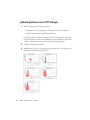
created. The following sections describe how to fine-tune the settings by placing
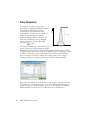
the signals for each parameter at channel 100,000. The data shown is from
SPHERO™ Rainbow Calibration Particles.
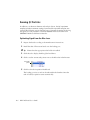
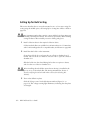
Optimizing Signal from the Blue Laser
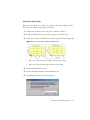
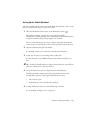
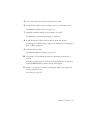
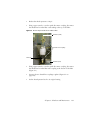
1 Prepare the beads according to the manufacturer’s instructions.
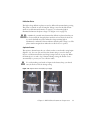
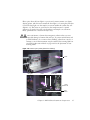
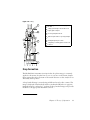
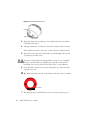
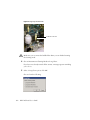
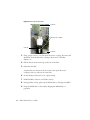
2 Install the tube of fluorescent beads onto the loading port.
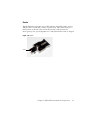
Tip
Ensure that the appropriate tube holder is installed.
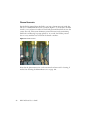
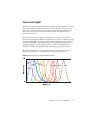
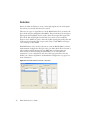
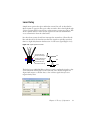
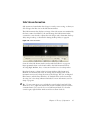
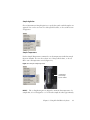
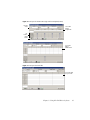
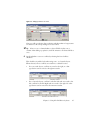
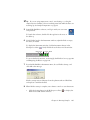
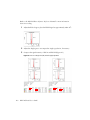
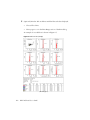
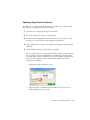
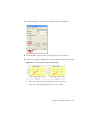
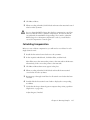
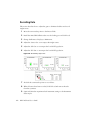
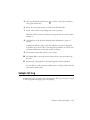
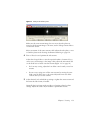
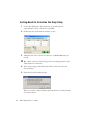
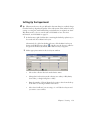
3 Click the tab to display the Blue global worksheet.
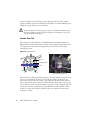
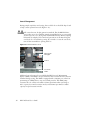
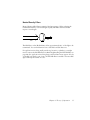
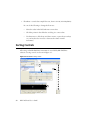
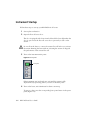
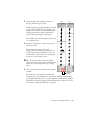
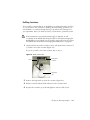
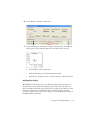
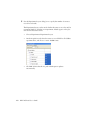
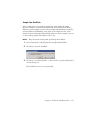
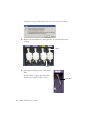
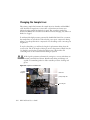
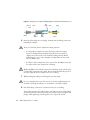
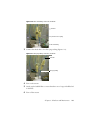
4 Click to set the current tube pointer next to the Blue tube in the Browser.
current tube
pointer
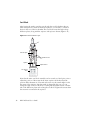
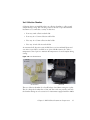
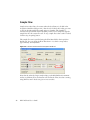
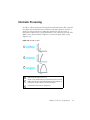
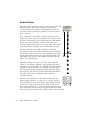
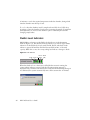
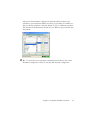
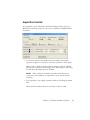
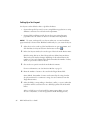
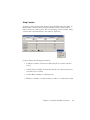
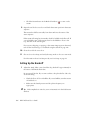
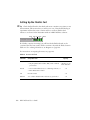
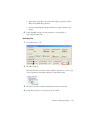
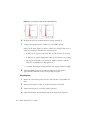
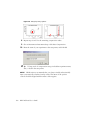
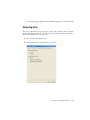
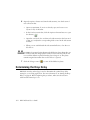
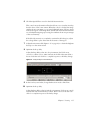
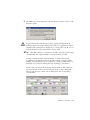
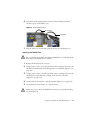
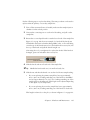
5 Click Load in the Acquisition Dashboard.
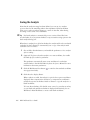
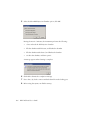
The loading port rises to enclose the tube within the chamber. Once the
tube is loaded, acquisition starts automatically.
116
BD FACSAria User’s Guide