1
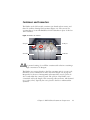
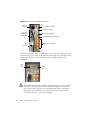
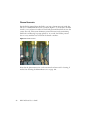
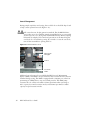
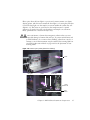
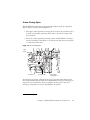
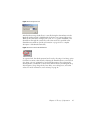
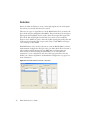
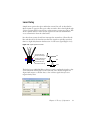
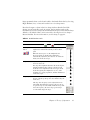
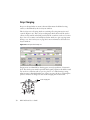
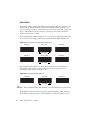
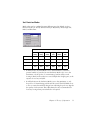
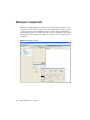
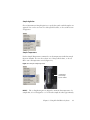
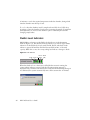
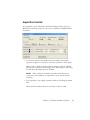
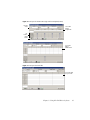
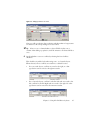
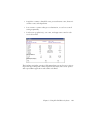
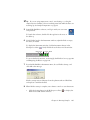
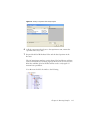
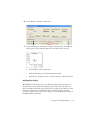
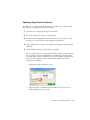
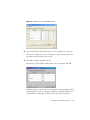
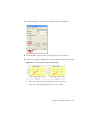
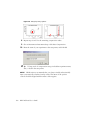
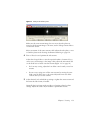
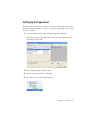
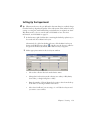
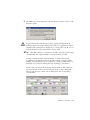
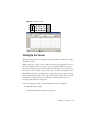
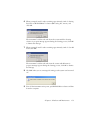
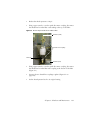
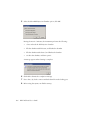
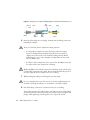
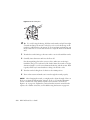
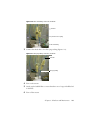
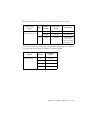
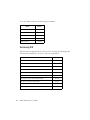
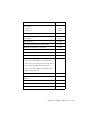
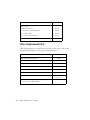
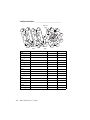
Figure 3-8 Adding populations to be sorted
After you add a population, the population and the number of target events
are written to the corresponding sort location field.
Tip Select a row or column header to select all fields in that row or
column. After adding a population, it will be written to all selected fields at
once.
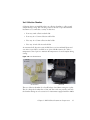
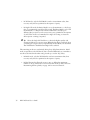
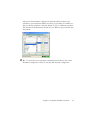
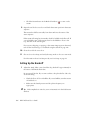
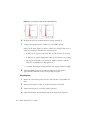
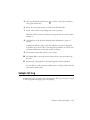
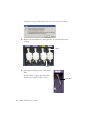
6 Specify whether to save sort conflicts by selecting the Save Conflicts
checkbox.
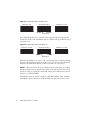
This checkbox is enabled only when using a two- or four-tube layout.
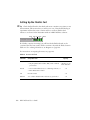
When selected, all sort conflicts are sorted into a default location.
•
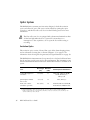
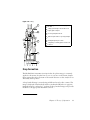
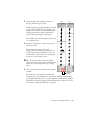
For a two-tube layout, conflicts are sorted to the right; no other
populations can be sorted to the right-most tube.
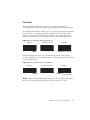
•
For a four-tube layout, conflicts for the Far Left tube are sorted to the
left; conflicts for the Far Right tube are sorted to the right. No other
populations can be sorted into the center-most tubes.
Chapter 3: Using BD FACSDiva Software
97