1
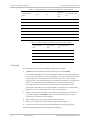
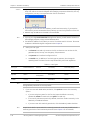
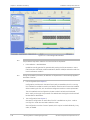
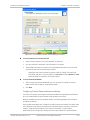
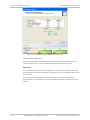
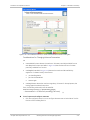
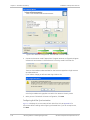
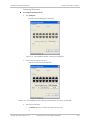
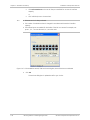
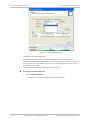
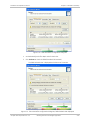
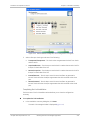
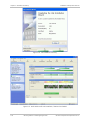
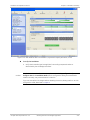
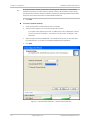
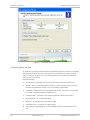
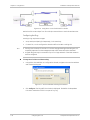
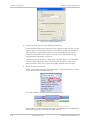
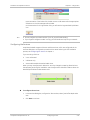
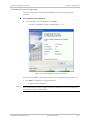
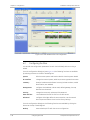
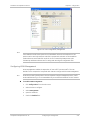
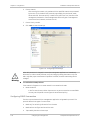
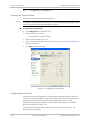
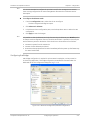
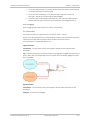
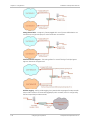
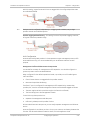
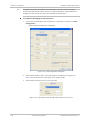
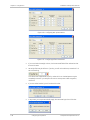
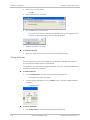
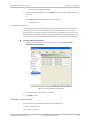
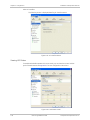
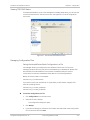
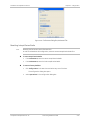
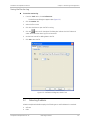
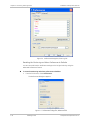
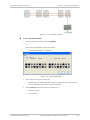
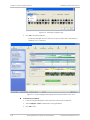
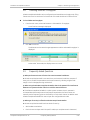
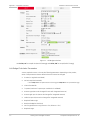
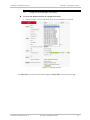
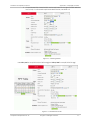
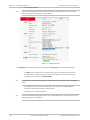
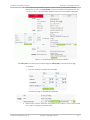
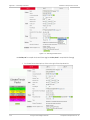
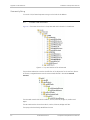
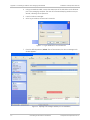
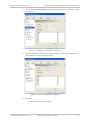
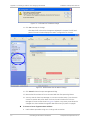
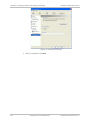
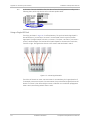
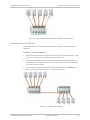
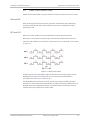
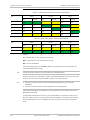
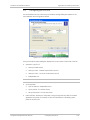
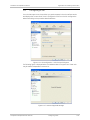
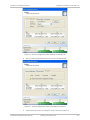
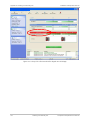
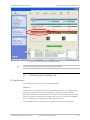
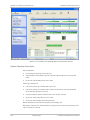
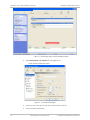
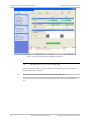
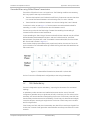
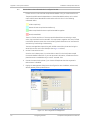
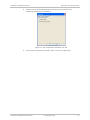
Installation and Operation Manual Chapter 2 Installation and Setup Figure 2-53. TDM Parameters Dialog Box, Clock Configuration in Progress 3. Select a TDM port clock type to be one of the following: Transparent/Transparent – The clock at Site A regenerates the clock from Site B and vice versa. Loop time/Recover – The Site A port receive clock is used as the transmit clock for that port on both sides of the link. Recover/Loop time – The Site B port receive clock is used as the transmit clock for that port on both sides of the link. Internal/Recover – The Site A port uses its internal oscillator to generate its transmit clock while the Site B port regenerates the clock received at the Site A port. Recover/Internal – The Site B port uses its internal oscillator to generate its transmit clock while the Site A port regenerates the clock received at the Site B port. Completing the Link Installation The last screen of the link installation wizards allows you to view the configuration summary. To complete the link installation: In the Installation Summary dialog box, click Done. The main Link manager window is displayed (Figure 2-55). Intrepid and Intrepid Ultra Ver. 2.6 Working with the Link Manager Application 2-51