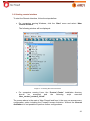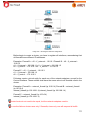
1
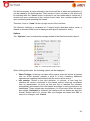
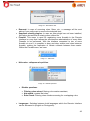
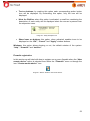
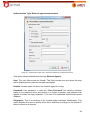
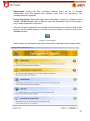
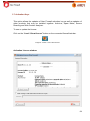
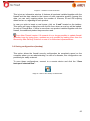
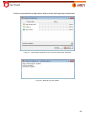
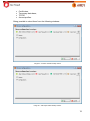
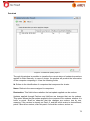
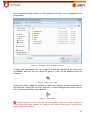
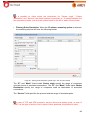
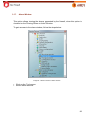
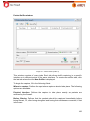
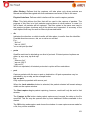
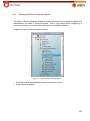
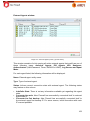
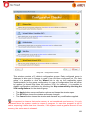
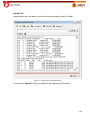
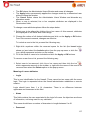
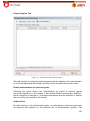
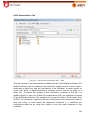
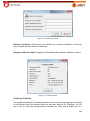
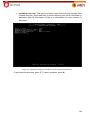
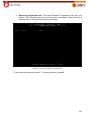
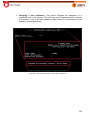
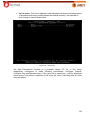
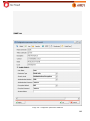
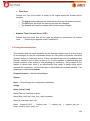
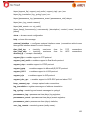
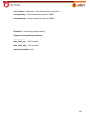
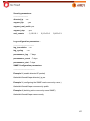
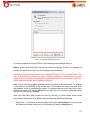
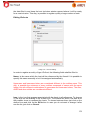
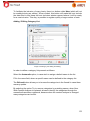
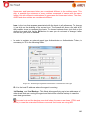
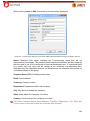
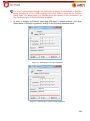
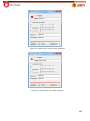
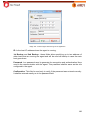
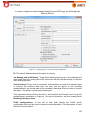
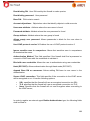
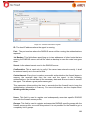
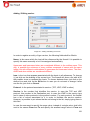
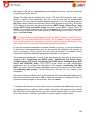
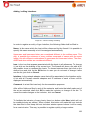
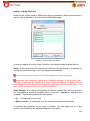
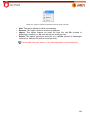
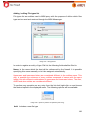
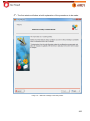
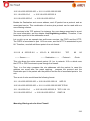
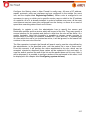
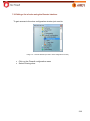
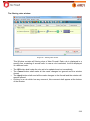
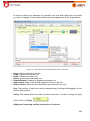
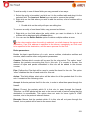
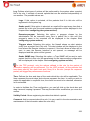
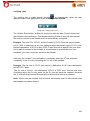
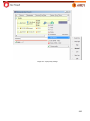
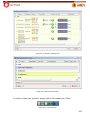
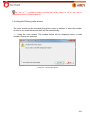
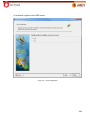
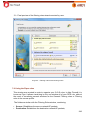
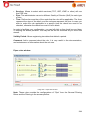
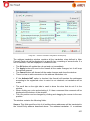
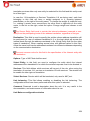
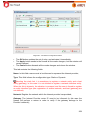
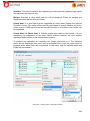
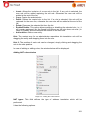
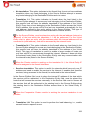
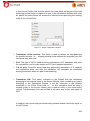
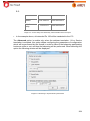
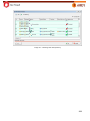
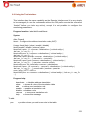
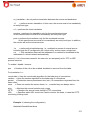
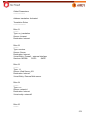
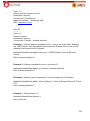
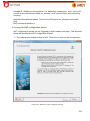
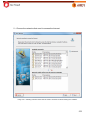
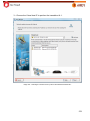
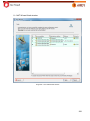
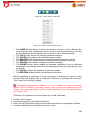
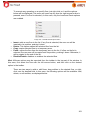
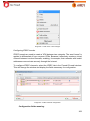
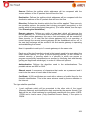
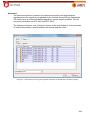
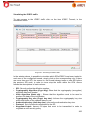
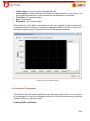
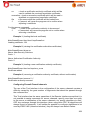
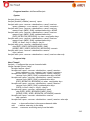
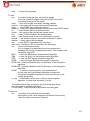
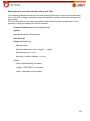
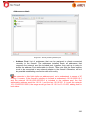
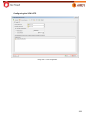
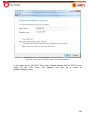
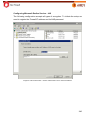
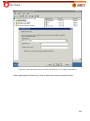
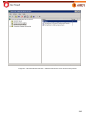
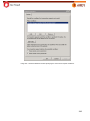
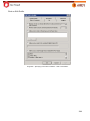
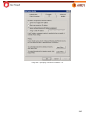
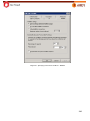
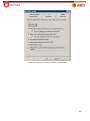
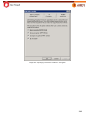
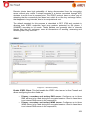
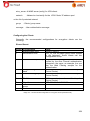
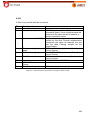
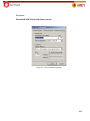
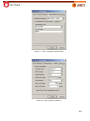
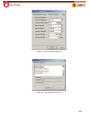
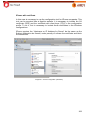
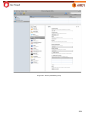
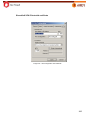
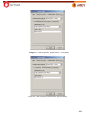
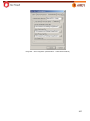
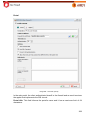
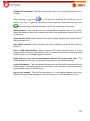
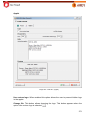
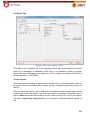
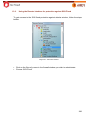
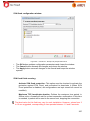
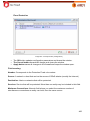
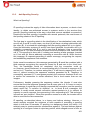
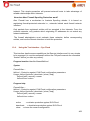
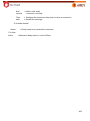
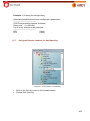
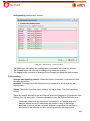
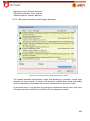
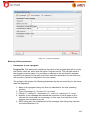
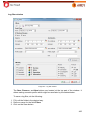
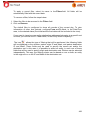
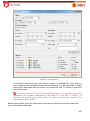
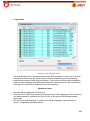
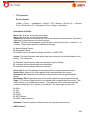
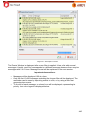
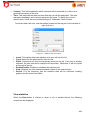
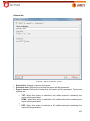
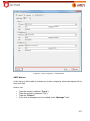
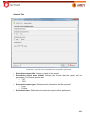
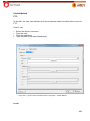
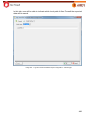
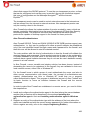
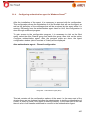
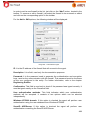
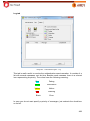
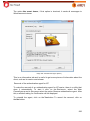
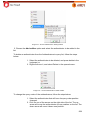
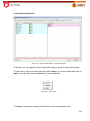
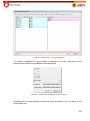
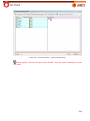
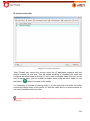
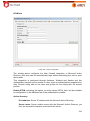
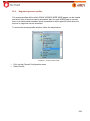
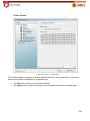
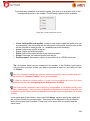
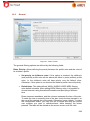
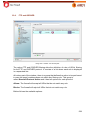
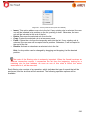
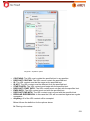
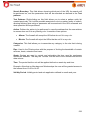
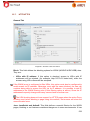
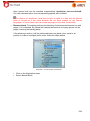
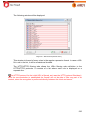
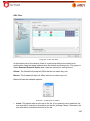
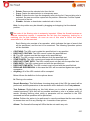
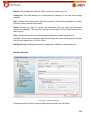
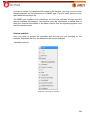
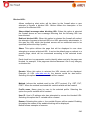
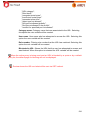
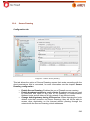
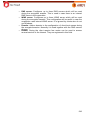
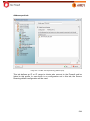
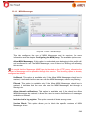
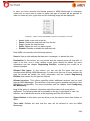
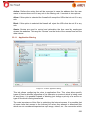
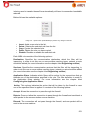
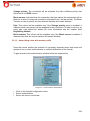
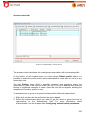
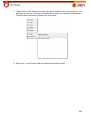
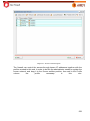
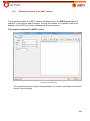
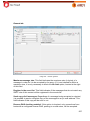
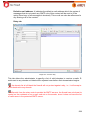
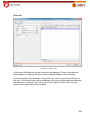
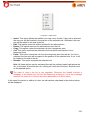
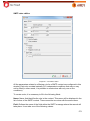
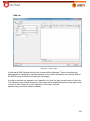
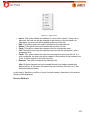
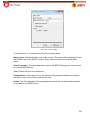
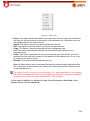
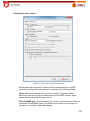
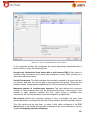
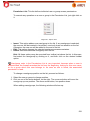
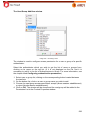
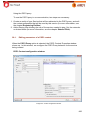
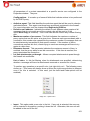
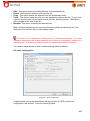
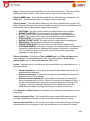
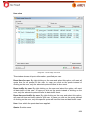
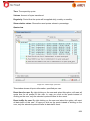
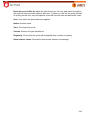
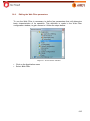
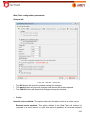
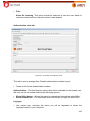
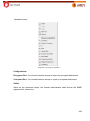
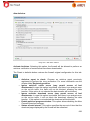
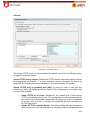
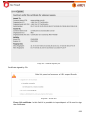
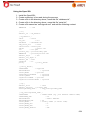
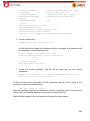
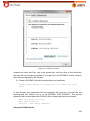
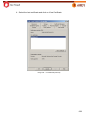
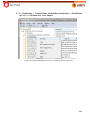
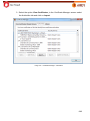
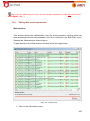
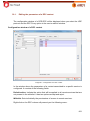
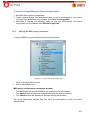
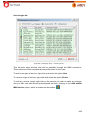
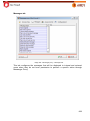
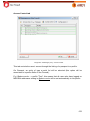
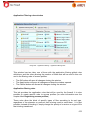
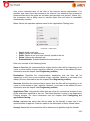
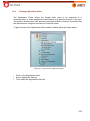
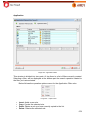
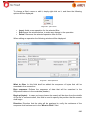
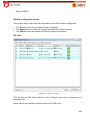
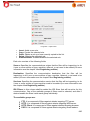
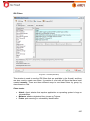
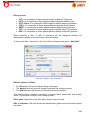
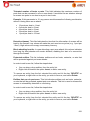
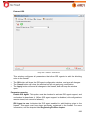
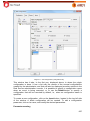
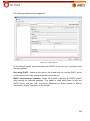
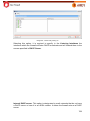
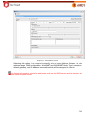
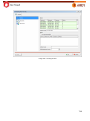
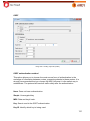
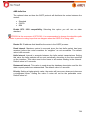
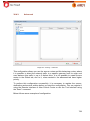
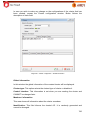
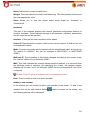
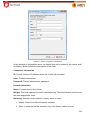
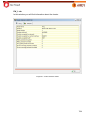
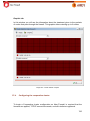
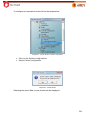
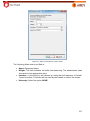
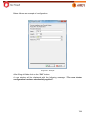
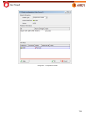
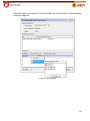
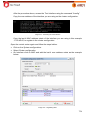
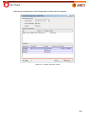
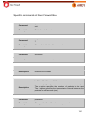
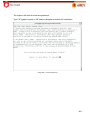
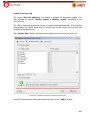
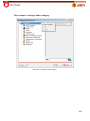
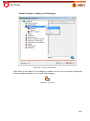
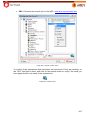
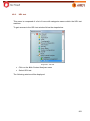
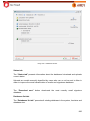
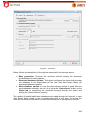
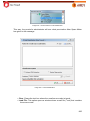
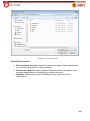
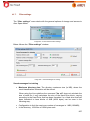
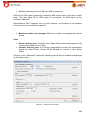
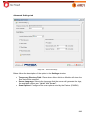
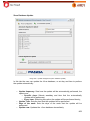
Insert: Allows the inclusion of a new rule in the list. If any rule is selected, the new rule will be added replacing the old rule. Otherwise the new rule will be added at the end of the list. Copy: Copies the selected rule. Paste: Pastes the copied rule to the list. If a rule is selected, this rule will be replaced for the new one, otherwise the new rule will be added at the end of the list. Delete: Removes the selected list from the list. Enable/Disable: This option allows enabling or disabling the selected rule, i.e., it will remain registered, but the firewall will behave as this rule does not exist ( in case of Disable) and will continue the search on the next rule. Add entities: Adds a new entity. Hint: The easiest way for an administrator assembles his translation rule will be dragging the entity and dropping them into the rule. Hint 2: The position of each rule can be changed, simply clicking and dragging the rule to the new position. In case of adding or editing rules, the window below will be displayed: Adding NAT rules window Image 210 – Adding NAT rules windows. NAT types: This field defines the type of address translation which will be performed. It has the following options: 261