1
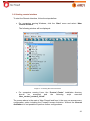
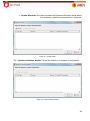
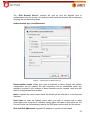
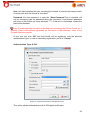
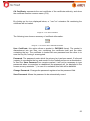
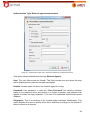
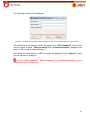
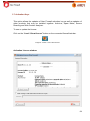
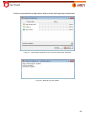
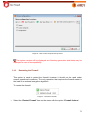
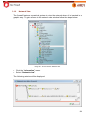
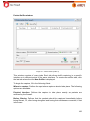
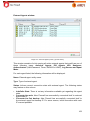
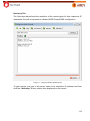
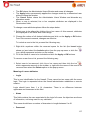
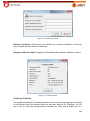
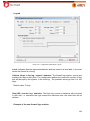
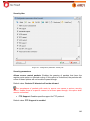
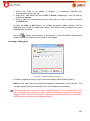
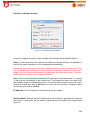
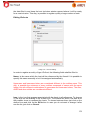
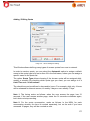
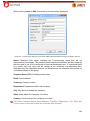
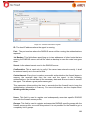
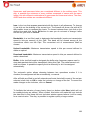
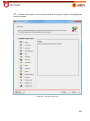
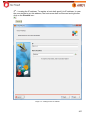
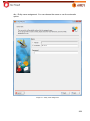
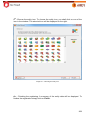
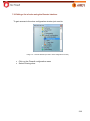
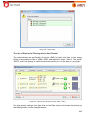
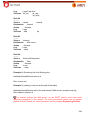
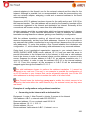
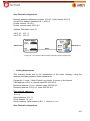
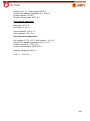
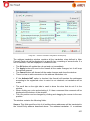
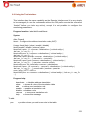
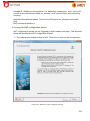
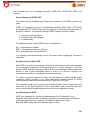
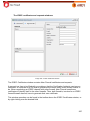
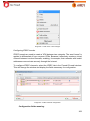
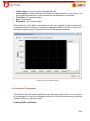
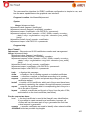
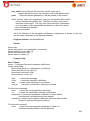
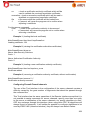
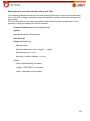
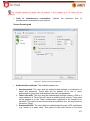
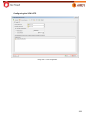
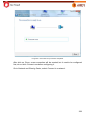
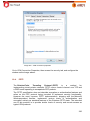
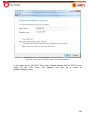
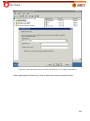
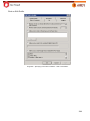
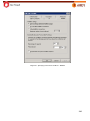
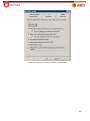
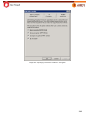
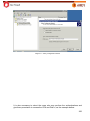
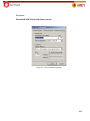
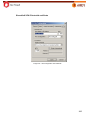
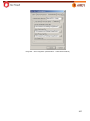
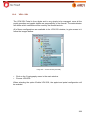
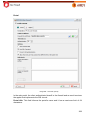
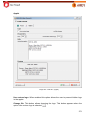
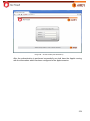
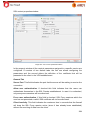
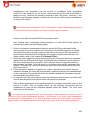
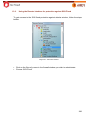
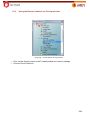
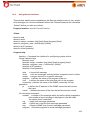
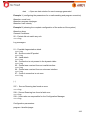
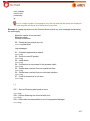
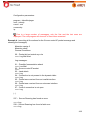
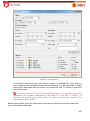
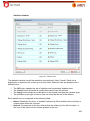
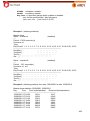
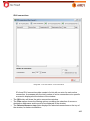
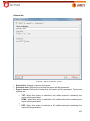
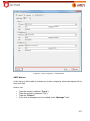
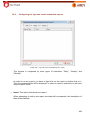
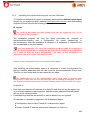
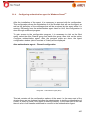
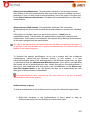
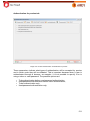
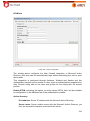
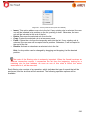
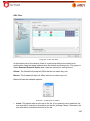
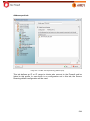
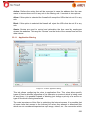
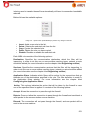
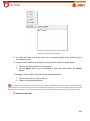
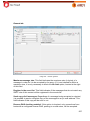
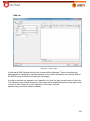
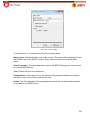
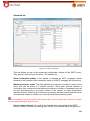
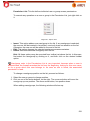
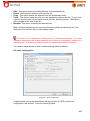
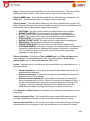
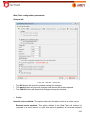
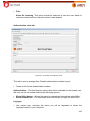
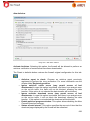
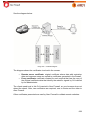
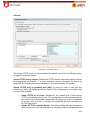
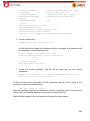
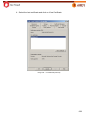
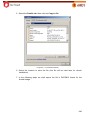
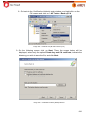
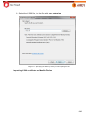
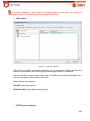
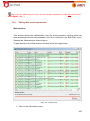
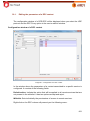
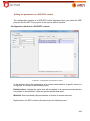
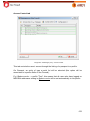
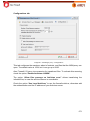
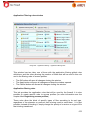
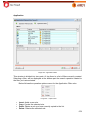
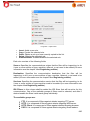
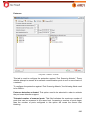
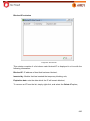
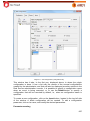
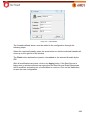
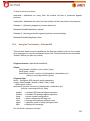
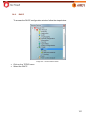
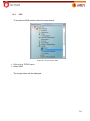
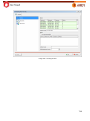
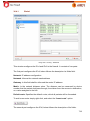
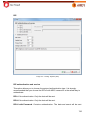
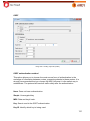
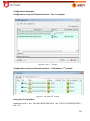
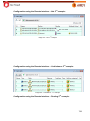
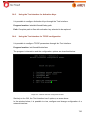
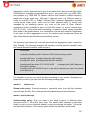
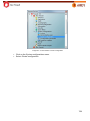
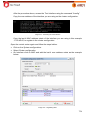
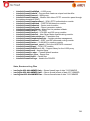
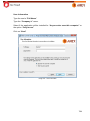
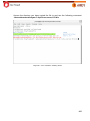
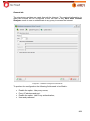
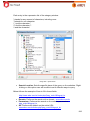
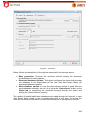
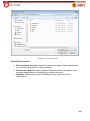
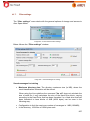
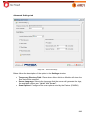
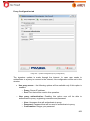
Authentication Type: External agent user/password
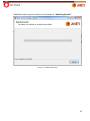
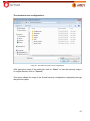
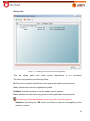
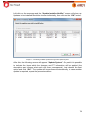
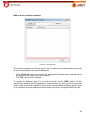
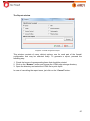
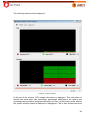
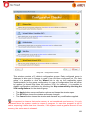
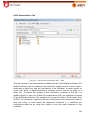
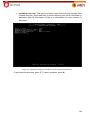
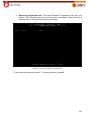
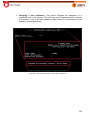
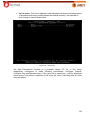
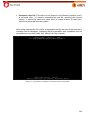
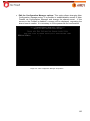
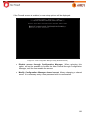
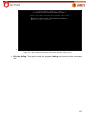
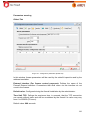
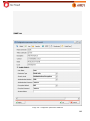
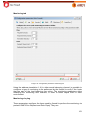
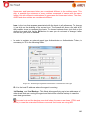
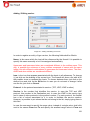
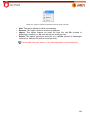
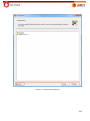
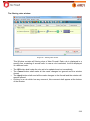
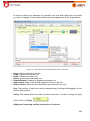
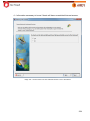
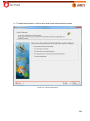
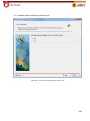
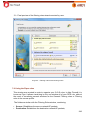
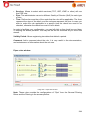
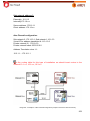
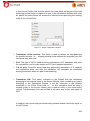
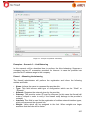
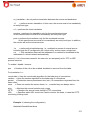
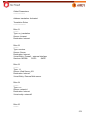
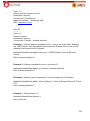
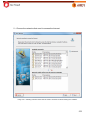
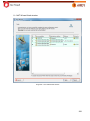
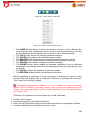
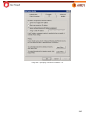
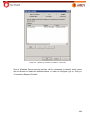
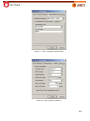
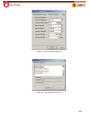
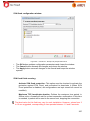
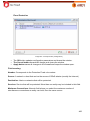
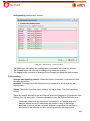
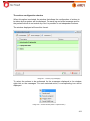
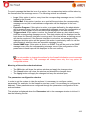
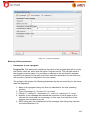
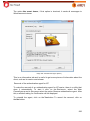
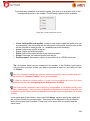
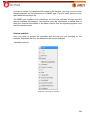
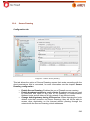
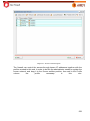
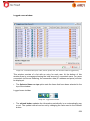
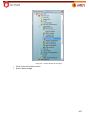
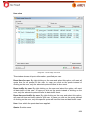
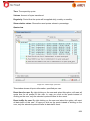
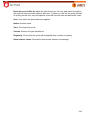
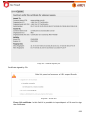
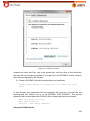
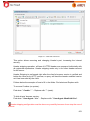
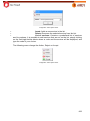
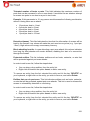
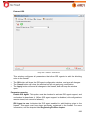
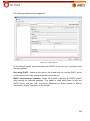
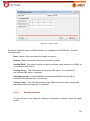
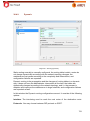
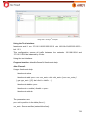
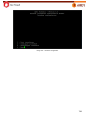
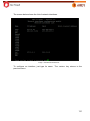
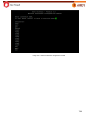
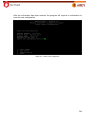
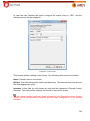
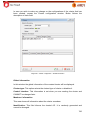
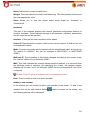
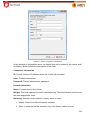
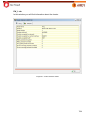
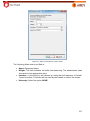
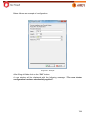
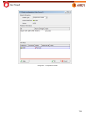
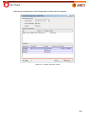
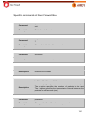
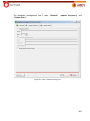
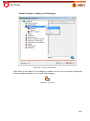
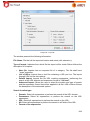
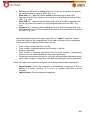
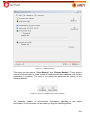
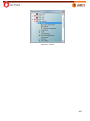
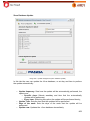
Image 45 – Authentication types (user, domain and password) to edit Remote Device.
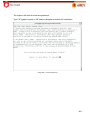
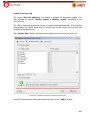
This option allows authentication through External Agents.
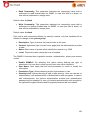
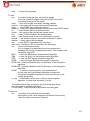
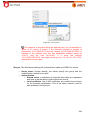
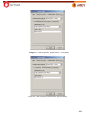
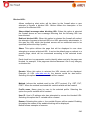
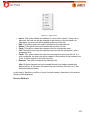
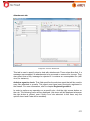
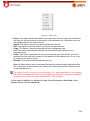
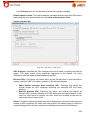
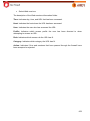
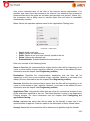
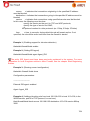
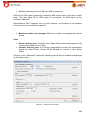
User: The user who access the firewall. This field records user and where the user
will be displayed every time the firewall is accessed.
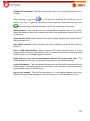
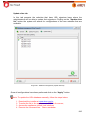
Domain: Domain name on which the external agent is running.
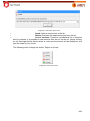
Password: User password. In case the “Save Password” box remains checked,
typing in the password when connecting is no longer necessary (the password will
appear on screen as many asterisks ‘*’). In case it is unchecked, this field will remain
disabled.
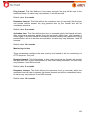
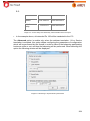
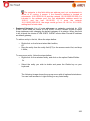
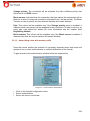
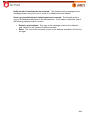
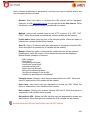
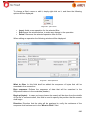
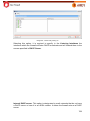
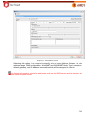
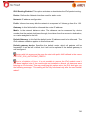
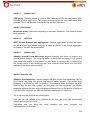
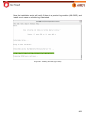
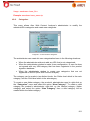
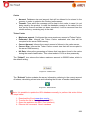
Fingerprint: This is a summary of the firewall digital certificate identification. This
option enables the user to identify when there has been a change to the firewall to
which connection is desired.
56