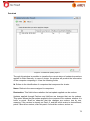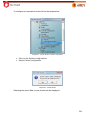
1
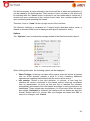
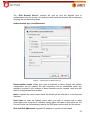
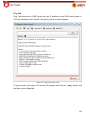
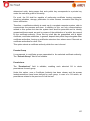
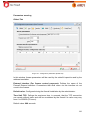
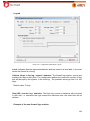
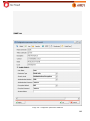
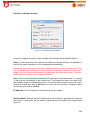
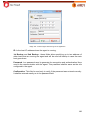
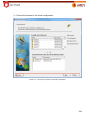
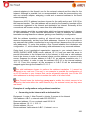
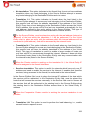
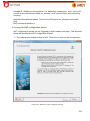
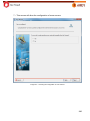
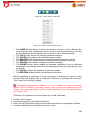
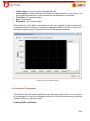
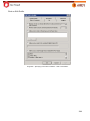
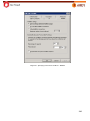
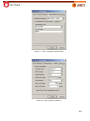
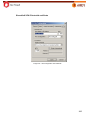
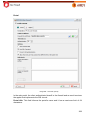
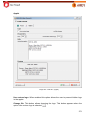
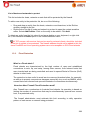
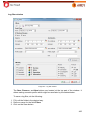
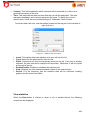
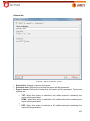
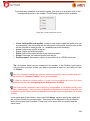
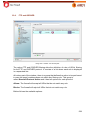
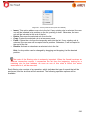
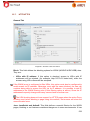
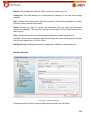
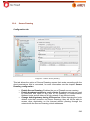
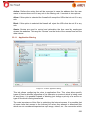
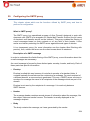
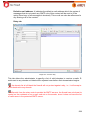
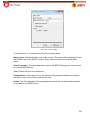
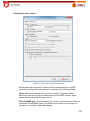
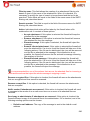
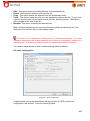
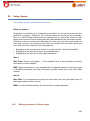
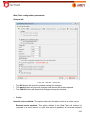
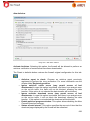
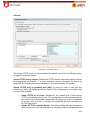
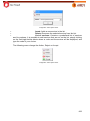
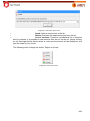
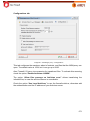
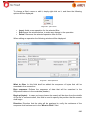
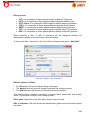
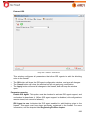
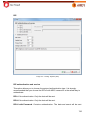
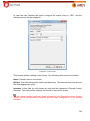
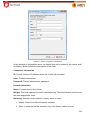
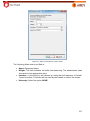
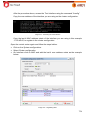
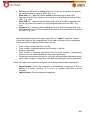
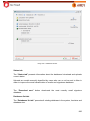
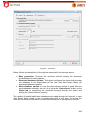
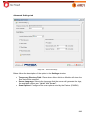
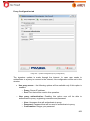
Allow the server to open connections with clients in any port: This option allows
the FTP server communicate with client through a port which is not the default
TCP20.
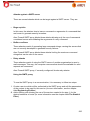
Enable logs of downloads and uploads: This option will generate an event
informing the data about downloads and uploads done through proxy.
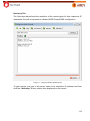
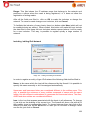
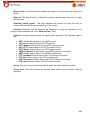
Maximum number of simultaneous sessions: This field defines the maximum
number of FTP sessions that can be simultaneously active in this context. If the
number of open sessions reaches this limit, the users who try to establish new
connections will be informed that the limit has been reached and that they should try
again later.
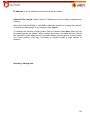
Idle timeout: This item defines the maximum amount of time, in seconds, that the
proxy can stay without receiving data from the FTP session and still consider it
active.
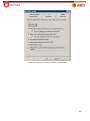
The value of this field should be less or equal to the value configured in the TCP
Timeout field, on the global configuration parameters (for more information see the
chapter titled Configuring the system parameters).
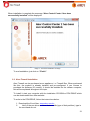
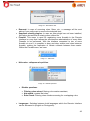
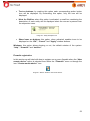
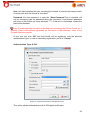
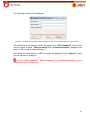
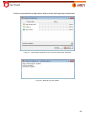
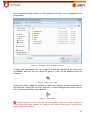
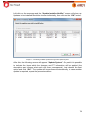
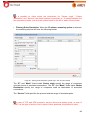
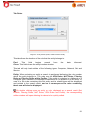
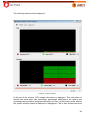
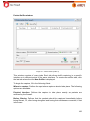
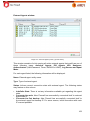
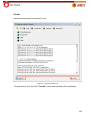
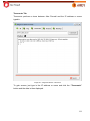
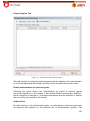
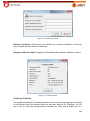
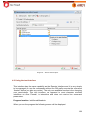
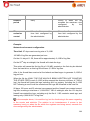
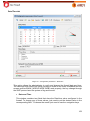
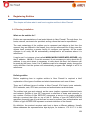
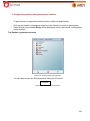
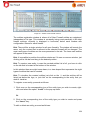
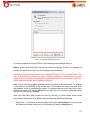
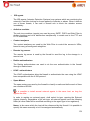
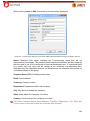
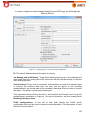
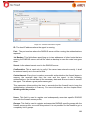
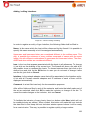
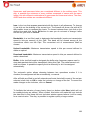
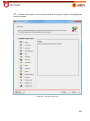
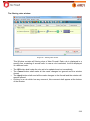
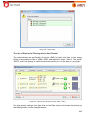
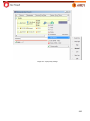
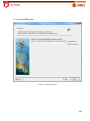
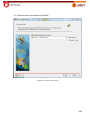
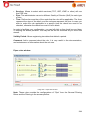
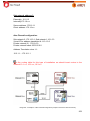
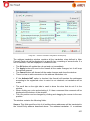
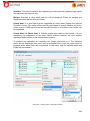
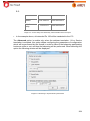
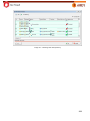
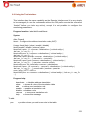
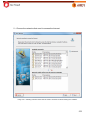
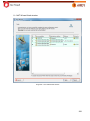
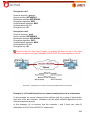
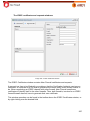
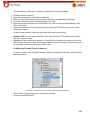
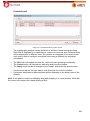
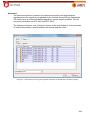
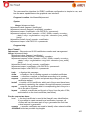
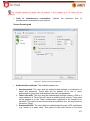
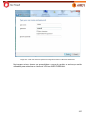
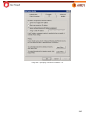
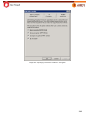
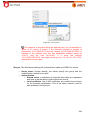
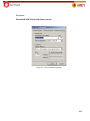
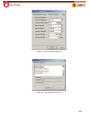
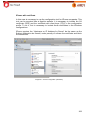
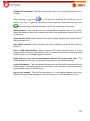
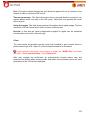
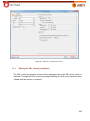
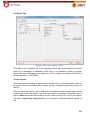
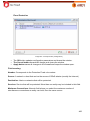
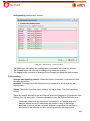
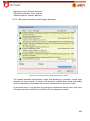
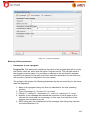
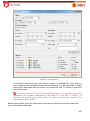
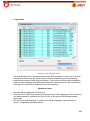
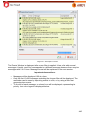
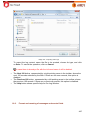
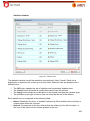
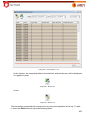
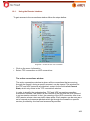
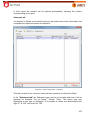
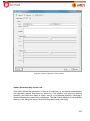
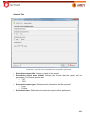
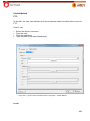
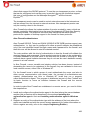
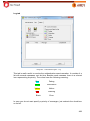
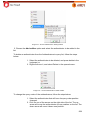
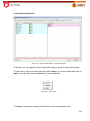
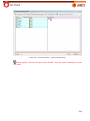
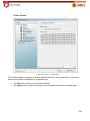
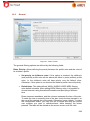
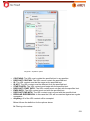
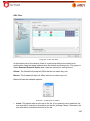
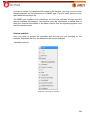
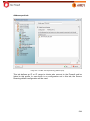
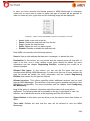
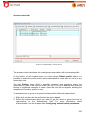
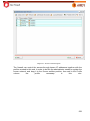
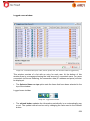
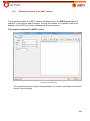
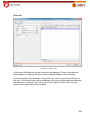
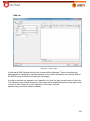
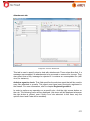
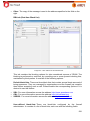
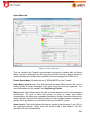
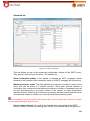
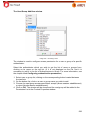
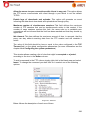
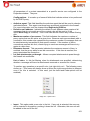
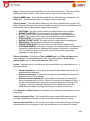
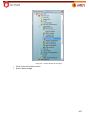
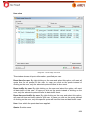
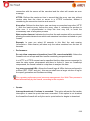
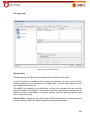
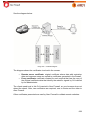
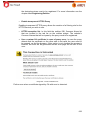
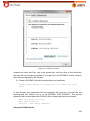
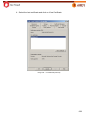
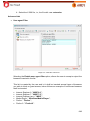
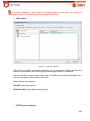
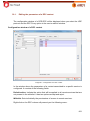
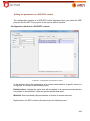
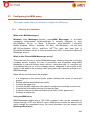
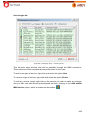
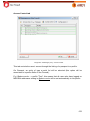
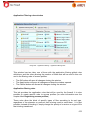
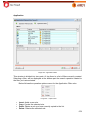
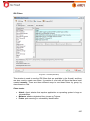
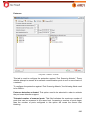
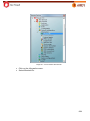
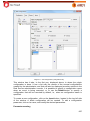
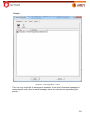
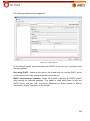
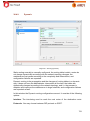
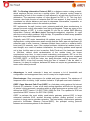
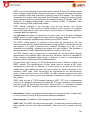
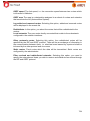
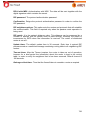
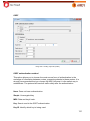
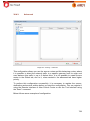
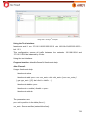
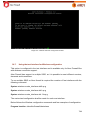
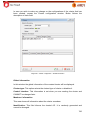
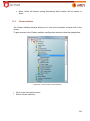
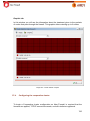
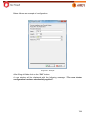
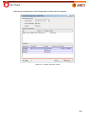
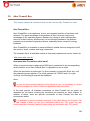
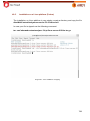
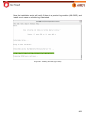
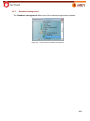
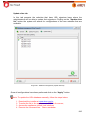
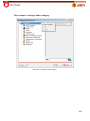
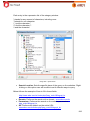
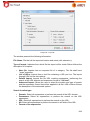
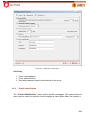
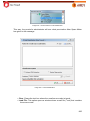
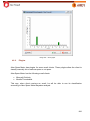
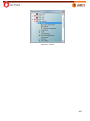
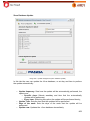
This window allows creating a list of rules that might be accepted or rejected,
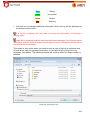
according to the icon in the Action column.
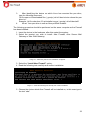
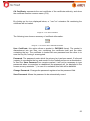
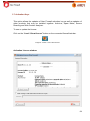
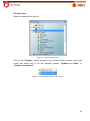
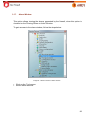
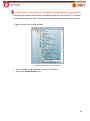
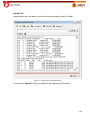
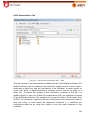
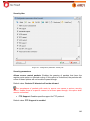
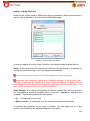
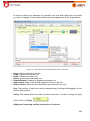
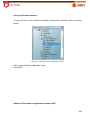
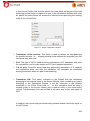
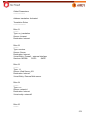
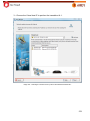
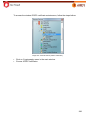
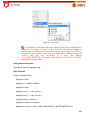
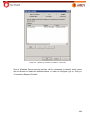
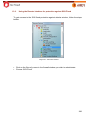
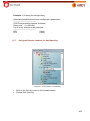
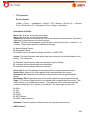
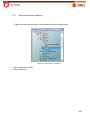
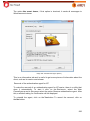
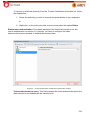
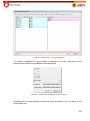
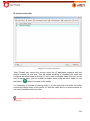
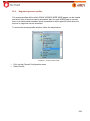
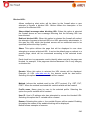
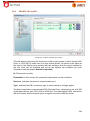
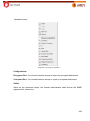
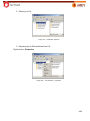
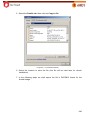
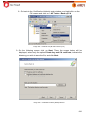
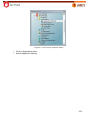
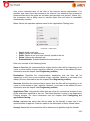
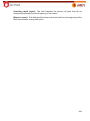
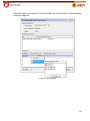
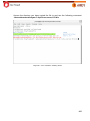
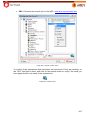
To add a command in the FTP column simply right-click in the blank area and select
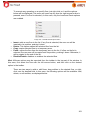
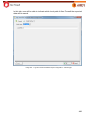
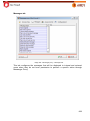
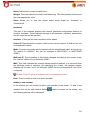
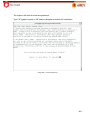
Insert. To change the command you shall click on it a select one of the following
options:
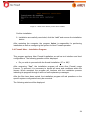
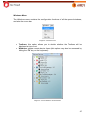
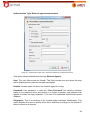
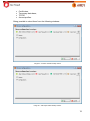
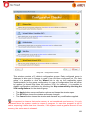
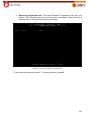
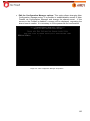
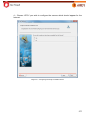
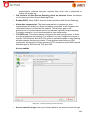
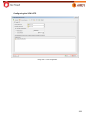
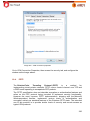
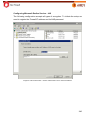
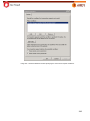
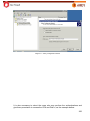
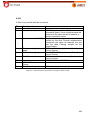
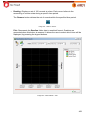
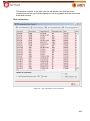
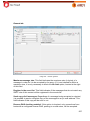
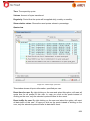
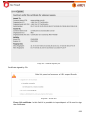
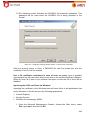
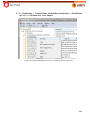
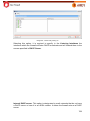
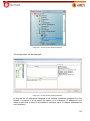
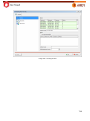
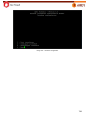
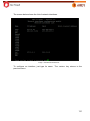
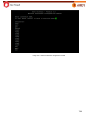
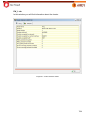
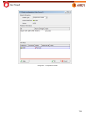
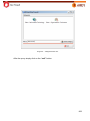
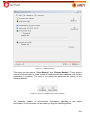
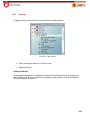
Image 439 – Rules list.
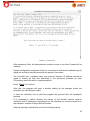
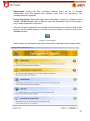
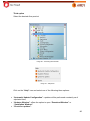
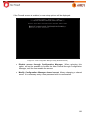
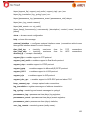
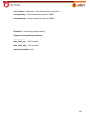
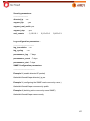
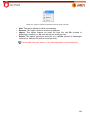
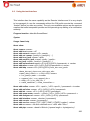
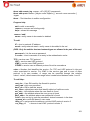
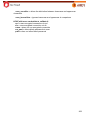
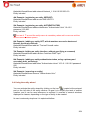
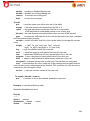
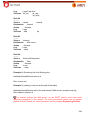
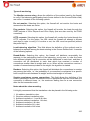
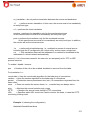
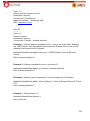
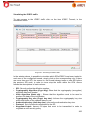
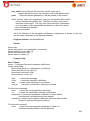
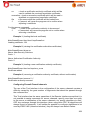
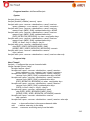
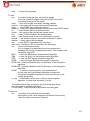
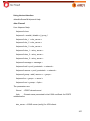
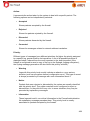
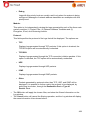
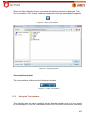
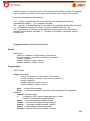
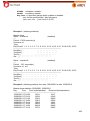
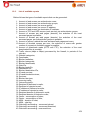
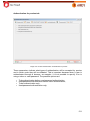
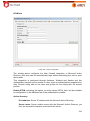
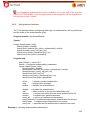
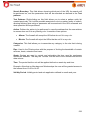
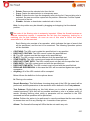
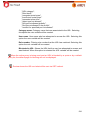
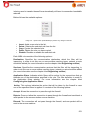
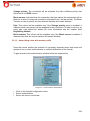
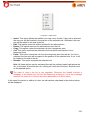
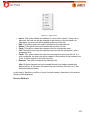
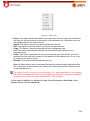
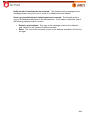
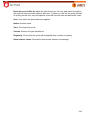
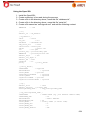
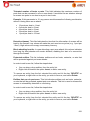
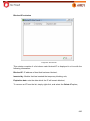
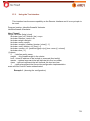
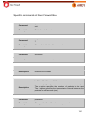
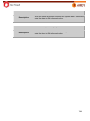
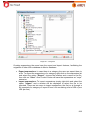
Below follows the description of each one of them:
596