1
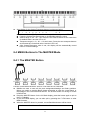
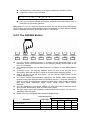
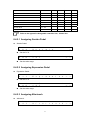
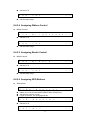
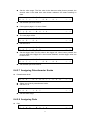
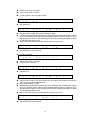
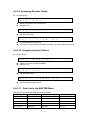
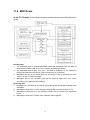
z stops. When the ZONE function is on, the port/channels settings of F1-F8 will be substituted by the ZONE settings. z ZONE on/off settings: Z O z 2 N Z O 3 N Z O 4 N 1 → Setting the port, channel and keyboard range of ZONE 1~4: 1 0 0 P 0 1 L C 0 0 H 0 0 1 P C 0 0 1 ← 2 → Z: ZONE#. By default, ZONE 1 = Port1/CH1, ZONE 2 = Port2/CH, ZONE3 = Port3/CH1, ZONE 4 = Port4/CH1. P: MIDI OUT port, 1-4. CH: MIDI channel, 01-16. M: MSB#. Cc#000, value range is 000-127. L: LSB#. Cc#032, value range is 000-127. PC: program change #. Setting the keyboard range and velocity range of ZONE: Z z Z O It is the on/off settings of ZONE 1~4. Z M z 1 N 1 R V a e n l : : 0 0 0 0 0 0 - 1 1 2 2 7 7 ← 3 → Ran: keyboard Range of ZONE1~ZONE4. There is a shortcut to set the Key#, that is, when the value flashes, you can play a key in the keyboard to specify the key #. Vel: Velocity range of ZONE1~ZONE4. Octave and transpose of ZONE: Z T 1 r a O n c s t p a o v s e e : : 0 0 0 0 4 ← You can set the octave and transpose value for each of the 4 zones respectively. When the ZONE function is on, the octave and transpose buttons work on all zones. The zone octave range is -04~00~+04. The zone transpose range is -12~00~+12 semi-notes. 38