1
BOSS 3.0 Software User’s Manual
Page 65
15.4. TRANSLATIONS
Across various organizations and agencies, terminology related to BOSS can differ significantly. For this
reason, a new function has been added in BOSS version 3 that gives customers flexibility in naming
conventions used in the application. The Translations function provides for changing wording on BOSS
screens allowing a customer to tailor screen labeling to correspond to their own vernacular. Text items in
the translations editor correspond to labels on BOSS screens. Authorized users can change these text items
as necessary.
Note: This feature is not intended as a replacement for language specific versions of BOSS. For international
versions of BOSS, please contact PIPS Technology.
15.4.1.
ENTERING A NEW TRANSLATION
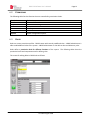
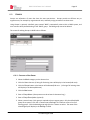
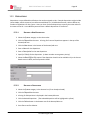
Select the System category on the shortcut bar.
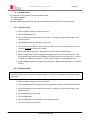
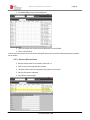
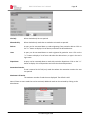
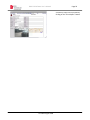
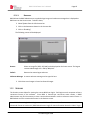
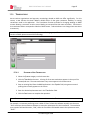
Click the Translations shortcut. A listing of all current translations appears in the top of the
browse/edit area. The new translations entry screen appears in the bottom area.
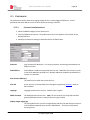
Enter an existing label from the BOSS application in the Caption field, using exact case and
spelling that normally appears on the screen.
Enter the desired replacement text in the Translation field.
Click the Save button to complete the operation.
Note: The user must logout and log back in for translation to take effect in current session.
For example: A customer preferring to see a label of “Plate” where the software normally uses the term
“LPN” would use the translations software to create the replacement for their installation. The translation
entry caption field would contain, “LPN”, while the Translation field would contain the replacement term,
“Plate”.
© Federal Signal 2009