1
CineSuite Reference Manual
CineSuite Manager
The CineSuite Manager
Opening the Manager
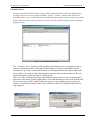
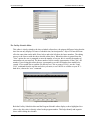
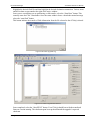
The CineSuite Manager program can be opened up by double clicking the icon that the installer
placed on your desktop. You will be immediately prompted for a log on name and password. As
with the driver, the default is “admin” for username and 31415 for the password. Any privileges
associated with users and groups of the CineNet Driver will also apply to the users and groups of the
CineSuite Manager. See the section on user permissions in the first section for a full description of
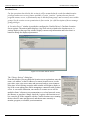
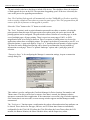
how to manage group privileges. If this is the first time you are opening the CineSuite Manager, you
will also be prompted for the network connection settings, theatre name, and port number for the
system with the CineNet Driver that you wish to connect to. Defaults are provided and will usually
be sufficient to get you started.
For the operations described in this section it will be assumed that the reader has administrative
privileges and access to every feature available. Certain “sensitive” options that can alter the
program content, access, or functionality may be blocked from groups, and necessarily users within
groups. See the section on user permissions in first part of this manual for a full description of how
to manage group privileges.
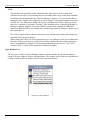
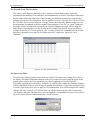
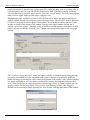
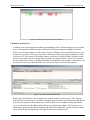
The CineSuite Manager toolbar
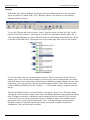
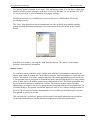
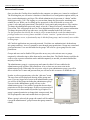
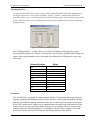
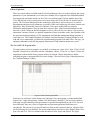
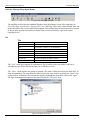
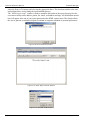
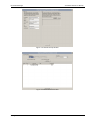
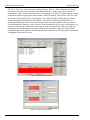
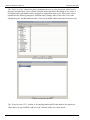
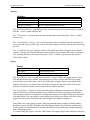
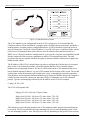
Figure 3-1 CineSuite Manager Toolbar
Some of the most commonly used features of the CineSuite Manager can be launched from the tool
bar icons at the top of the main page.
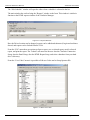
New
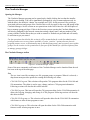
The new icon is used for creating a new file, program group, or program. When it is selected, a
drop down menu provides options for creating the following new items:
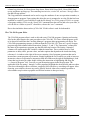
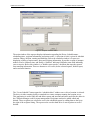
CNA 100/150 Program: This selection will open the CNA program editor for the CNA-100 and
150 automations. The editor is used to copy, change, and save CNA program information.
Following sections will describe this editor in detail.
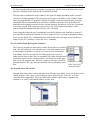
CNA-200 Program: This item will open the CNA program editor for the CNA-200 automation. It
allows the Copying, changing, and saving of a CNA program. Following sections will describe
this editor in detail.
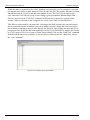
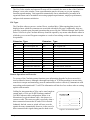
CNA-100/150 Program set: This selection will open the editor for the CNA-100/150 automation
with features to alter all nine programs at once.
CNA-200 Program set: This selection will open the editor for the CNA-200 automation with
features to alter all nine programs at once.
26
Strong International