1
Switched-On Schoolhouse® 2014
Install and Setup Basics
14
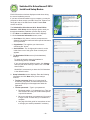
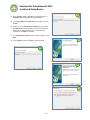
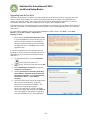
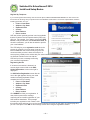
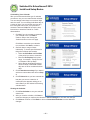
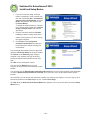
14. Click Install to begin installation of the application. A
Progress window displays during installation.
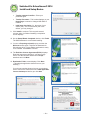
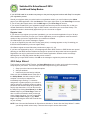
15. The Setup Wizard Completed screen appears. Click
Finish.
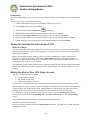
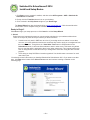
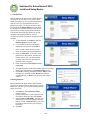
16. Again you see a Preparing to Install pop-up and then
the Welcome screen appears. This time to install the
Switched-On Schoolhouse 2014 – Home Edition
Tutorials. Click Next to continue.
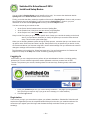
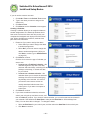
17. The Destination Folder for the tutorials displays. Click
Next.
15
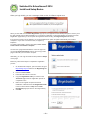
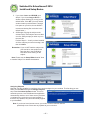
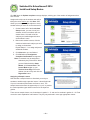
18. Click Install to begin installation of the tutorials.
18
16
17
~ 11 ~