1
Netuo*
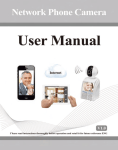
Phone Canera Use,
m
ffi
'
1
Product Introduction
Gontents
l.l
j
t Product lntroduction
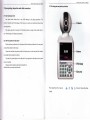
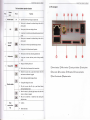
2.2 The froDt pmel md retr pmel
Product Overuiew
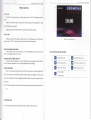
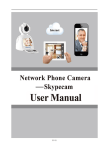
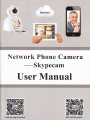
The Skypecam series is a type of excellent intelligflt hore prcduo specially designed for
.
.........................
.............................................-........4
ability and remote control ability. It introduces wireless leming cods tehmlogr md
4.1 Main menu
navigation...--. .-----.
-......,.-
............... 10
It cm realire
5
Remoteaccess&videoca||s................,...
wirels
the video call not only between two Slq?ecam, but also among smart phone,
......................18
After inserting U disk or Micrc SD to
'
You
Skypecam,
it
can realize simultaneou stonge
ad
cm seach video files intelligent on the device and playback video on the screen directly.
Remote monitor
It cm achieve remote monitor by using mobile APP to dial 3C number
Wireless alam
It infoduces wireless leming code md wireless detectorto construct
email
alm
function is supported.
alm
system, @d also