1
PC-680 CPU user’s manual
Appendix C:
Third party support
Third party support
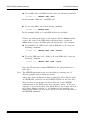
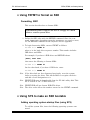
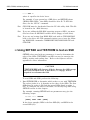
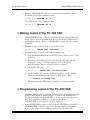
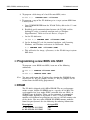
≡ Using M–Systems DiskOnChip (DOC)
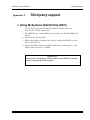
To use the M–Systems DiskOnChip (DOC) module with your
PC-680 CPU, follow these steps:
1. Run BIOS Setup. In the Main Screen, enable the “Enable SSD0 Scan”
option.
2. Power off the PC-680 CPU.
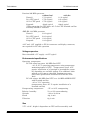
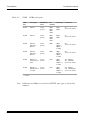
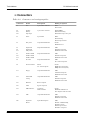
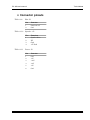
3. Make sure SSD0 is jumpered for flash by configuring W20[2–4], and
W21[1-2][5-7][9-10].
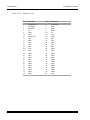
4. Install the DOC module into SSD0. Make sure to orient pin 1 on the
DOC module with pin 1 on SSD0.
WARNING!
Incorrectly installing the DOC module into SSD0 will permanently damage the DOC module.
C–1