1
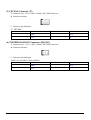
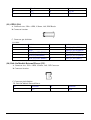
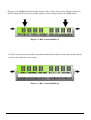
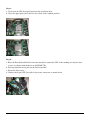
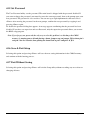
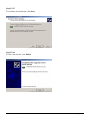
3. Then press the DIMM module down right into the socket, until a click is heard. That means the two
handles automatically locked the memory modules into the right position of the DIMM socket.
Figure 3-3: How to Install DIMM (3)
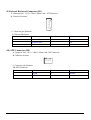
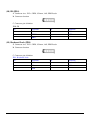
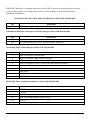
4. To take away the memory module, just push the both handles outward, the memory module will be
ejected by the mechanism in the socket.
Figure 3-4: How to Install DIMM (4)
PEAK 760 User’s Manual
35