1
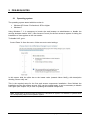
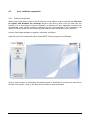
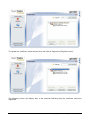
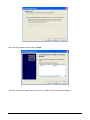
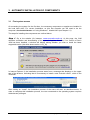
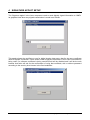
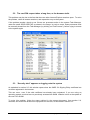
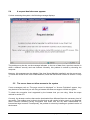
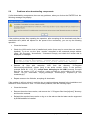
Several installation screens display until the process has been completed:
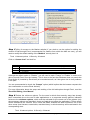
Note: If you are using an installer other than the one that is run on accessing the SIOM Website, the
option to install the so-called “Google bar” may display. In the event of its installation, keep in mind that it
could cause interference in the control of opening pop-up windows from the SIOM application.
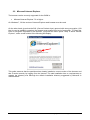
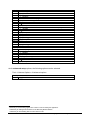
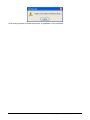
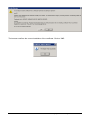
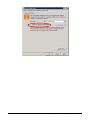
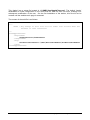
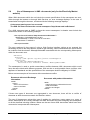
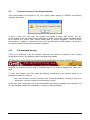
To check the version of the recently installed JVM, you can once again consult the option “About”
in the Java Control Panel:
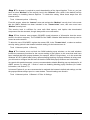
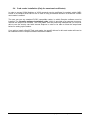
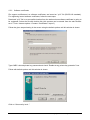
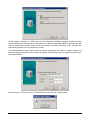
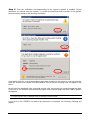
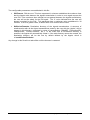
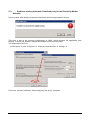
In addition, due to the possibility of Sun releasing a new version of JRE which has not yet been
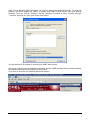
certified for use in SIOM, you are recommended to disable the automatic update of the JVM. This
is configured by disabling the next box in the Java Control Panel:
Version 1.2
GuiaConfAccesoSistemasOMEL_Eng.doc
Pg. 24 of 42