1
3. Taking and Managing the Pictures
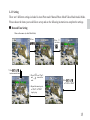
3-1 Taking a Picture
1. Turn on the camera, and set the mode dial switch to “Photo”
mode.
2. Frame photographs by using viewfinder or LCD monitor.
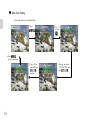
3. Press and hold the shutter button halfway down to lock AE
and check the image. To cancel the recording, release the shutter button.
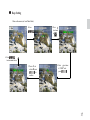
4. Hold the camera steadily and press the shutter button fully
down.
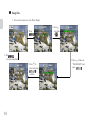
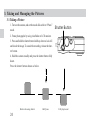
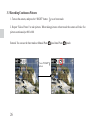
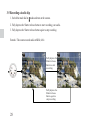
Press the shutter button shown as below.
Before releasing shutter
24
Half press
Shutter Button
Fully depressed