1
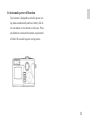
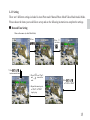
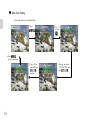
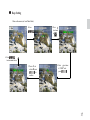
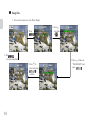
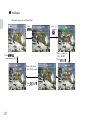
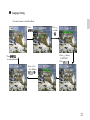
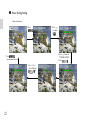
3-8 Protect Picture(s) Against Deletion
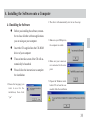
1. Switch the mode dial to
mode and turn on the camera.
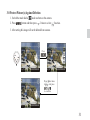
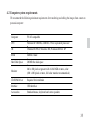
2. Press
button and then press
2 times to select
function.
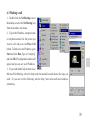
3. After setting this image will not be deleted from camera.
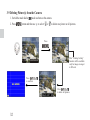
Press
1/31 /100V2210
3
100V2210
1/3
100V2210
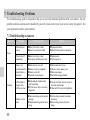
Press two times
to
, and press
to confirm.
1/3
100V2210
31