1
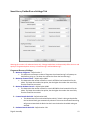
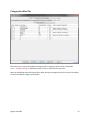
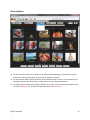
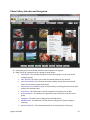
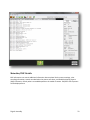
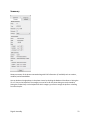
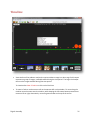
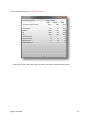
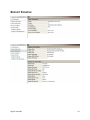
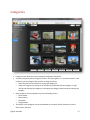
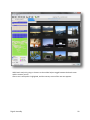
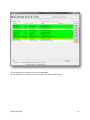
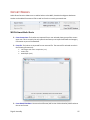
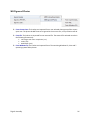
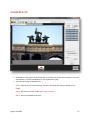
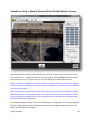
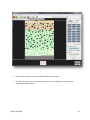
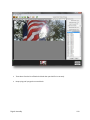
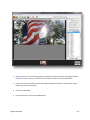
those photos that were detected as having thumbnails that are different than the original photo. o SmartHash: Photos identified in this group are either duplicates of each other or are edited versions of the same photo. SmartHashing is basically a form of Fuzzy Hashing. o Hash Filters: Filters photos that are duplicates and hash alerted. o Duplicates: Photos identified in this group are exact MD5 matches of each other. o MD5 Hash Alert: Photos in this group have been matched against the database of known file MD5s. If the categories have been stored in the database, then the photo will be autocategorized. o SmartHash Alert: Photos in this group have been found to be similar to the database of known file SmartHashes. If the categories have been stored in the database, then the photo will be auto-categorized. Navigation in the photo gallery follows normal Windows behavior. You can use the mouse to select a thumbnail group, you can hold the shift and ctrl key to select multiple groups and finally you can use the keyboard arrows to select a photo as well. All the buttons at the bottom of the screen require at least one thumbnail group to be selected. Digital Assembly 69