1
Sorting School
Summary Data
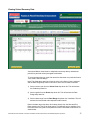
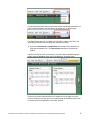
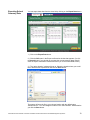
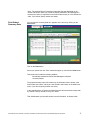
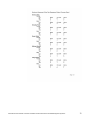
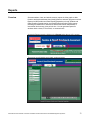
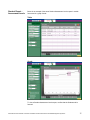
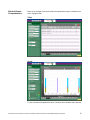
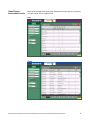
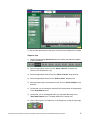
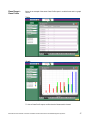
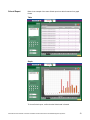
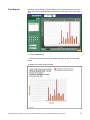
Sort the summary data by students’ school, teacher, gender, language, or special
needs status using the sort options.
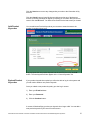
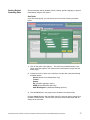
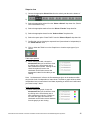
Sort Order
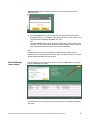
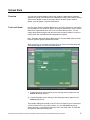
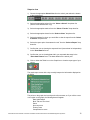
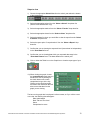
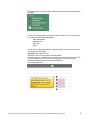
In the Sort Order popup, you can choose up to four levels of sorting, as shown
below:
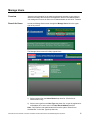
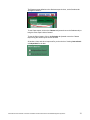
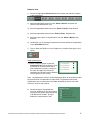
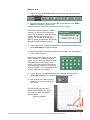
1) Click on the yellow “Sort Options…” link (School-Level Administrator) or the
yellow “More Sort Options” link (District-Level Administrator) to open the Sort
Order popup.
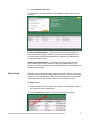
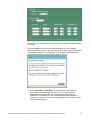
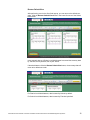
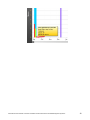
2) Choose the order in which you would like to sort the data, using the following
available options:
School (District-Level Administrator only)
Teacher
Gender
ELL (English Language Learner)
SPED (Special Education Services)
Add’l Reading Serv. (Additional Reading Services)
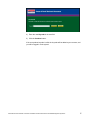
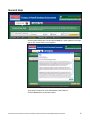
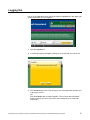
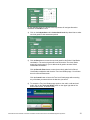
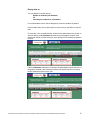
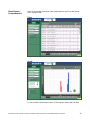
3) Click the OK button in the popup to sort the data in the chosen order.
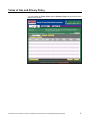
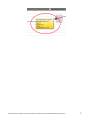
Click the Cancel button in the Sort Order popup if you do not want to change how
the data is already sorted. This will return you to the School Data screen with no
change to the sort order.
Administrator User’s Manual: Fountas & Pinnell Benchmark Assessment Online Data Management System ©
27