1
TABLE OF CONTENTS
SECTION 1:
Overview
4
5
6
7
8
9
11
12
13
Important Safety Instructions
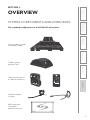
System Components and Unpacking
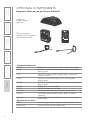
Optional Components
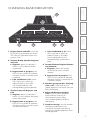
Charging Base Indicators
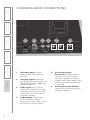
Charging Base Connections
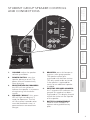
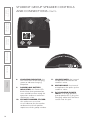
Group Speaker Controls and Connections
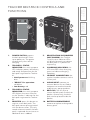
Teacher Belt-pack Controls and Functions
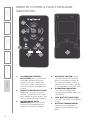
Remote Control Functions and Indicators
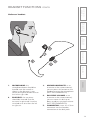
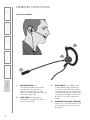
Headset Functions
SECTION 2:
Initial Set-up
15
16
17
19
20
20
21
22
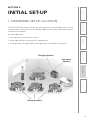
Determine Set-up Location
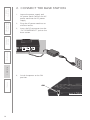
Connect the Base Station
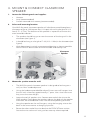
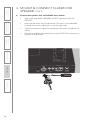
Mount and Connect the Classroom Speaker
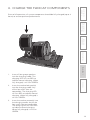
Charge the FLEXCAT Components
Power On All Components
Ensure All Components are Ready
Put the Headset on
Set Volume of Classroom Speaker
SECTION 3:
Daily Operation
23
Daily Operation Instructions
SECTION 4:
25
Additional Information 27
29
31
32
Tips and Tricks to Successful Use
Interface with Existing Classroom Audio
Multimedia Audio Integration
Connection with Assistive Listening Devices
Using Optional Speakers #5-6
SECTION 5:
33
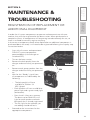
Maintenance &
Troubleshooting
34
37
38
39
42
Registration of Replacement or Additional
Equipment
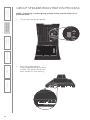
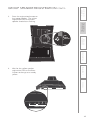
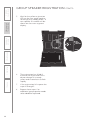
Group Speaker Registration Process
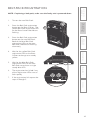
Belt-Pack Registration
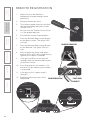
Remote Registration
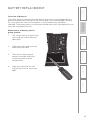
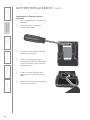
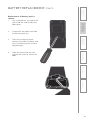
Battery Replacement
Troubleshooting
SECTION 6:
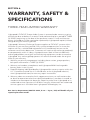
Warranty, Safety &
Specifications
45
46
47
Three-year Limited Warranty
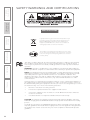
Safety Warnings and Certifications
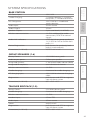
System Specifications




![User Manual PS 430 [ASL]](http://vs1.manualzilla.com/store/data/005676322_1-235f4942ab78942bc49f054c2ec420ac-150x150.png)