1
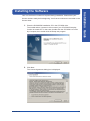
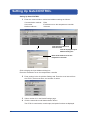
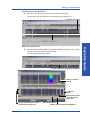
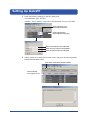
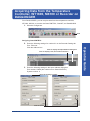
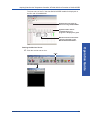
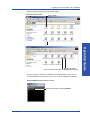
1. On the System tab, click the Search button. MX100 information such as
the machine name, serial number, and address is displayed under MX100/
MW100 nearby.
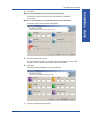
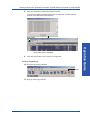
2. Drag the machine name from MX100 nearby onto the IP Address/Host box
of No. 0 under MX100 unit list.
Drag and drop
Operation Guide
Click here
Installation Guide
Executing GateMX/MW
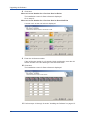
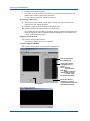
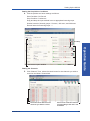
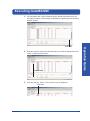
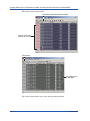
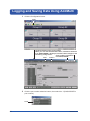
3. Click the Get Info. button. The machine name is displayed.
Appendix
Click here
IM WX1000-01E
43