1
GA-7A8DRL Motherboard
C.
Adaptec Storage Manager Software Installation
Insert the driver CD-title that came with your motherboard into your CD-ROM driver, the driver
CD-title will auto start and show the installation guide. If not, please double click the CD-ROM device
icon in "My computer", and execute the setup.exe.
Installation Procedures:
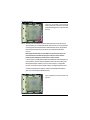
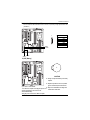
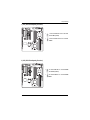
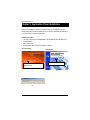
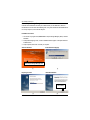
1. The CD auto run program starts, Double click on “Adaptec Storage Manager (32bit)” to start the
installation.
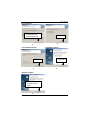
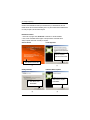
2. Select preferred language. Then, a series of installation wizards appear. Follow up the wizards to
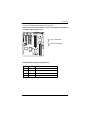
install the drivers.
3. Setup completed, click “Finish” to restart your computer.
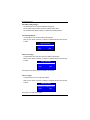
Auto Run windows
Select Preferred Language
1.Click "Adaptec Storage Manager" item
(2)
(1)
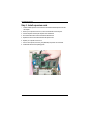
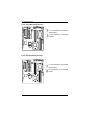
Install Shield Wizard
Preparing to install
4. Click "Next".
(3)
(4)
60