1
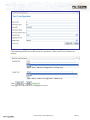
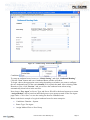
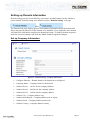
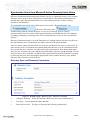
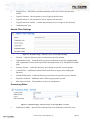
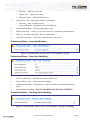
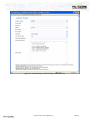
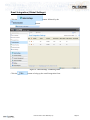
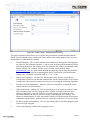
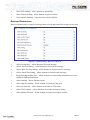
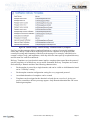
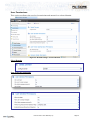
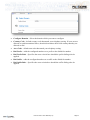
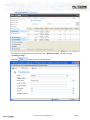
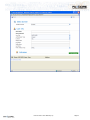
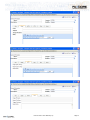
Setting up Domain Information Domain setting can only be modified by a user that is an administrator for the domain or parent domain. Domain setting are available from the “Domain Setting” web page. then The Domain info page displays general and summary information about the domain and allows the general properties of the domain to be modified. Users within the same domain will inherit the information configure the domain info page. To modify domain properties, make the necessary changes and click the “Save” button to apply the changes. Set up Company Information Figure 14 - Domain Settings - Company Information Configure Domain – Domain details to be displayed or configured. Company Name – Company Name for the domain. Address Street 1 – 1st line for the company address. Address Street 2 – 2nd line for the company address. Address Street 3 – 3rd line for the company address. Address City – Company address city. Address State/Region – Company address state or region. Address Postal – Company address postal code. Address Country – company address country. FaxCore 2007™ User Manual (v1.0) Page 16