1
Create Exchange Connector - Route Emails to FaxCore Gateway
Create an Exchange Connector to route emails to the FaxCore Email Gateway on Microsoft
Exchange 2000/2003.
To eliminate IT concerns about installing third-party software on the email server, the Fax
Connector is installed within FaxCore and a new Route is created on the email server.
The Route, created with native Connectors in Exchange, simply forwards messages destined
for a FAX address to the Fully Qualified Domain Name (FQDN) of the FaxCore server.
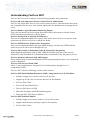
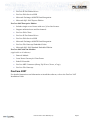
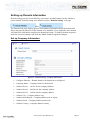
Configuring Exchange to send faxes to FaxCore
1.
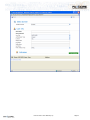
Launch the Exchange System Manager.
For Exchange 2000, select Administrative Groups > Routing Groups > Connectors.
For Exchange 2003, select Connectors.
2.
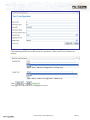
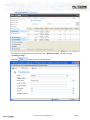
Right-click Connectors and select New from the drop down menu.
3.
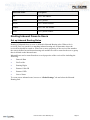
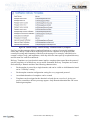
Select SMTP Connector from the short-cut menu.
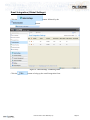
Figure 42 - MS Exchange System Manager
4.
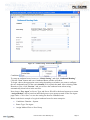
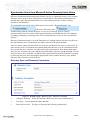
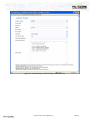
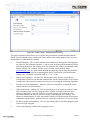
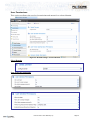
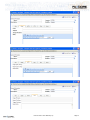
Configure the Connector
a.
Provide a Name for the new Connector.
FaxCore is the recommended name.
b.
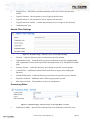
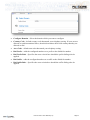
Check “Forward all mail through this connector to the following smart host”
and set the smart host to be the Fully Qualified Domain Name of the FaxCore
server.
c.
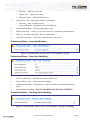
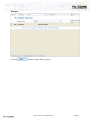
Add a Local Bridgehead, select the exchange server from the list.
Click
and select the server from the list.
FaxCore 2007™ User Manual (v1.0)
Page 36