1
Viewing a Movie
(page 127)
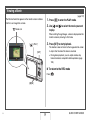
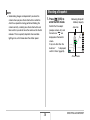
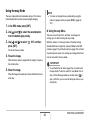
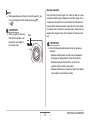
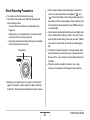
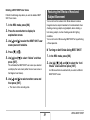
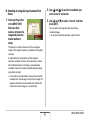
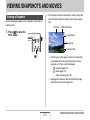
1. Press [
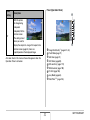
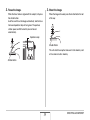
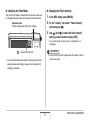
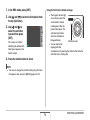
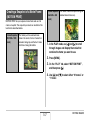
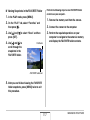
The film-like frame that appears on the monitor screen indicates
that this is an image from a movie.
“
] to enter the PLAY mode.
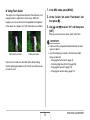
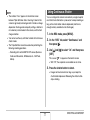
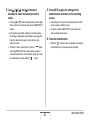
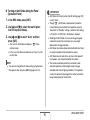
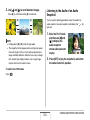
2. Use [W] and [X] to select the movie you want
to play.
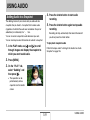
” Movie icon
When scrolling through images, a movie is displayed on the
monitor screen by showing its first frame.
[
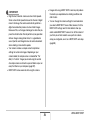
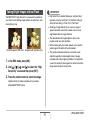
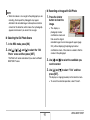
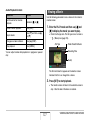
3. Press [SET] to start playback.
] (PLAY)
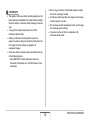
The monitor screen will return to the image selection screen
in step 2 after the end of the movie is reached.
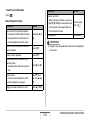
• During movie playback, you can adjust volume, skip
forward and back, and perform other operations (page
128).
[SET]
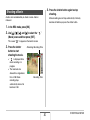
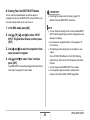
■ To return to the REC mode
Press [
].
[W] [X]
B
19
QUICK START BASICS