1
Deleting a BEST SHOT User Scene
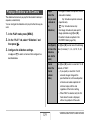
Reducing the Effects of Hand and
Subject Movement
Perform the following steps when you want to delete a BEST
SHOT user scene.
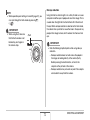
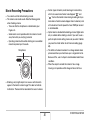
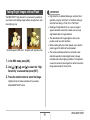
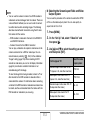
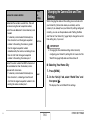
You can turn on the camera’s Anti Shake feature to reduce
image blur due to subject movement or hand movement when
shooting a moving subject using telephoto, when shooting a
fast-moving subject, or when shooting under dim lighting
conditions.
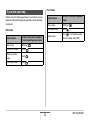
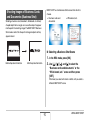
You can turn on Anti Shake using BEST SHOT or by performing
a Panel operation.
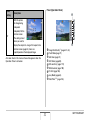
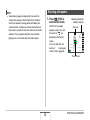
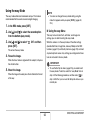
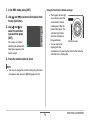
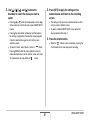
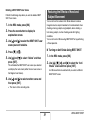
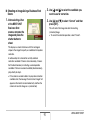
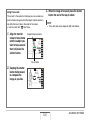
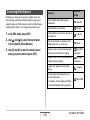
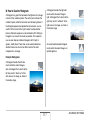
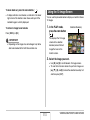
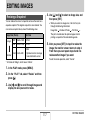
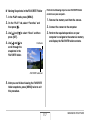
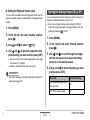
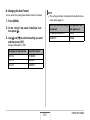
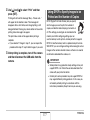
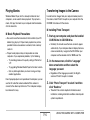
1. In the REC mode, press [BS].
2. Press the zoom button to display its
explanation screen.
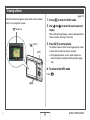
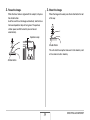
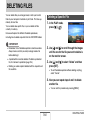
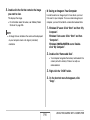
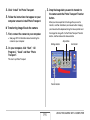
3. Use [W] and [X] to select the BEST SHOT user
scene you want to delete.
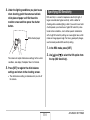
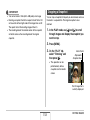
4. Press [T] (
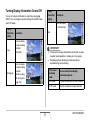
■ Turning on Anti Shake Using BEST SHOT
).
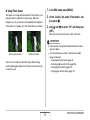
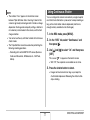
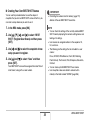
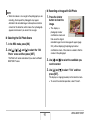
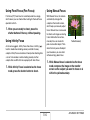
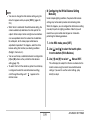
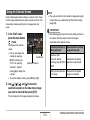
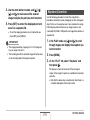
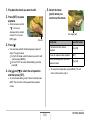
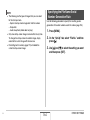
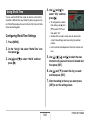
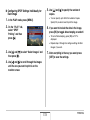
1. In the REC mode, press [BS].
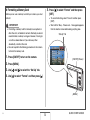
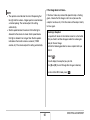
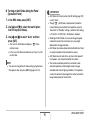
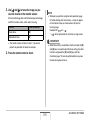
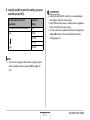
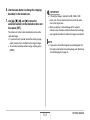
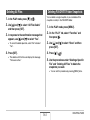
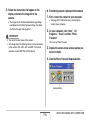
5. Use [S] and [T] to select “Delete” and then
press [SET].
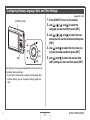
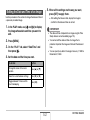
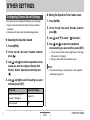
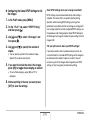
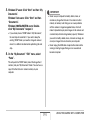
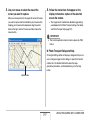
2. Use [S], [T], [W], and [X] to select the “Anti
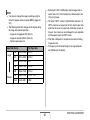
This will delete the BEST SHOT user scene you selected
and display the next screen (either the next user scene or
the Register User Scene).
Shake” scene and then press [SET].
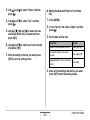
Anti Shake will remain selected until you select a different
BEST SHOT scene.
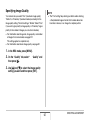
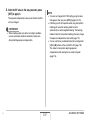
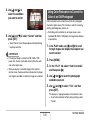
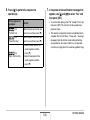
6. Use [W] and [X] to select another scene and
then press [SET].
• This returns to the recording state.
89
USING BEST SHOT