1
HD-TVI DVR User Manual
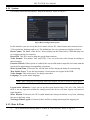
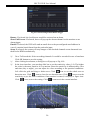
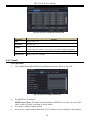
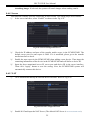
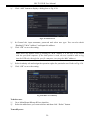
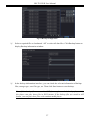
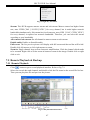
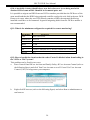
Fig 4-17 Alarm Configuration-Motion Trigger
Buzzer: If selected, the local buzzer would be activated on an alarm.
Show Full Screen: If selected, there will pop up the chosen channel on the monitor on an
alarm trigger.
Email: If selected, the DVR will send an email alert to the preconfigured email address in
case of a motion based alarm from the particular input.
Snap: If selected, the system will snap images of the checked channels on an alarm and save
them in the HDD automatically.
④
⑤
⑥
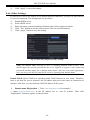
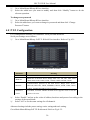
Go to To Record tab. Select recording channels. It would be recorded in case of an alarm.
Click OK button to save the setting.
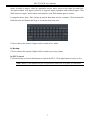
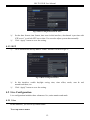
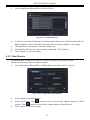
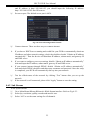
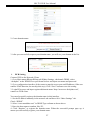
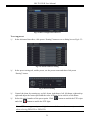
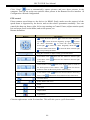
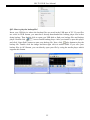
After clicking Area button, a dialog box will pop up as Fig 4-18:
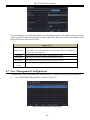
In the Area interface, you can drag slide bar to set the sensitivity value (1-8). The higher
the value is the more sensitive it is to motion. Since the sensitivity is influenced by color
and time (day or night), you can adjust its value according to the practical conditions.
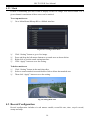
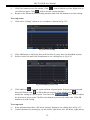
Left click the grid and drag to delete area. Click
icon to set the whole area as
detection area. Click
icon to clear the set detection area. Click
icon to test the
sensitivity as per the local conditions. Once motion is sensed, it displays a figure icon.
Click
icon, to save the setting. Click
icon to exit the current interface.
Fig 4-18 Motion-Area
20