1
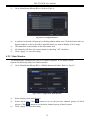
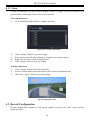
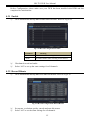
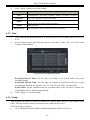
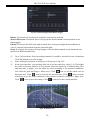
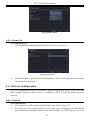
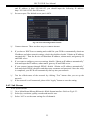
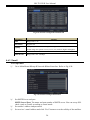
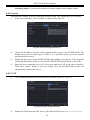
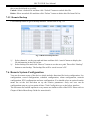
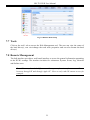
HD-TVI DVR User Manual Fig 4-20 Other Alarm 4.5.4 Alarm Out To set up alarm out: ① Go to Main MenuSetupAlarmAlarm Out. Refer to Fig 4-21: Fig 4-21 Alarm Out ② Checkmark Buzzer and set buzzer alarm hold time. This would trigger the buzzer when the system is on an alarm. 4.6 Network Configuration Network configuration includes six submenus: network, sub stream, Email, server, NAT and other settings. Network settings must be configured if DVR is used for monitoring over network. 4.6.1 Network To set up network: ① Go to Main MenuSetupNetworkNetwork tab. Refer to Fig 4-22: ② Set HTTP port. The default HTTP port is 80. If the value is changed, you shall add the port number when typing IP address in IE address blank. e.g. If HTTP port is set to 82 22