1
117
Main functions
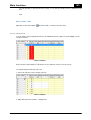
Click to compress
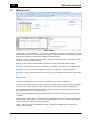
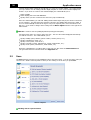
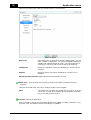
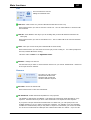
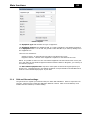
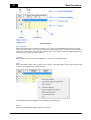
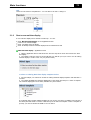
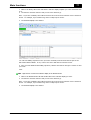
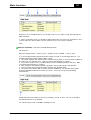
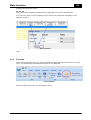
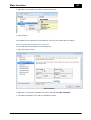
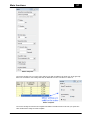
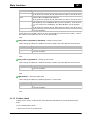
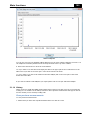
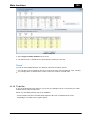
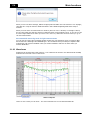
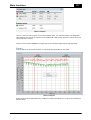
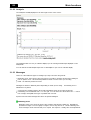
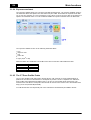
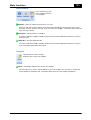
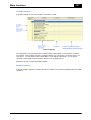
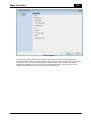
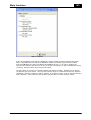
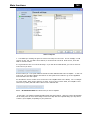
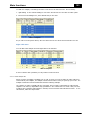
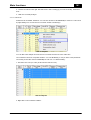
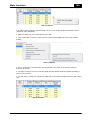
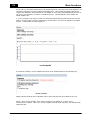
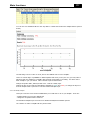
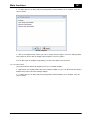
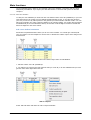
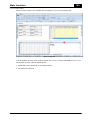
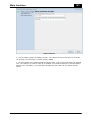
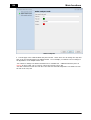
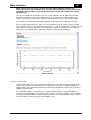
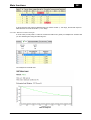
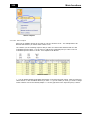
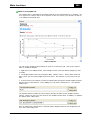
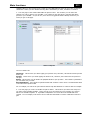
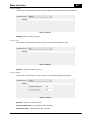
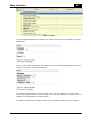
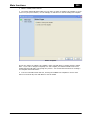
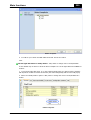
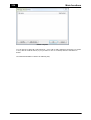
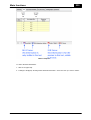
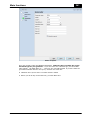
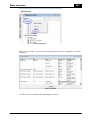
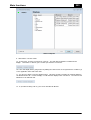
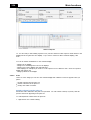
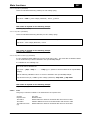
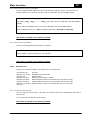
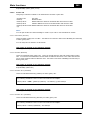
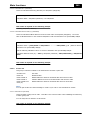
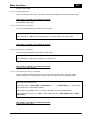
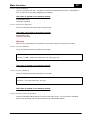
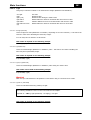
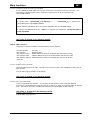
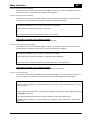
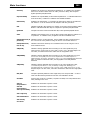
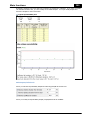
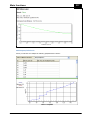
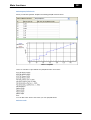
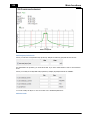
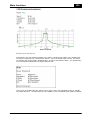
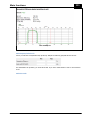
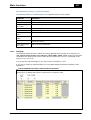
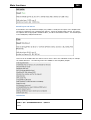
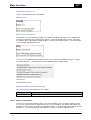
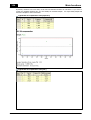
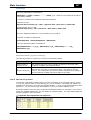
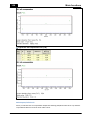
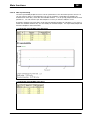
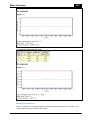
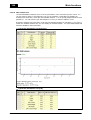
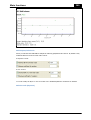
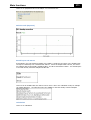
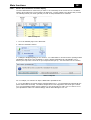
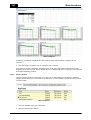
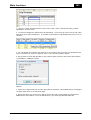
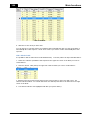
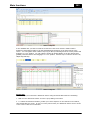
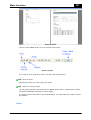
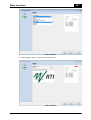
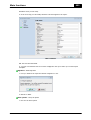
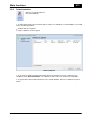
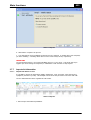
There is a cursor #1 and a cursor #2 for each waveform value. For waveforms where the integrated
value between the cursors are relevant, the integrated value and average (between cursors) are in the
section "Between cursors".
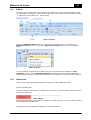
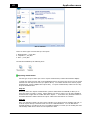
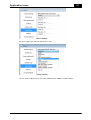
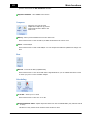
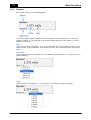
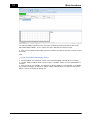
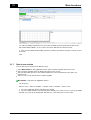
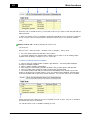
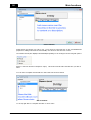
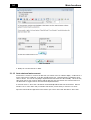
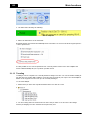
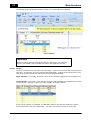
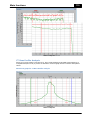
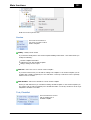
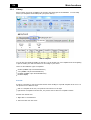
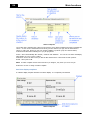
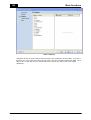
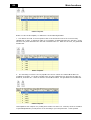
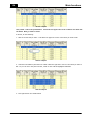
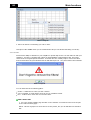
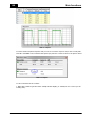
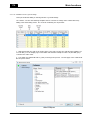
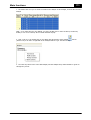
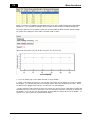
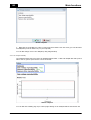
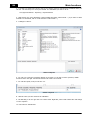
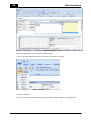
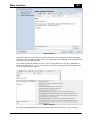
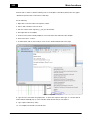
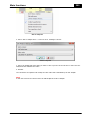
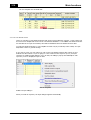
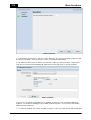
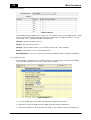
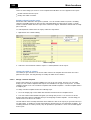
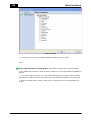
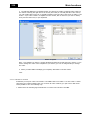
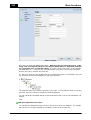
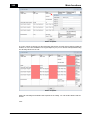
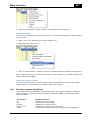
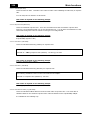
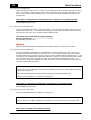
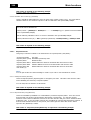
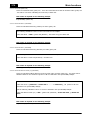
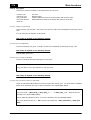
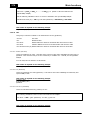
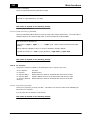
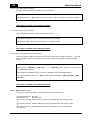
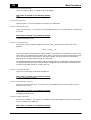
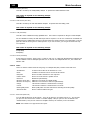
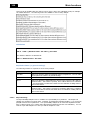
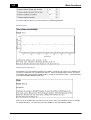
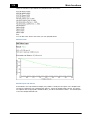
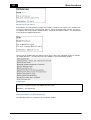
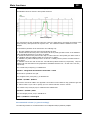
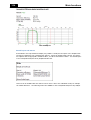
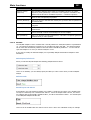
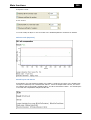
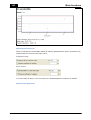
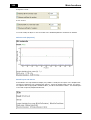
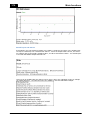
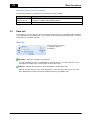
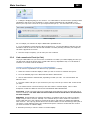
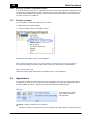
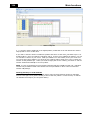
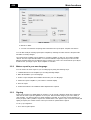
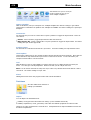
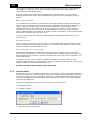
There are two functions available if you right-click on the waveform graph, Export and Smoothing.
Export
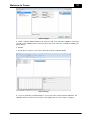
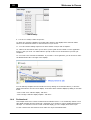
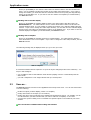
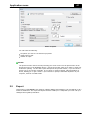
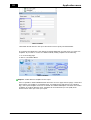
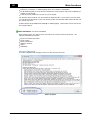
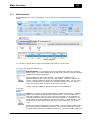
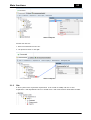
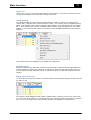
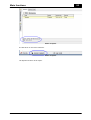
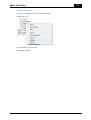
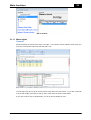
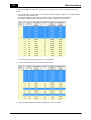
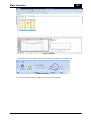
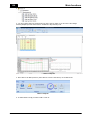
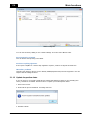
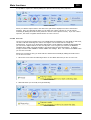
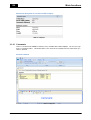
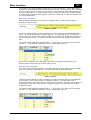
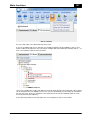
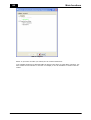
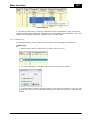
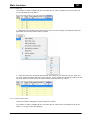
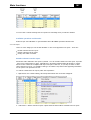
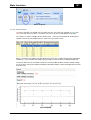
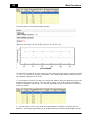
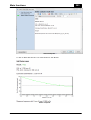
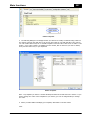
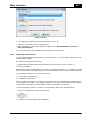
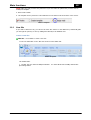
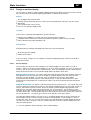
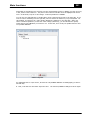
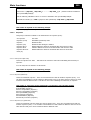
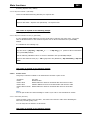
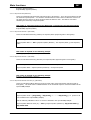
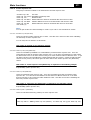
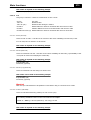
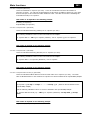
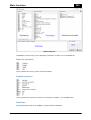
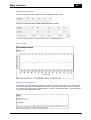
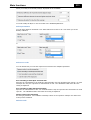
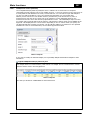
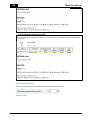
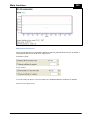
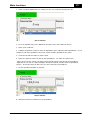
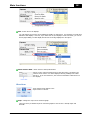
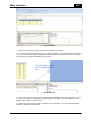
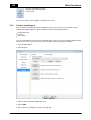
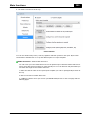
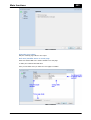
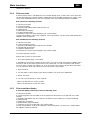
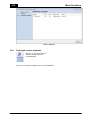
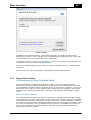
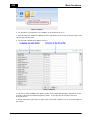
You can export the waveform as values or as an image by right-clicking on the graph:
Click to compress
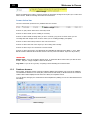
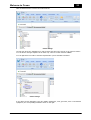
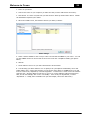
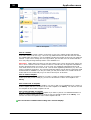
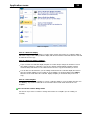
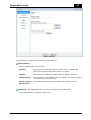
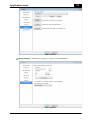
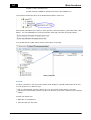
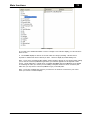
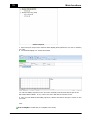
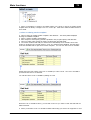
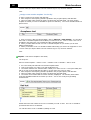
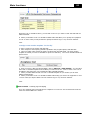
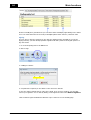
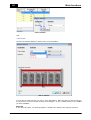
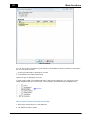
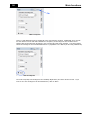
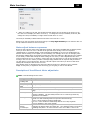
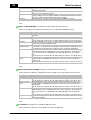
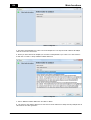
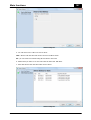
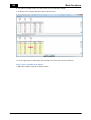
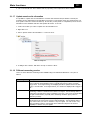
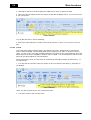
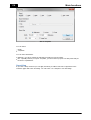
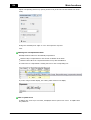
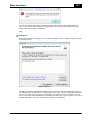
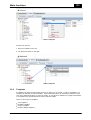
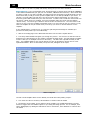
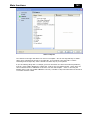
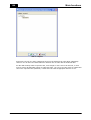
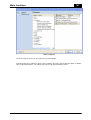
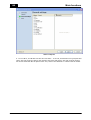
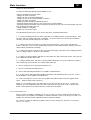
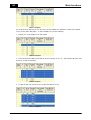
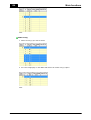
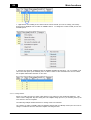
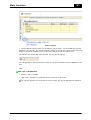
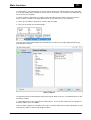
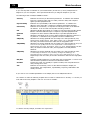
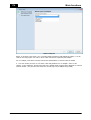
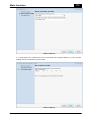
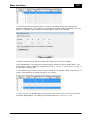
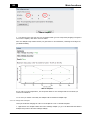
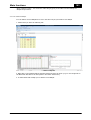
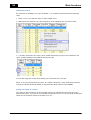
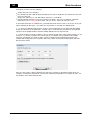
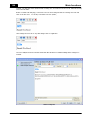
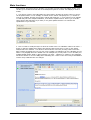
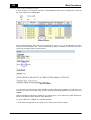
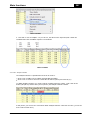
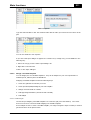
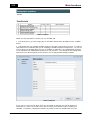
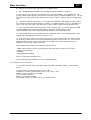
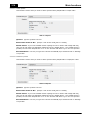
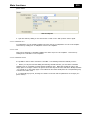
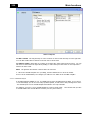
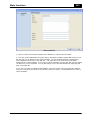
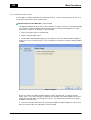
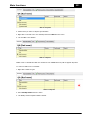
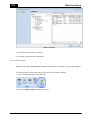
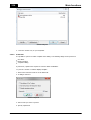
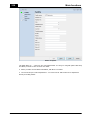
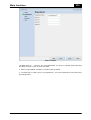
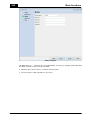
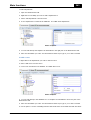
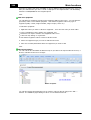
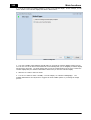
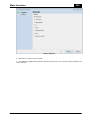
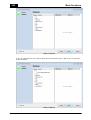
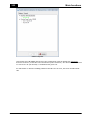
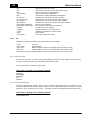
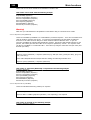
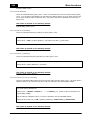
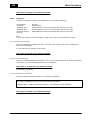
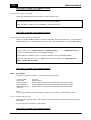
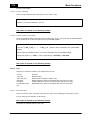
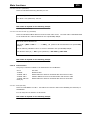
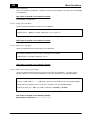
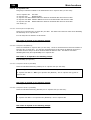
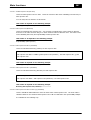
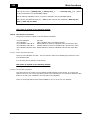
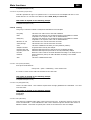
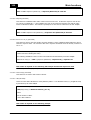
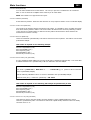
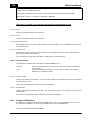
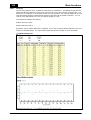
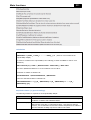
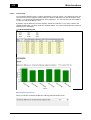
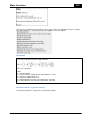
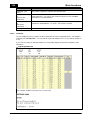
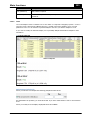
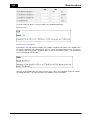
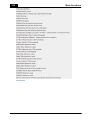
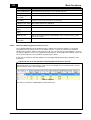
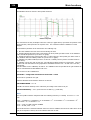
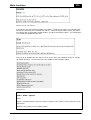
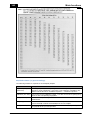
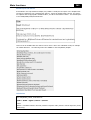
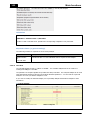
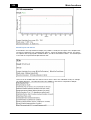
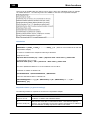
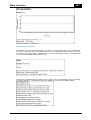
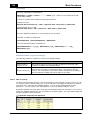
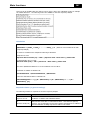
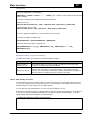
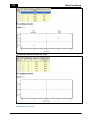
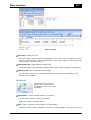
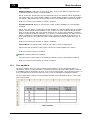
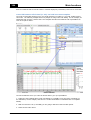
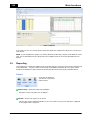
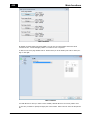
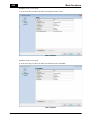
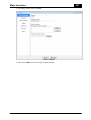
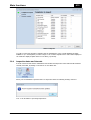
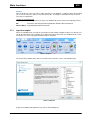
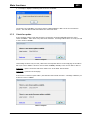
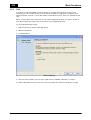
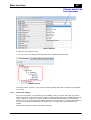
Select Export from the right-click menu. A dialogue is shown that allows you to export the waveform in
different ways:
2012-10-01/2.3A
Ocean Reference Manual