1
10.4.4
Parameter setting for CPU No. 1
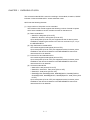
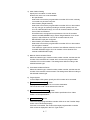
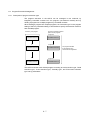
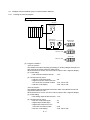
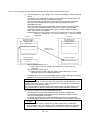
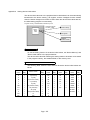
The multiple CPU system requires the following setting, which is unnecessary for
the single CPU system, in the PLC parameter.
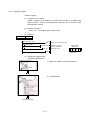
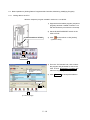
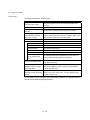
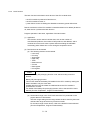
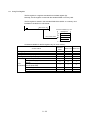
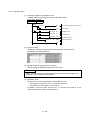
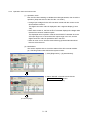
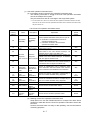
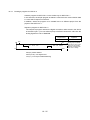
x No. of PLC:
Set the number of QCPUs in the multiple CPU system mounted
on the main base unit.
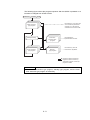
x Control PLC:
Set the CPU which controls the mounted module.
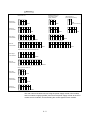
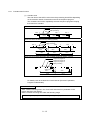
x Refresh setting: Set the points sent by each CPU and the device for storing data
for auto refresh for the device data.
(When auto refresh is not executed, this setting is not required.)
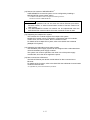
POINT
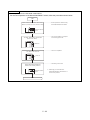
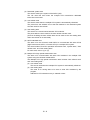
x The parameter (multiple CPU setting, PLC system (No. of empty slot), and I/O
assignment) written into the CPU needs to be the same in all the
QCPUs/motion CPUs used in the multiple CPU system.
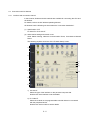
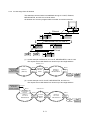
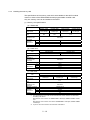
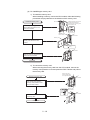
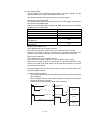
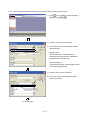
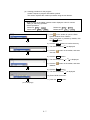
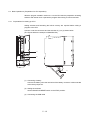
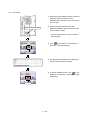
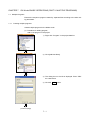
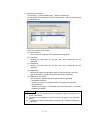
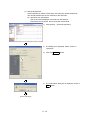
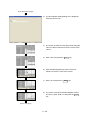
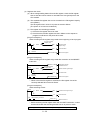
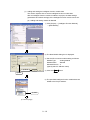
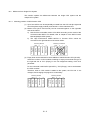
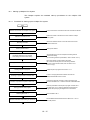
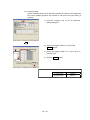
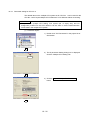
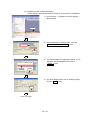
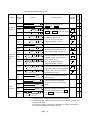
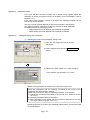
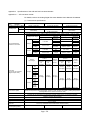
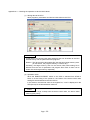
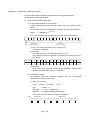
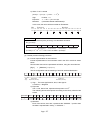
(1) Number of CPUs setting
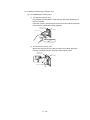
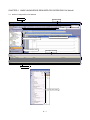
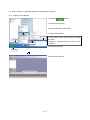
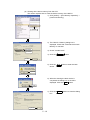
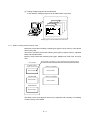
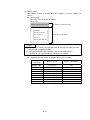
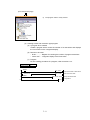
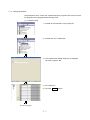
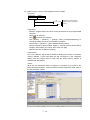
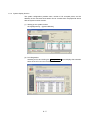
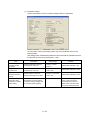
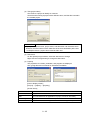
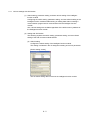
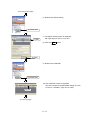
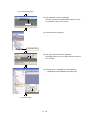
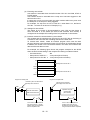
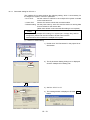
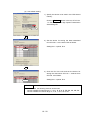
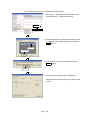
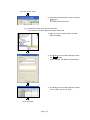
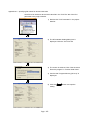
1) Double-click "PLC Parameter" in the project list of
GX Works2.
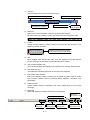
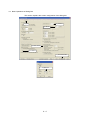
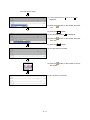
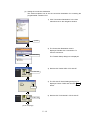
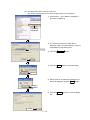
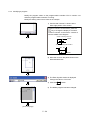
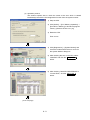
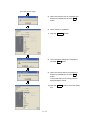
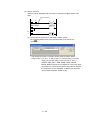
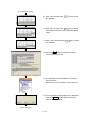
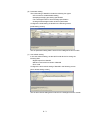
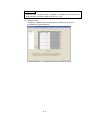
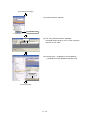
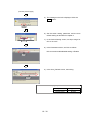
2) The Q parameter Setting dialog box is displayed.
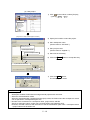
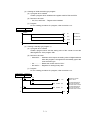
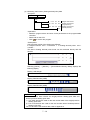
Click the "Multiple CPU Setting" tab.
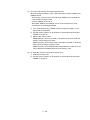
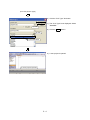
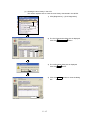
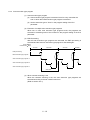
2) Click!
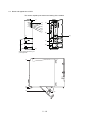
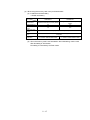
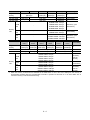
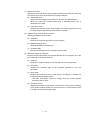
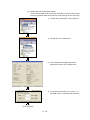
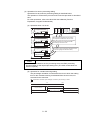
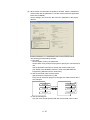
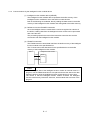
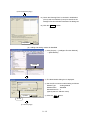
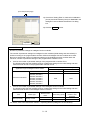
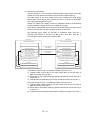
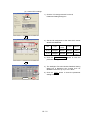
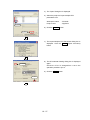
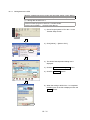
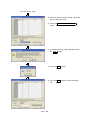
3) Set "No. of PLC" to "2".
3) Select!
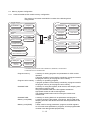
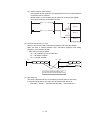
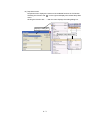
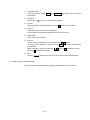
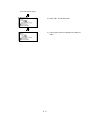
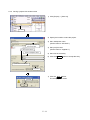
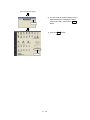
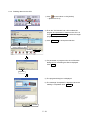
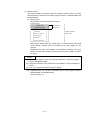
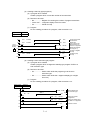
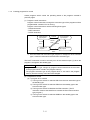
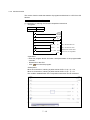
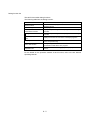
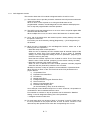
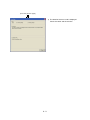
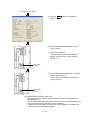
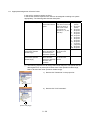
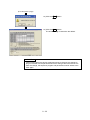
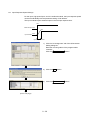
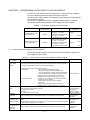
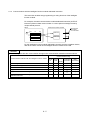
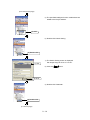
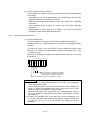
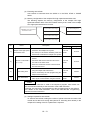
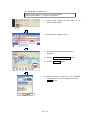
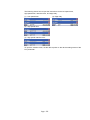
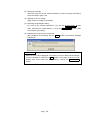
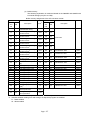
4) The message below is displayed. Click the
button.
10 - 19
Yes