1
Chapter 3 Graphical User Interface
Functions relating to display of a trace
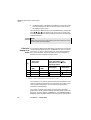
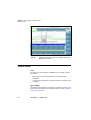
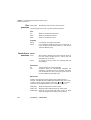
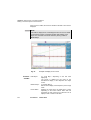
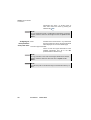
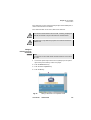
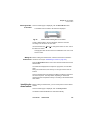
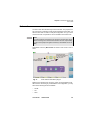
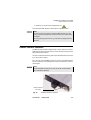
If an unselected cursor has been moved off-screen by a zoom, it can be
brought back on to the screen by selecting it and then pressing one of
the direction keys
or . It will then appear on whichever edge of the
screen is closest to its position.
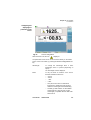
When the cursor function is selected, the keys
vertically.
and
move the trace
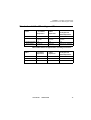
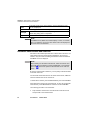
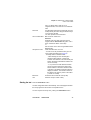
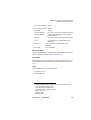
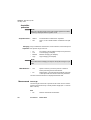
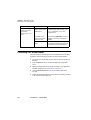
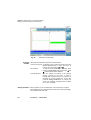
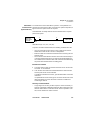
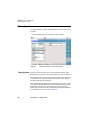
Selection of the Two types of cursors can be defined:
type of cursor
1
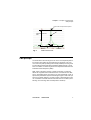
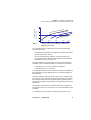
Cursor on X: only a vertical bar is present.
2
Cursor on X and Y: there is a vertical bar and a horizontal bar. The
intersection between these two bars is placed on the trace.
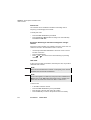
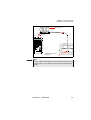
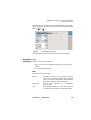
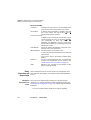
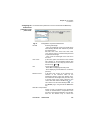
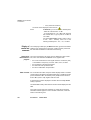
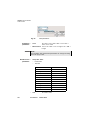
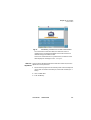
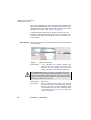
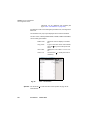
To display the type of cursor selected, click on Advanced. Then select
the key CursorX/CursorY to modify the current choice. Each click on
this key will alternatively insert or delete the check mark against Cursor
Y.
Zoom and Shift
functions
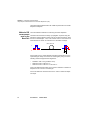
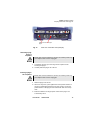
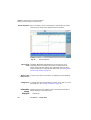
Zoom function The Zoom function is used to analyze part of the trace in greater detail.
In association with Event (OTDR) or Channel (WDM) it enables rapid
checking of a succession of events or channels.
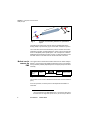
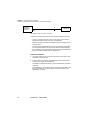
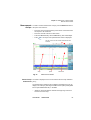
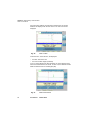
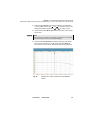
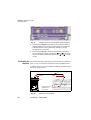
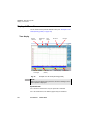
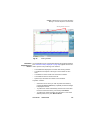
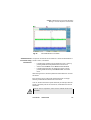
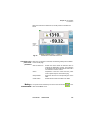
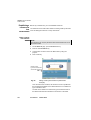
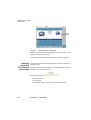
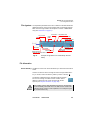
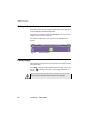
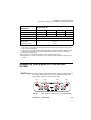
The zoom is centred on the cursor selected. If the two cursors A and B
are selected, the zoom is centred midway between the two cursors.
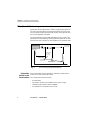
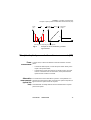
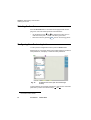
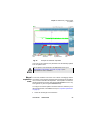
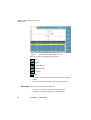
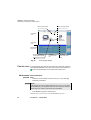
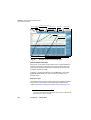
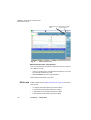
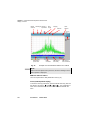
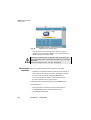
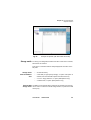
The position of the section of trace displayed with respect to the complete
trace is represented by a red rectangle on the mini-trace at the top lefthand corner of the screen.
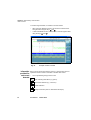
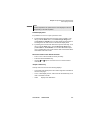
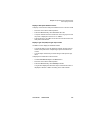
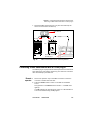
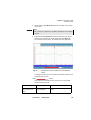
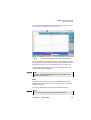
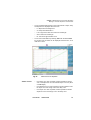
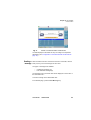
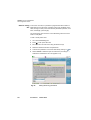
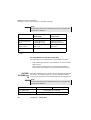
To define a zoom on the trace:
–
select cursor A or B and center it on the zone to be examined
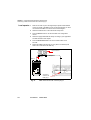
–
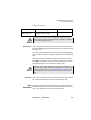
on the Shift/Zoom key, select the Zoom function.
–
use the
User Manual
or
key to increase or reduce the zoom factor.
780000102/09
37