1
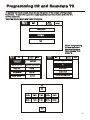
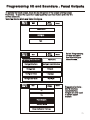
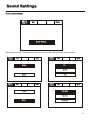
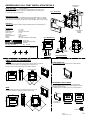
Programming I/O and Sounders . Panel Outputs
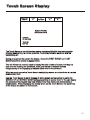
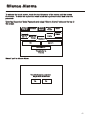
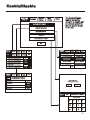
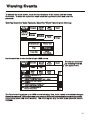
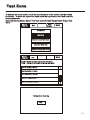
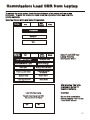
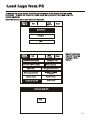
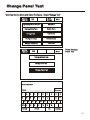
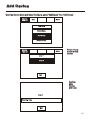
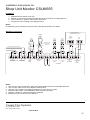
To activate the touch screen, touch the top left corner of the screen until the screen
illuminates. To enter the supervisor mode touch the supervisor button and enter the
service passcode.
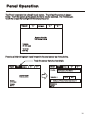
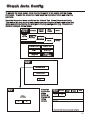
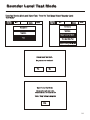
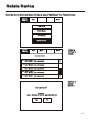
Enter the Service Mode and Select Configure.
Service
FRE off
Exit
Mute
Buzzer
Reset
Mute
Buzzer
Reset
Commission
Configure
Test
Service
FRE off
Exit
Add/Delete
Programming I/O and Sounders
Configure Heat Detectors
Change Date/Time
Change Text
Network
Configure Zones
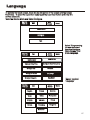
Language
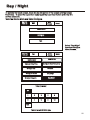
Day/Night
Change User Code
Service
FRE off
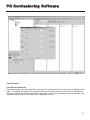
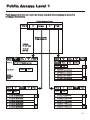
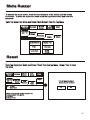
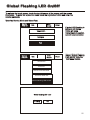
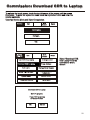
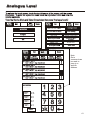
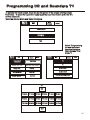
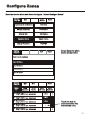
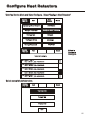
Select “Programming
I/O and Sounders”
from the Configure
Menu Screen.
Mute
Buzzer
Exit
T1
T2
Reset
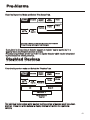
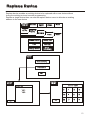
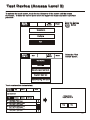
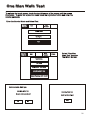
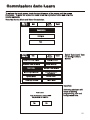
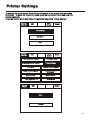
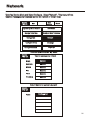
Press panel outputs NOTE Interface
Inputs/Interface
Outputs are only used
in certain export
markets
Panel Outputs
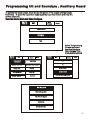
Auxiliary Board
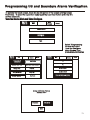
Alarm Verification Features
71