1
For S1500
■ Installing Adobe Acrobat
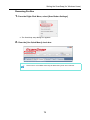
Follow the procedure to install Adobe Acrobat from the Setup DVD-ROM supplied with the
ScanSnap.
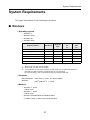
You can use Adobe Acrobat on the following operating systems:
• Windows Vista
• Windows XP (Service Pack 2 or later must be applied)
Additional requirements are as follows:
• Internet Explorer 6.0 or later
• 1024 × 768 or higher resolution
In Adobe Acrobat, you can view the scanned image data with the ScanSnap. You do not have
to install Adobe Acrobat if the latest version is already installed on your computer.
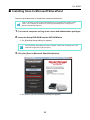
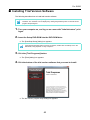
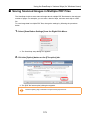
Prepare the Adobe Acrobat DVD-ROM.
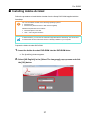
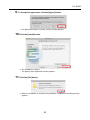
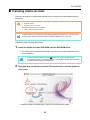
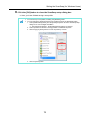
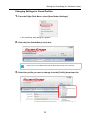
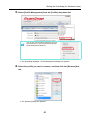
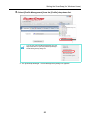
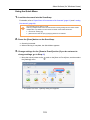
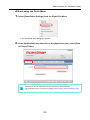
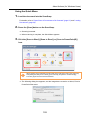
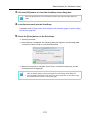
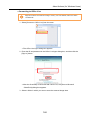
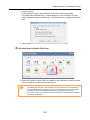
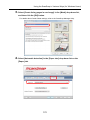
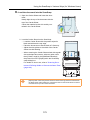
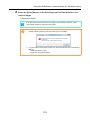
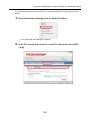
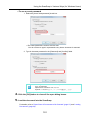
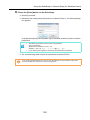
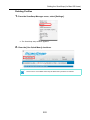
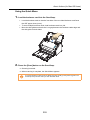
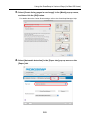
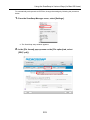
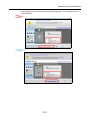
1. Insert the Adobe Acrobat DVD-ROM into the DVD-ROM drive.
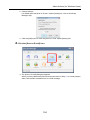
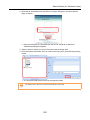
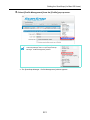
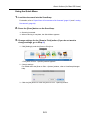
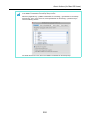
⇒ The [AutoPlay] window appears.
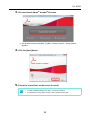
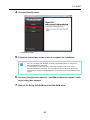
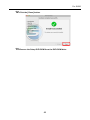
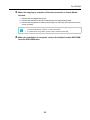
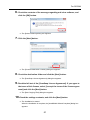
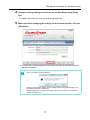
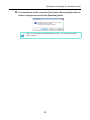
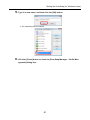
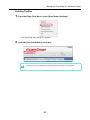
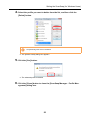
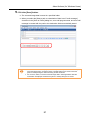
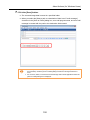
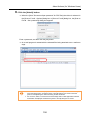
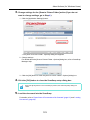
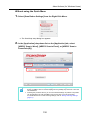
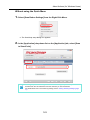
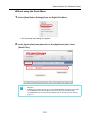
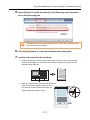
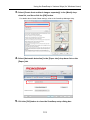
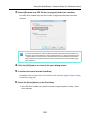
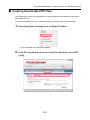
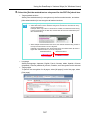
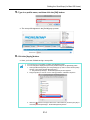
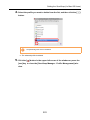
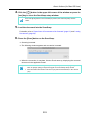
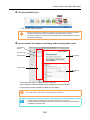
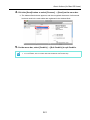
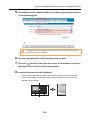
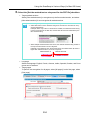
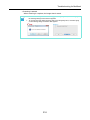
2. Select [US English] in the [Select The Language] pop-up menu and click
the [OK] button.
37