1
Debian Reference
74 / 265
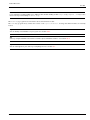
Tip
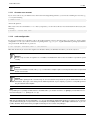
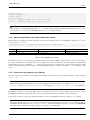
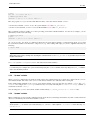
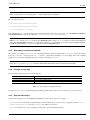
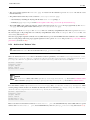
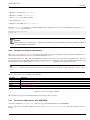
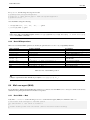
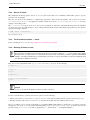
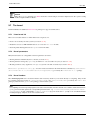
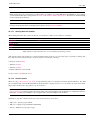
If the archive is located on the local filesystem, you can use "deb file:///home/foo/debian/ ..." instead.
2.7.13
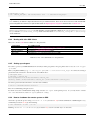
Recording and copying system configuration
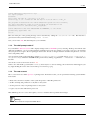
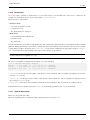
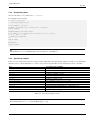
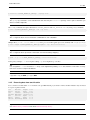
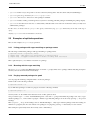
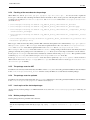
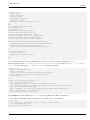
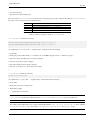
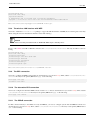
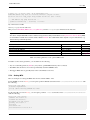
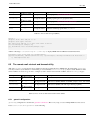
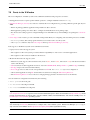
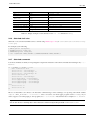
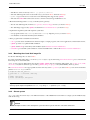
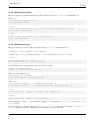
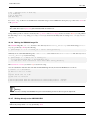
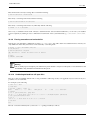
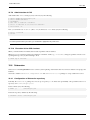
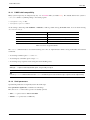
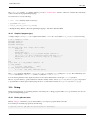
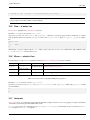
You can make a local copy of the package and debconf selection states by the following.
# dpkg --get-selections ’*’ > selection.dpkg
# debconf-get-selections
> selection.debconf
Here, "*" makes "selection.dpkg" to include package entries for "purge" too.
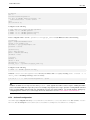
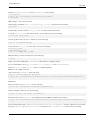
You can transfer these 2 files to another computer, and install there with the following.
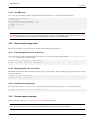
#
#
#
#
dselect update
debconf-set-selections < myselection.debconf
dpkg --set-selections < myselection.dpkg
apt-get -u dselect-upgrade
# or dselect install
If you are thinking about managing many servers in a cluster with practically the same configuration, you should consider to use
specialized package such as fai to manage the whole system.
2.7.14
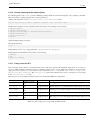
Converting or installing an alien binary package
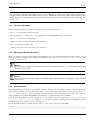
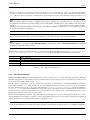
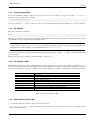
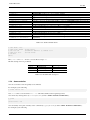
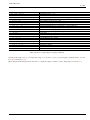
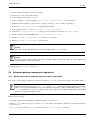
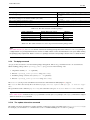
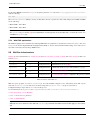
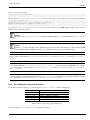
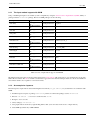
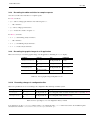
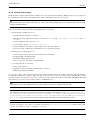
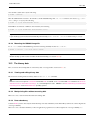
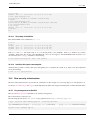
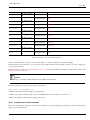
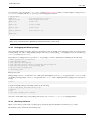
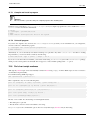
alien(1) enables the conversion of binary packages provided in Red Hat rpm, Stampede slp, Slackware tgz, and Solaris
pkg file formats into a Debian deb package. If you want to use a package from another Linux distribution than the one you
have installed on your system, you can use alien to convert it from your preferred package format and install it. alien also
supports LSB packages.
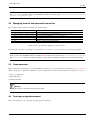
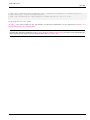
Warning
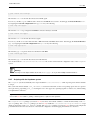
alien(1) should not be used to replace essential system packages, such as sysvinit, libc6, libpam-modules, etc. Practically, alien(1) should only used for non-free binary-only packages which are LSB compliant or
statically linked. For free softwares, you should use their source packages to make real Debian packages.
2.7.15
Extracting package without dpkg
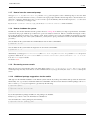
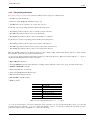
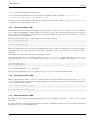
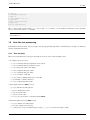
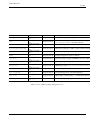
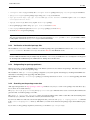
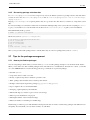
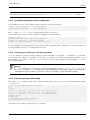
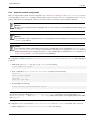
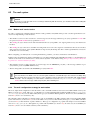
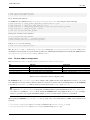
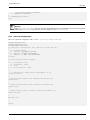
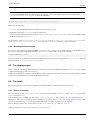
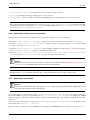
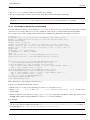
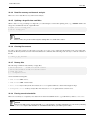
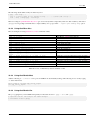
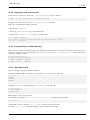
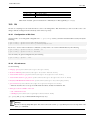
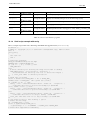
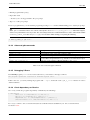
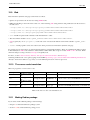
The current "*.deb" package contents can be extracted without using dpkg(1) on any Unix-like environment using standard
ar(1) and tar(1).
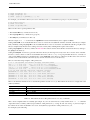
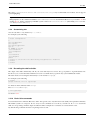
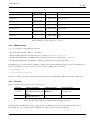
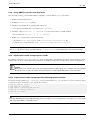
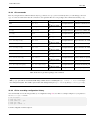
# ar x /path/to/dpkg_<version>_<arch>.deb
# ls
total 24
-rw-r--r-- 1 bozo bozo 1320 2007-05-07 00:11 control.tar.gz
-rw-r--r-- 1 bozo bozo 12837 2007-05-07 00:11 data.tar.gz
-rw-r--r-- 1 bozo bozo
4 2007-05-07 00:11 debian-binary
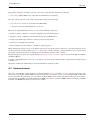
# mkdir control
# mkdir data
# tar xvzf control.tar.gz -C control
# tar xvzf data.tar.gz -C data
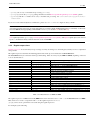
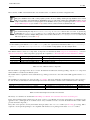
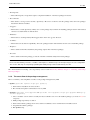
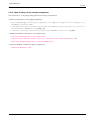
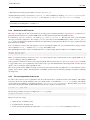
You can also browse package content using the mc command.