1
Debian Reference
62 / 265
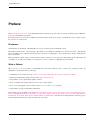
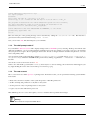
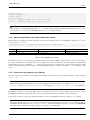
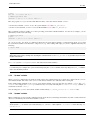
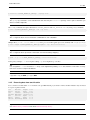
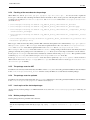
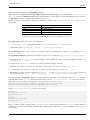
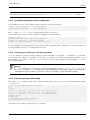
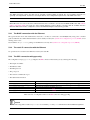
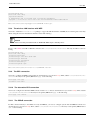
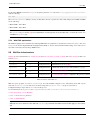
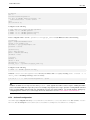
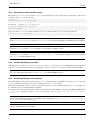
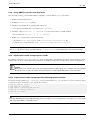
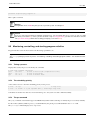
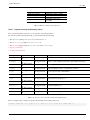
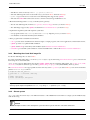
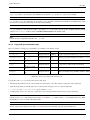
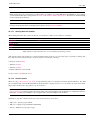
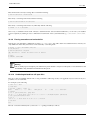
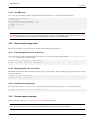
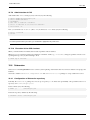
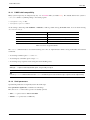
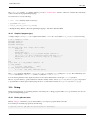
• "/var/lib/dpkg/info/<package_name>.preinst"
• "/var/lib/dpkg/info/<package_name>.postinst"
• "/var/lib/dpkg/info/<package_name>.prerm"
• "/var/lib/dpkg/info/<package_name>.postrm"
Edit the offending package script from the root using following techniques.
• disable the offending line by preceding "#"
• force to return success by appending the offending line with "|| true"
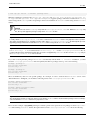
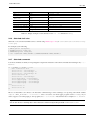
Configure all partially installed packages with the following command.
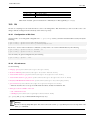
# dpkg --configure -a
2.6.4
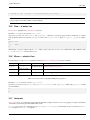
Rescue with the dpkg command
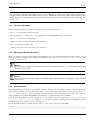
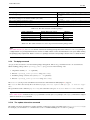
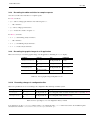
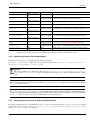
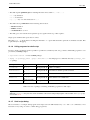
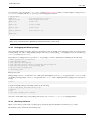
Since dpkg is very low level package tool, it can function under the very bad situation such as unbootable system without
network connection. Let’s assume foo package was broken and needs to be replaced.
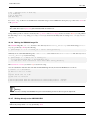
You may still find cached copies of older bug free version of foo package in the package cache directory: "/var/cache/apt/archives/". (If not, you can download it from archive of http://snapshot.debian.net/ or copy it from package cache of a
functioning machine.)
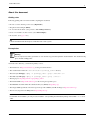
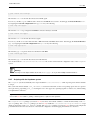
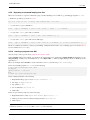
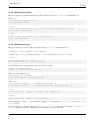
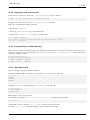
If you can boot the system, you may install it by the following command.
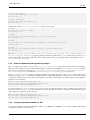
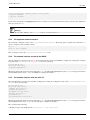
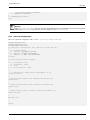
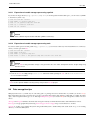
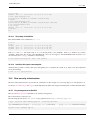
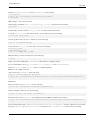
# dpkg -i /path/to/foo_<old_version>_<arch>.deb
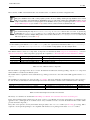
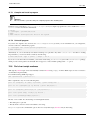
Tip
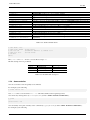
If system breakage is minor, you may alternatively downgrade the whole system as Section 2.7.7 using the higher level APT
system.
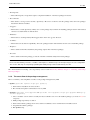
If your system is unbootable from hard disk, you should seek other ways to boot it.
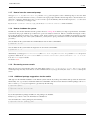
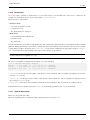
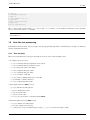
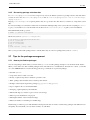
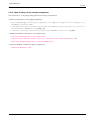
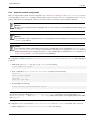
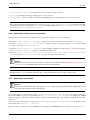
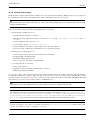
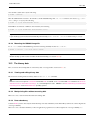
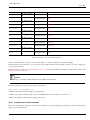
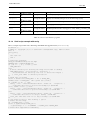
1. Boot the system using the debian-installer CD in rescue mode.
2. Mount the unbootable system on the hard disk to "/target".
3. Install older version of foo package by the following.
# dpkg --root /target -i /path/to/foo_<old_version>_<arch>.deb
This example works even if the dpkg command on the hard disk is broken.
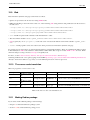
Tip
Any GNU/Linux system started by another system on hard disk, live GNU/Linux CD, bootable USB-key drive, or netboot can be
used similarly to rescue broken system.
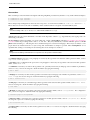
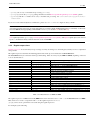
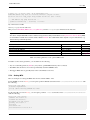
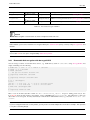
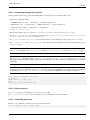
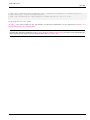
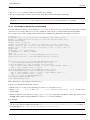
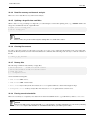
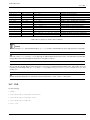
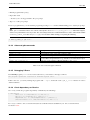
If attempting to install a package this way fails due to some dependency violations and you really need to do this as the last
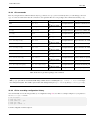
resort, you can override dependency using dpkg’s "--ignore-depends", "--force-depends" and other options. If you
do this, you need to make serious effort to restore proper dependency later. See dpkg(8) for details.
Note
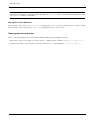
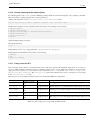
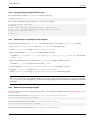
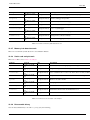
When your system is seriously broken, you should make a full backup of system to a safe place (see Section 10.1.6) and should
perform a clean installation. This is less time consuming and produces better results in the end.