1
Debian Reference
232 / 265
11.1.2
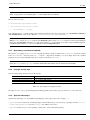
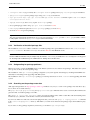
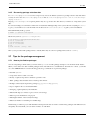
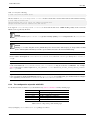
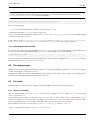
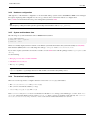
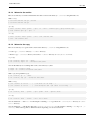
Checking file to be UTF-8 with iconv
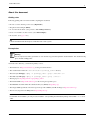
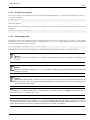
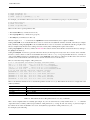
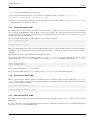
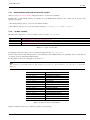
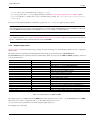
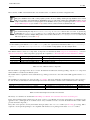
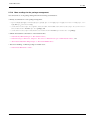
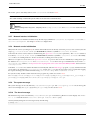
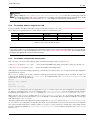
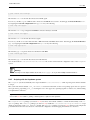
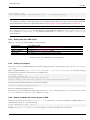
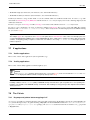
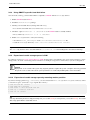
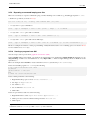
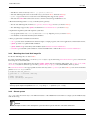
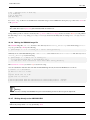
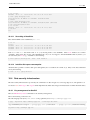
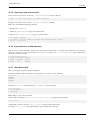
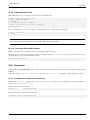
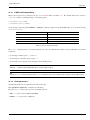
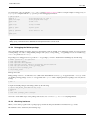
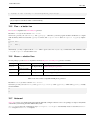
You can check if a text file is encoded in UTF-8 with iconv(1) by the following.
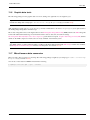
$ iconv -f utf8 -t utf8 input.txt >/dev/null || echo "non-UTF-8 found"
Tip
Use "--verbose" option in the above example to find the first non-UTF-8 character.
11.1.3
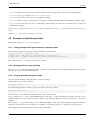
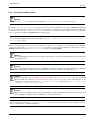
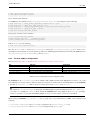
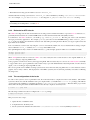
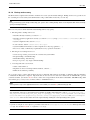
Converting file names with iconv
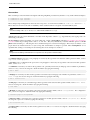
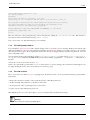
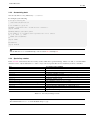
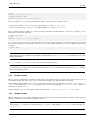
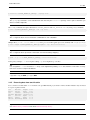
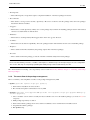
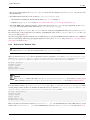
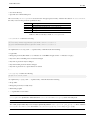
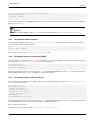
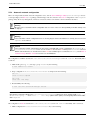
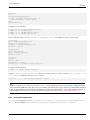
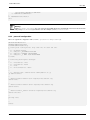
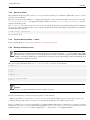
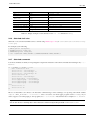
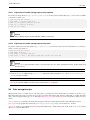
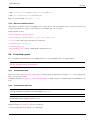
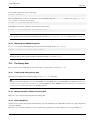
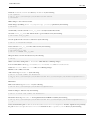
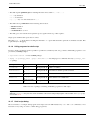
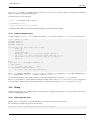
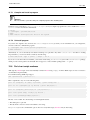
Here is an example script to convert encoding of file names from ones created under older OS to modern UTF-8 ones in a single
directory.
#!/bin/sh
ENCDN=iso-8859-1
for x in *;
do
mv "$x" $(echo "$x" | iconv -f $ENCDN -t utf-8)
done
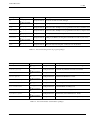
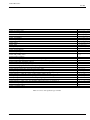
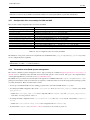
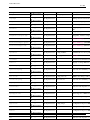
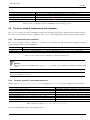
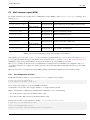
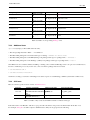
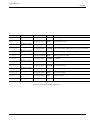
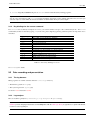
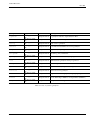
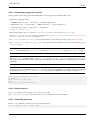
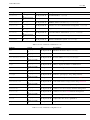
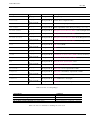
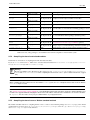
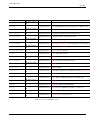
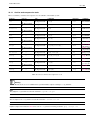
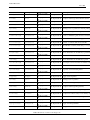
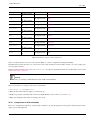
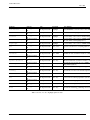
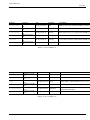
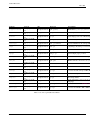
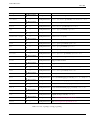
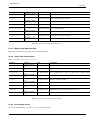
The "$ENCDN" variable should be set by the encoding value in Table 11.2.
For more complicated case, please mount a filesystem (e.g. a partition on a disk drive) containing such file names with proper
encoding as the mount(8) option (see Section 8.3.6) and copy its entire contents to another filesystem mounted as UTF-8 with
"cp -a" command.
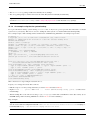
11.1.4
EOL conversion
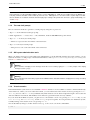
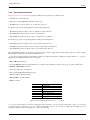
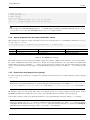
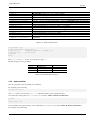
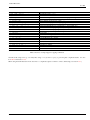
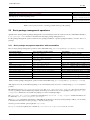
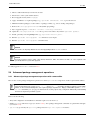
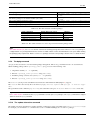
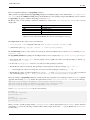
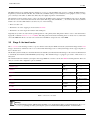
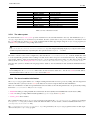
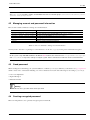
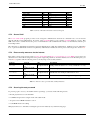
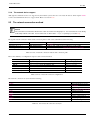
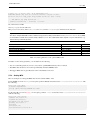
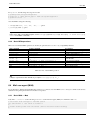
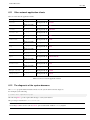
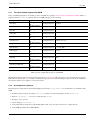
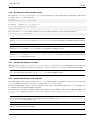
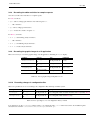
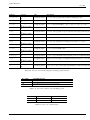
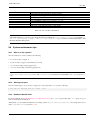
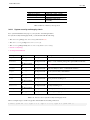
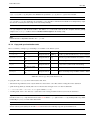
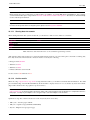
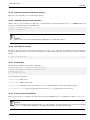
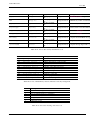
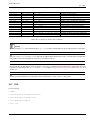
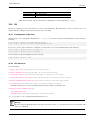
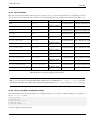
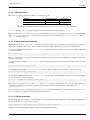
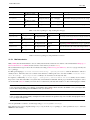
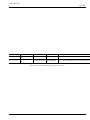
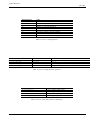
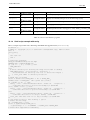
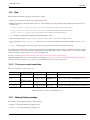
The text file format, specifically the end-of-line (EOL) code, is dependent on the platform.
platform
Debian (unix)
MSDOS and Windows
Apple’s Macintosh
EOL code
LF
CR-LF
CR
control
ˆJ
ˆMˆJ
ˆM
decimal
10
13 10
13
hexadecimal
0A
0D 0A
0D
Table 11.3: List of EOL styles for different platforms
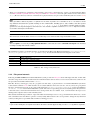
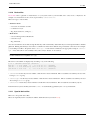
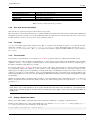
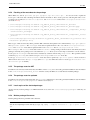
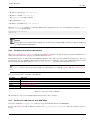
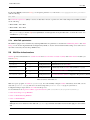
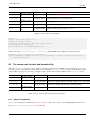
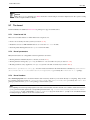
The EOL format conversion programs, fromdos(1), todos(1), frommac(1), and tomac(1), are quite handy. recode(1) is
also useful.
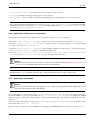
Note
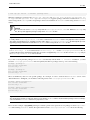
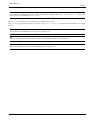
Some data on the Debian system, such as the wiki page data for the python-moinmoin package, use MSDOS style CR-LF
as the EOL code. So the above rule is just a general rule.
Note
Most editors (eg. vim, emacs, gedit, . . . ) can handle files in MSDOS style EOL transparently.
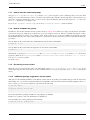
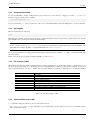
Tip
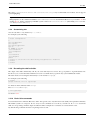
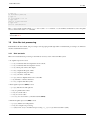
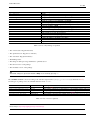
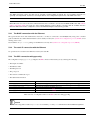
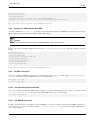
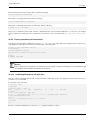
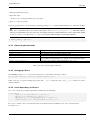
The use of "sed -e ’/\r$/!s/$/\r/’" instead of todos(1) is better when you want to unify the EOL style to the
MSDOS style from the mixed MSDOS and Unix style. (e.g., after merging 2 MSDOS style files with diff3(1).) This is
because todos adds CR to all lines.