1
FPOSS User Manual
INS-MAN-AUS-13271-0079
Page 31 of 48
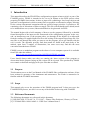
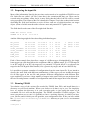
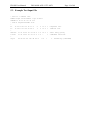
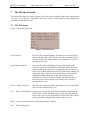
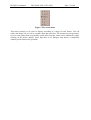
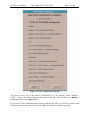
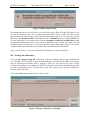
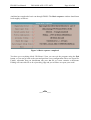
Figure 5 The Zoom menu
This menu permits you to select a display according to a range of scale factors. You can
reduce the image size, as well as expand it from the usual size. The zoom menu just presents a
set of 6 zoom values that are generally useful. More extreme values can be obtained by rightclicking in the mimic display. (Note that there is no dialogue that allows a completely
arbitrary zoom factor to be specified.)