1
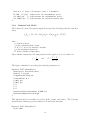
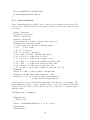
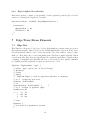
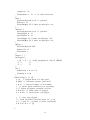
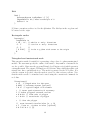
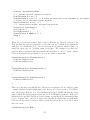
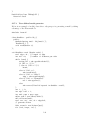
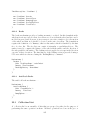
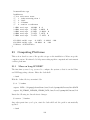
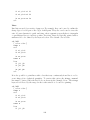
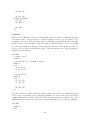
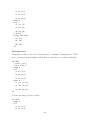
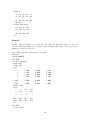
PlotAttributes {
// Select only one
Cylinders
HiResCylinders
Pills
}
}
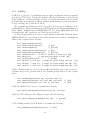
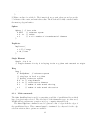
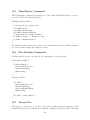
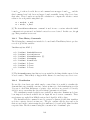
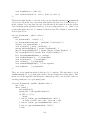
The Pills option is used to render each segment in the shape of a pill, that is a
cylindrical portion with two hemispherical caps. The diameter of the ’pill’ is entered
using the Radius command in the regular section of the input.
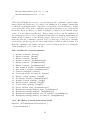
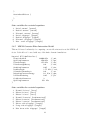
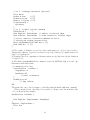
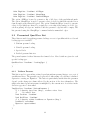
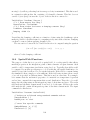
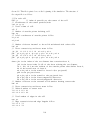
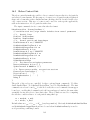
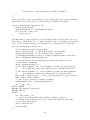
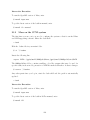
When Cylinders or HiResCylinders is used in Paraview, the data is written in a
special format so that the rendering is done in Paraview using glyphs. These are the
steps in Paraview for rendering the data:
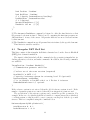
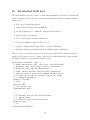
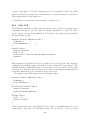
1.
2.
3.
4.
5.
6.
7.
8.
9.
10.
11.
12.
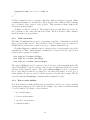
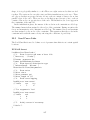
Open plot files corresponding to edge list
Press ’Apply’ button (nothing shows up)
Select ’Filters’ - ’Common’ - ’Glyph’ from main menu
Set ’GlyphType’ to ’Cylinder’
Set ’Resolution’ value to 30 or higher
Set ’Radius’ value to desired value
Leave ’Capping’ checked
Set the ’Glyph Transform’ ’Rotate’ value to (0, 0, 90)
Set ’Scale Mode’ to ’scalar’
Check ’Edit’ and set ’Set Scale Factor’ to 1. or slightly higher
Press ’Apply’ button (the cylinders should show up)
In the Display tab, change ’Color by’ to ’Solid Color’
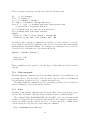
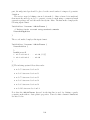
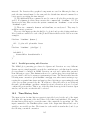
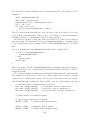
Step 8 is necessary to have the cylinder aligned with the direction of the edge. This may
be corrected in newer versions of Paraview and this step may no longer be necessary.
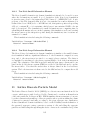
Steps 9 and 10 are intended to scale the height of the cylinder to the length of the
edges. If the edges form a curved line, it is necessary to use a value greater than 1. to
avoid gaps on the convex side of the line.
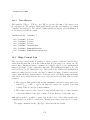
7.2
Beam Lists
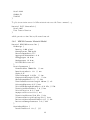
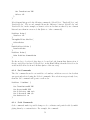
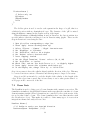
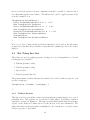
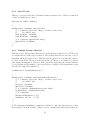
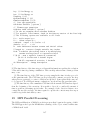
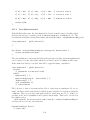
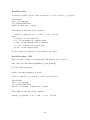
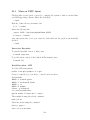
The BeamList is used to define a set of beam elements with constant cross section. The
formulation is similar to the QPH shell element, in the sense that the centerline of a beam
element remains straight. Shear deformations are controlled by the rotation rates of the
two nodes that define a beam. The beam formulation has a modular interface with
the CrossSection object. This makes it possible to define many types of cross-section
integration schemes and easily add new ones.
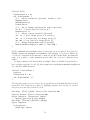
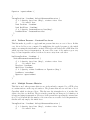
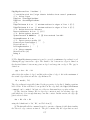
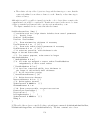
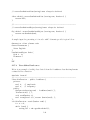
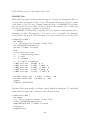
BeamList Rebars {
// 1) RefSys is used to set beam 2nd direction
ReferenceSystem ’RefSysName’ // {1}
69