1
Selecting Notes
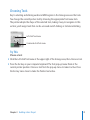
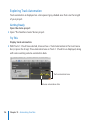
You’ll use the Pointer tool to select note events in the Piano Roll Editor.
Getting Ready
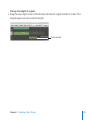
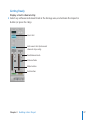
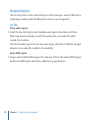
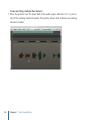
mm Open the Piano Roll Editor by pressing the P key.
Try This
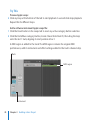
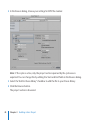
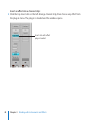
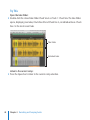
Select note events:
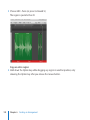
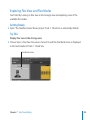
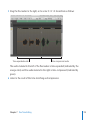
mm Click any note event in the Piano Roll area. The note event is selected and is played
back at the same time.
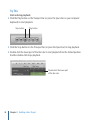
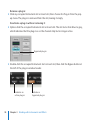
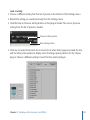
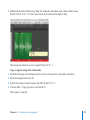
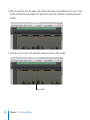
mm Click the Piano Roll background, then drag across several note events.
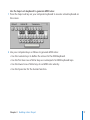
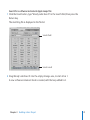
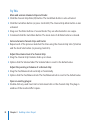
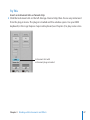
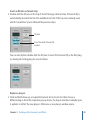
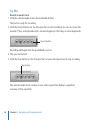
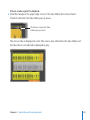
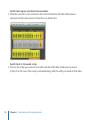
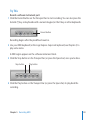
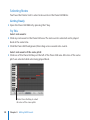
Select note events of the same pitch:
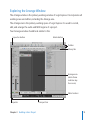
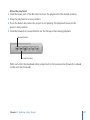
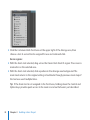
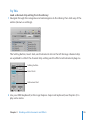
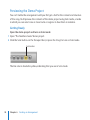
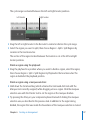
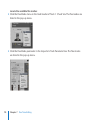
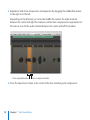
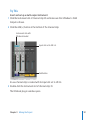
mm Click one of the Piano Roll keys at the left of the Piano Roll area. All notes of the same
pitch are selected while also being played back.
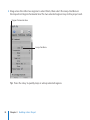
Click a Piano Roll key to select
all notes of the same pitch.
128
Chapter 8    Editing MIDI Events