1
Web-DIMS User Manual
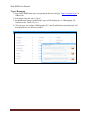
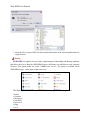
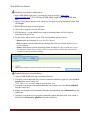
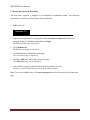
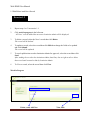
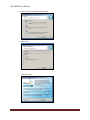
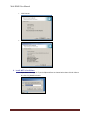
6. Fill in user information (name, password, and email) , and select user status.
7. Press Save button to create user account and it will be listed below in the same page.
Disable/Enable user
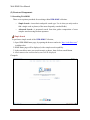
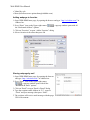
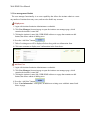
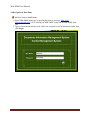
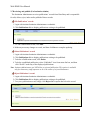
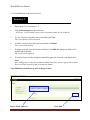
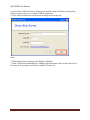
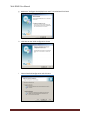
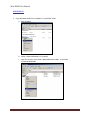
1. Login with institute Institution Administrator credentials.
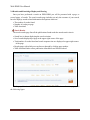
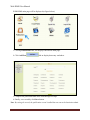
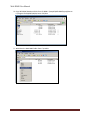
2. Click User Manager from main page to open the institute user manager page, which
contains the institute’s name link.
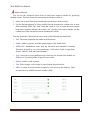
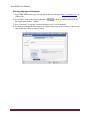
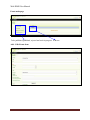
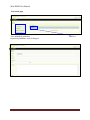
3. Clicking the institute’s name link, WEB-DIMS redirects to a page that contains an add
button, that allows admin of adding users.
.
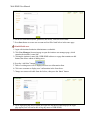
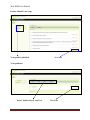
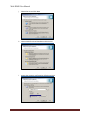
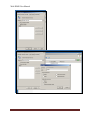
4. Press the “Add New” button
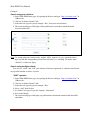
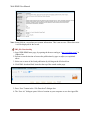
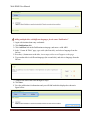
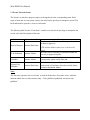
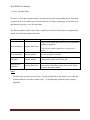
5. Table of existing users will be displayed below user information form.
6. Click on a username to display user’s information in the form above.
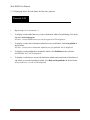
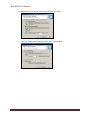
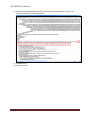
7. Change user status to disable from the list box, then press the “Save” button.
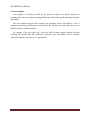
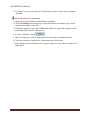
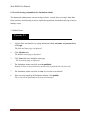
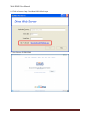
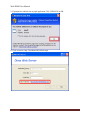
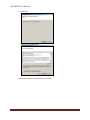
8. Try to login using this user account, the login fails and WEB-DIMS displays the login
page again (User will not be able to log any more to WEB-DIMS).
21